6.4 Transfer Procedure (Using a Communication Cable)
6-32
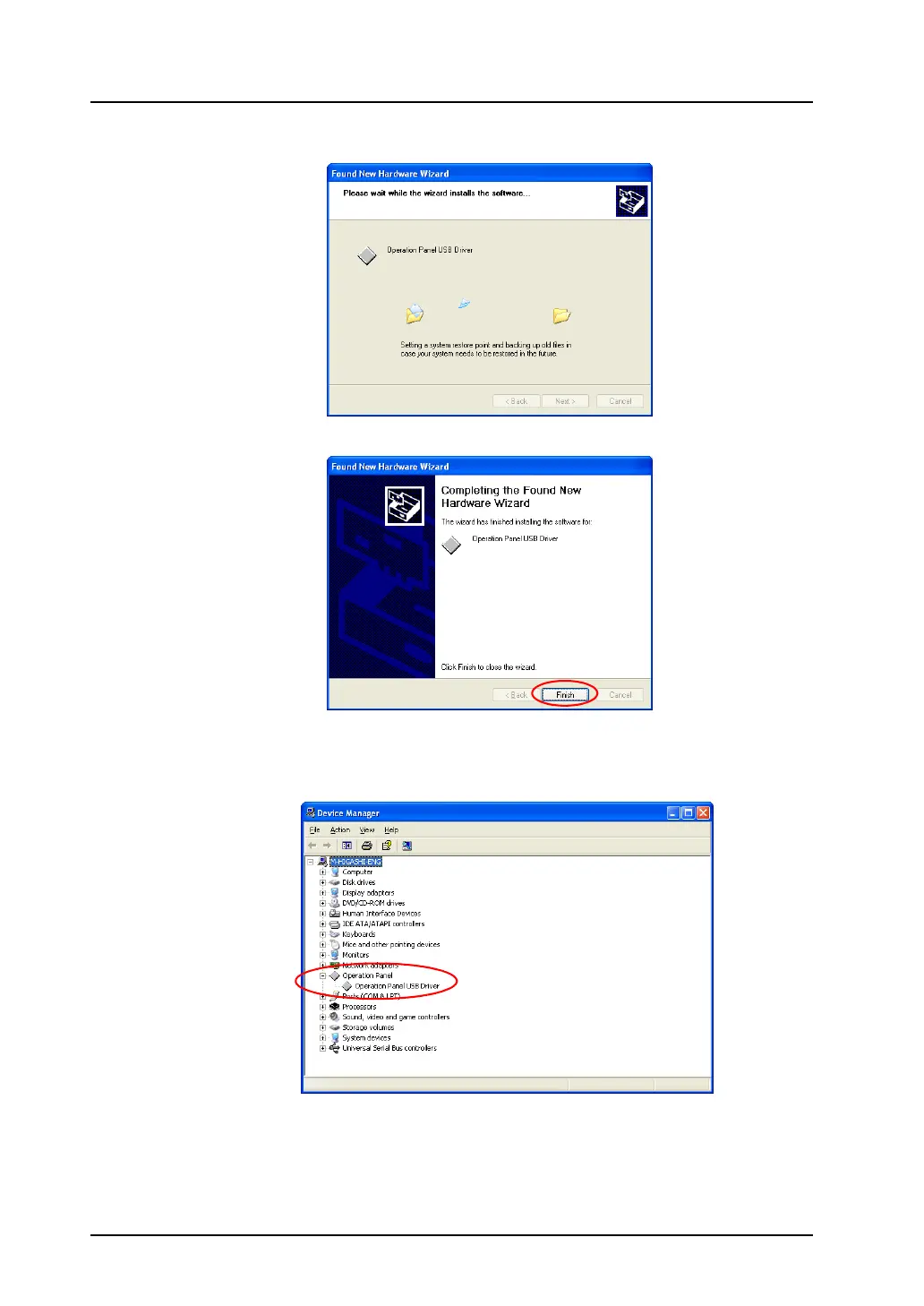
11. The driver installation is started.
12. The dialog shown below is displayed on completion of installation. Click [Finish].
USB driver recognition
When the driver has been installed successfully, the [Device Manager] window shows “Operation
Panel - Operation Panel USB Driver.”
This option disappears when MONITOUCH is disconnected from the computer.
If [Other Device] or [?] is shown even while the connection via USB is maintained, the USB driver is not
recognized. If this occurs, uninstall the USB driver once and reinstall it.



 To Next Page