6.5 Transfer Procedure (Using a Card)
6-45
6
Transfer with V8
3. When checking the setting for [Communication Port] and [Baud Rate], click [OK].
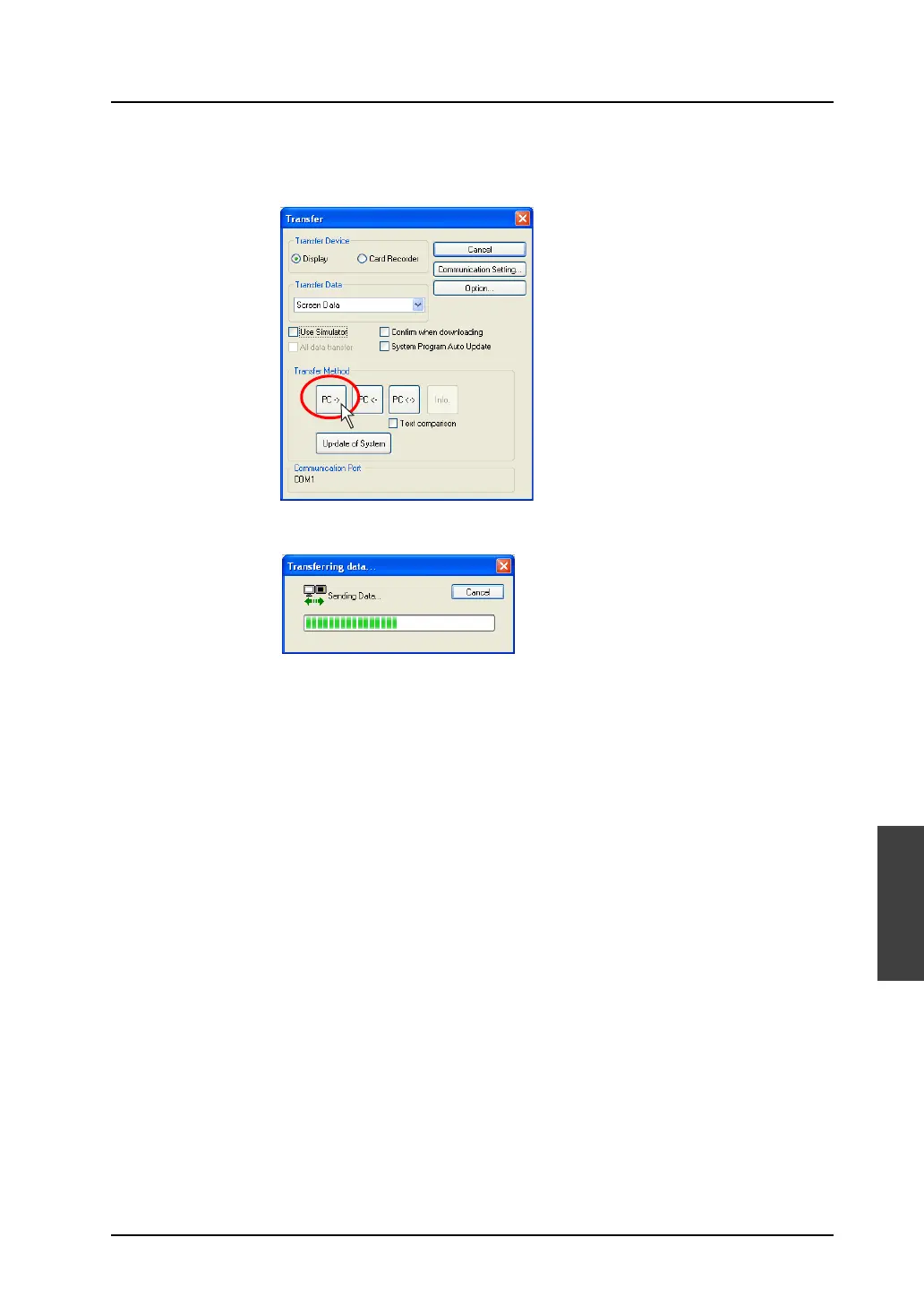
The former [Transfer] dialog is displayed again.
Click the [PC ->] button. Data transfer is started.
4. During data transfer, the following dialog is displayed.
5. When the data transfer is completed, the display indicating that the data transfer is in process
disappears.
Data transfer has been completed.



 To Next Page