3.6 Parts
3-58
2. Open the [Coordinates] tab window.
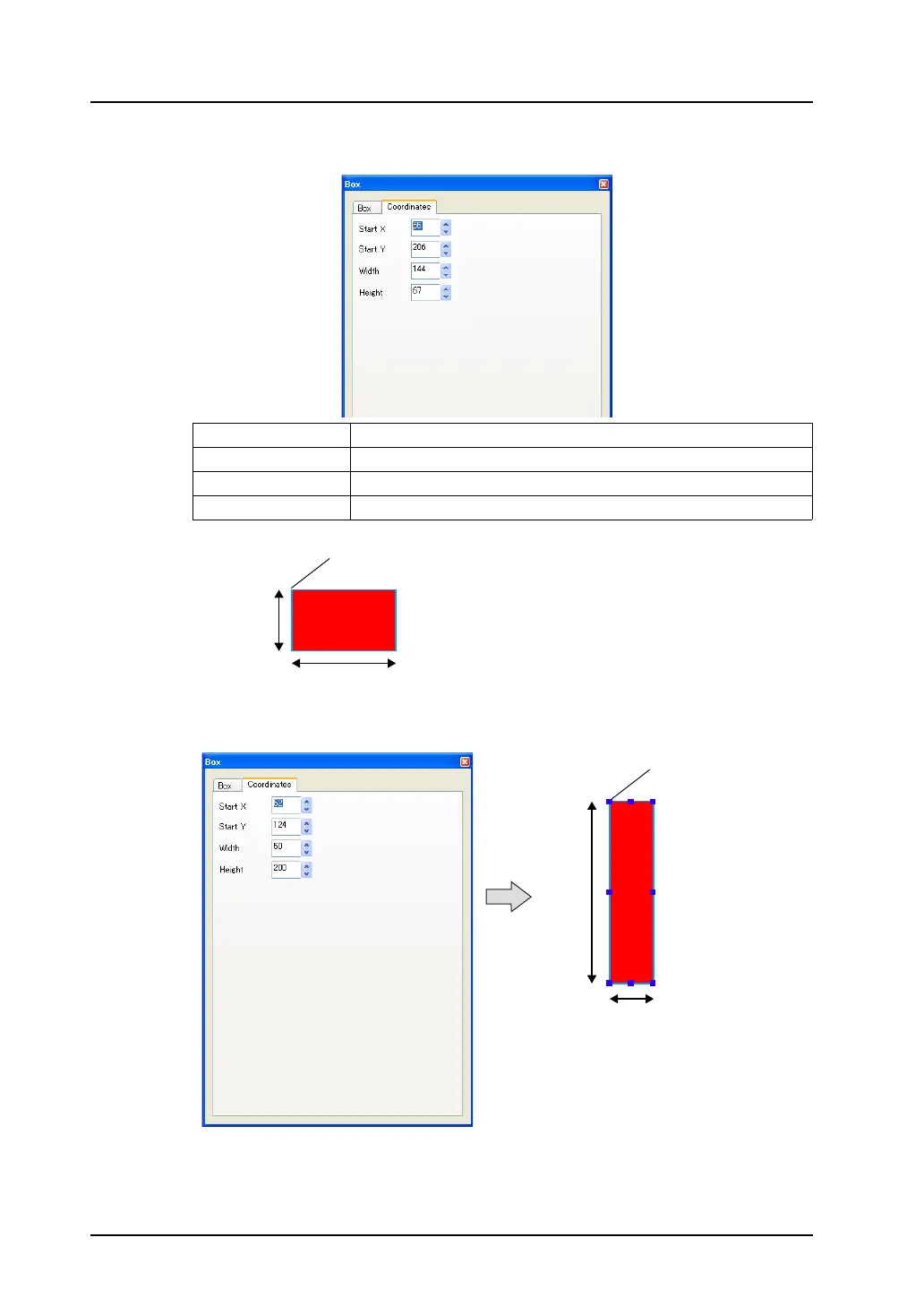
3. When an arbitrary value is specified, the box on the screen is moved or transformed accordingly.
Start X (dots) Specifies the X coordinate of upper left of the box.
Start Y (dots) Specifies the Y coordinate of upper left of the box.
Width (dots) Specifies the width of the box.
Height (dots) Specifies the height of the box.
Start point (X, Y)
Height
Width
Transformed according
to the value set for
[Width] and [Height].
(52, 124)
200
50



 To Next Page