3.7 Parts Placement and Setting
3-69
3
Screen Editing
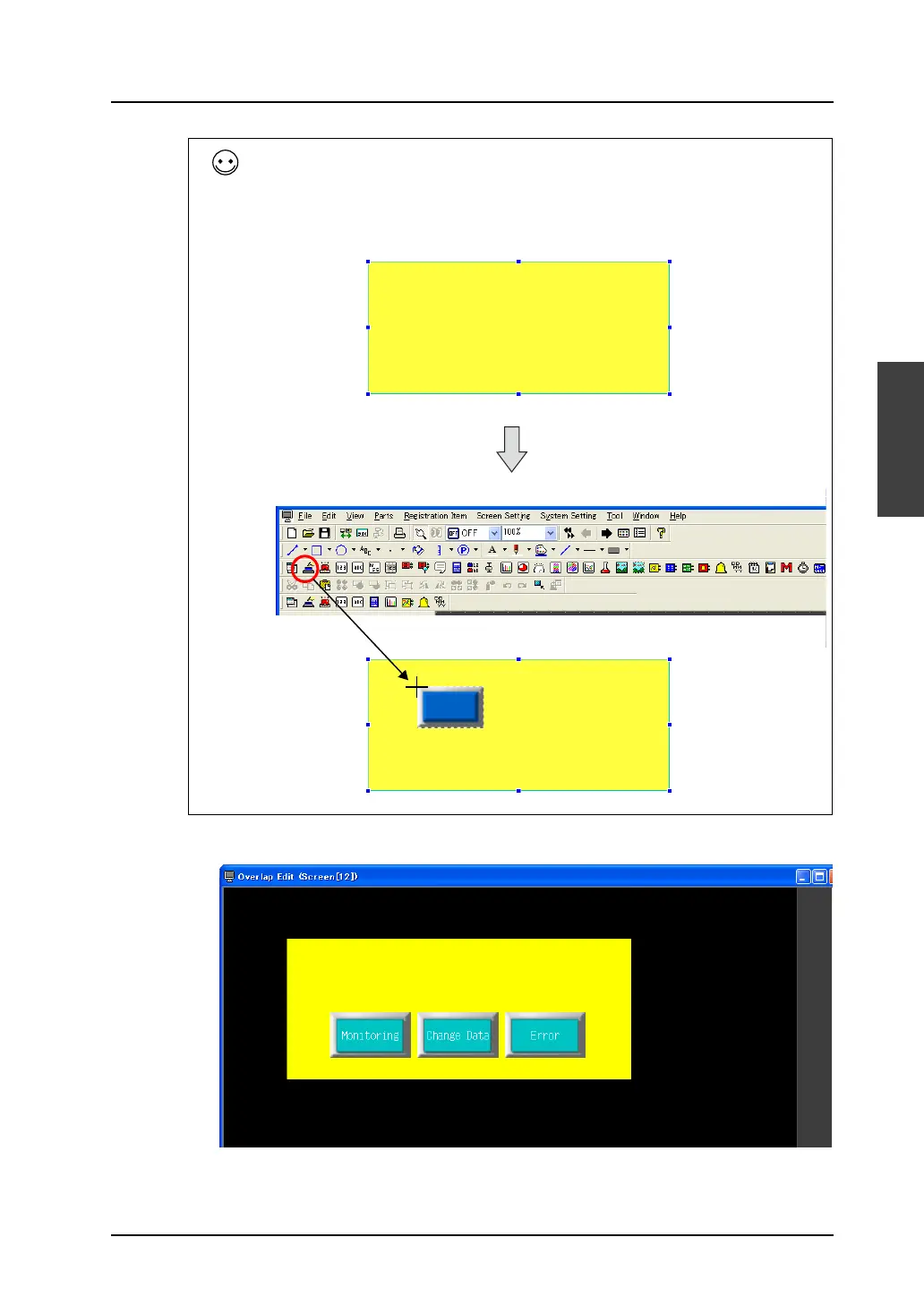
5. Make copies of the placed switch part, and place text on the switch parts.
You can also place an item on the overlap display in the following manner without switching the
window with [Overlap Editing].
While the overlap display is selected with handles, click the [Switch] icon and drag the switch part to
the screen.
When the switch part is moved to the overlap display, click the mouse.
The switch part is placed on the overlap display.
Select the overlap.
Drag the mouse to move the switch part to the overlap display.



 To Next Page