4.3 Drawing Methods
4-12
You can register eight additional tiles as required.
For the procedure of registering user-defined tiles, refer to “5.15 Tile” (page 5-69).
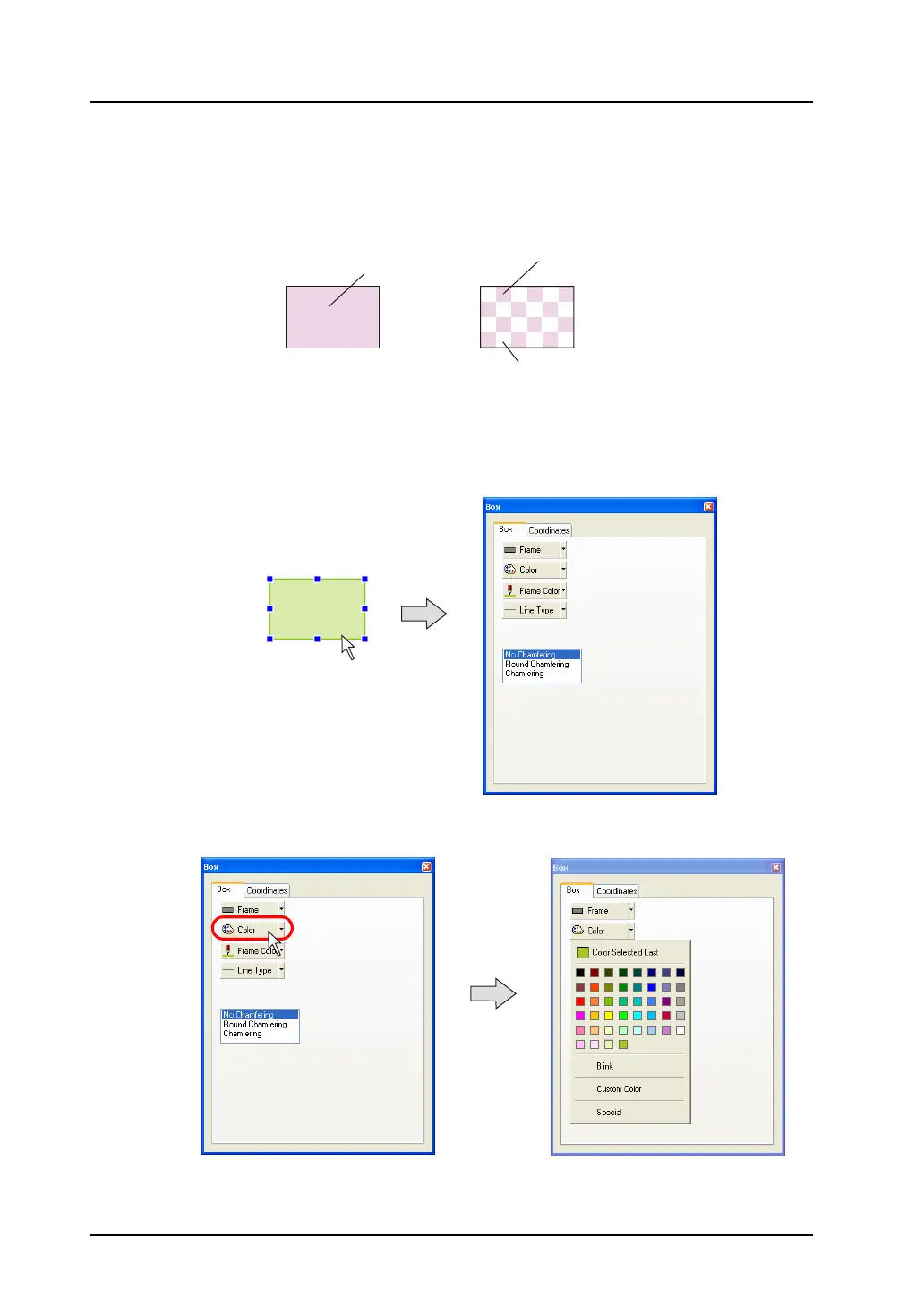
When a tile at the extreme left is selected, the area is painted in the color set for [Color].
When another tile is selected, the area is painted in the colors set for [Color] and [Background Color].
As an example, the procedure for setting the tile for the box with paint is described below.
1. Click or double-click the box item.
The item dialog for the box is brought up.
2. Click the [Color] button in the [Box] tab window.
The following pull-down menu is displayed.
No. 0 No. 3
Color
Color
Background color
Click or double-click.



 To Next Page