5.6 Graphic Library
5-16
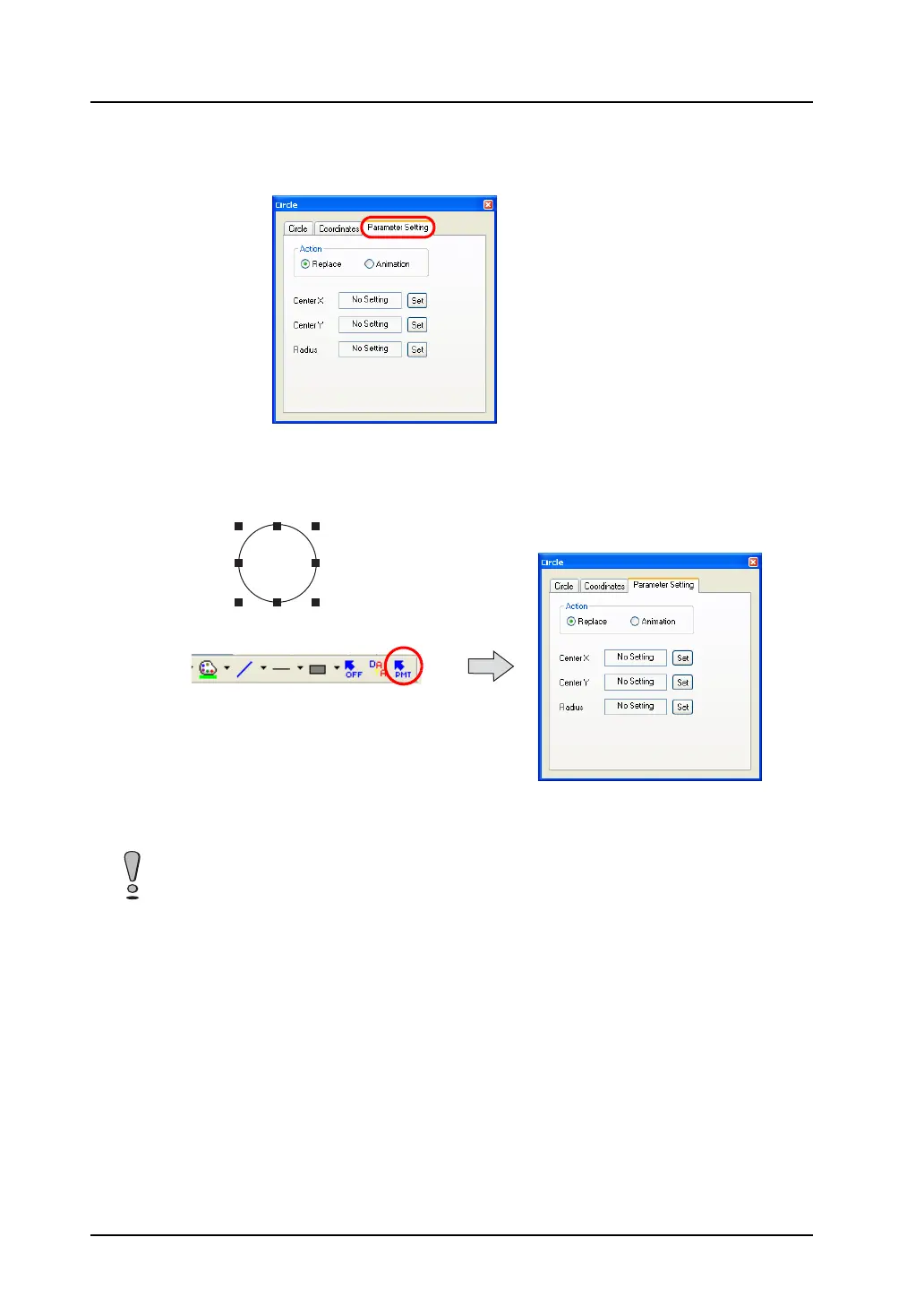
2. When the graphic is clicked (or double-clicked), the corresponding item dialog is displayed.
In the dialog, open the [Parameter Setting] tab window.
The tab window is also displayed by clicking the [Parameter] icon on the drawing toolbar while
the graphic is selected.
For more information on the setting items, refer to the next section.
The options in the [Parameter Setting] dialog vary with the selected graphic. For more information,
refer to page 5-20.



 To Next Page