Texts Instruction manual GLM-I
182 38.019.129.001 en
15
Date texts are only printed on labels if the related date is printed as well. In order to print
variable date texts on date 1 and 2
, set the label layout options for date text printing
<With var. date text>, see page 183.
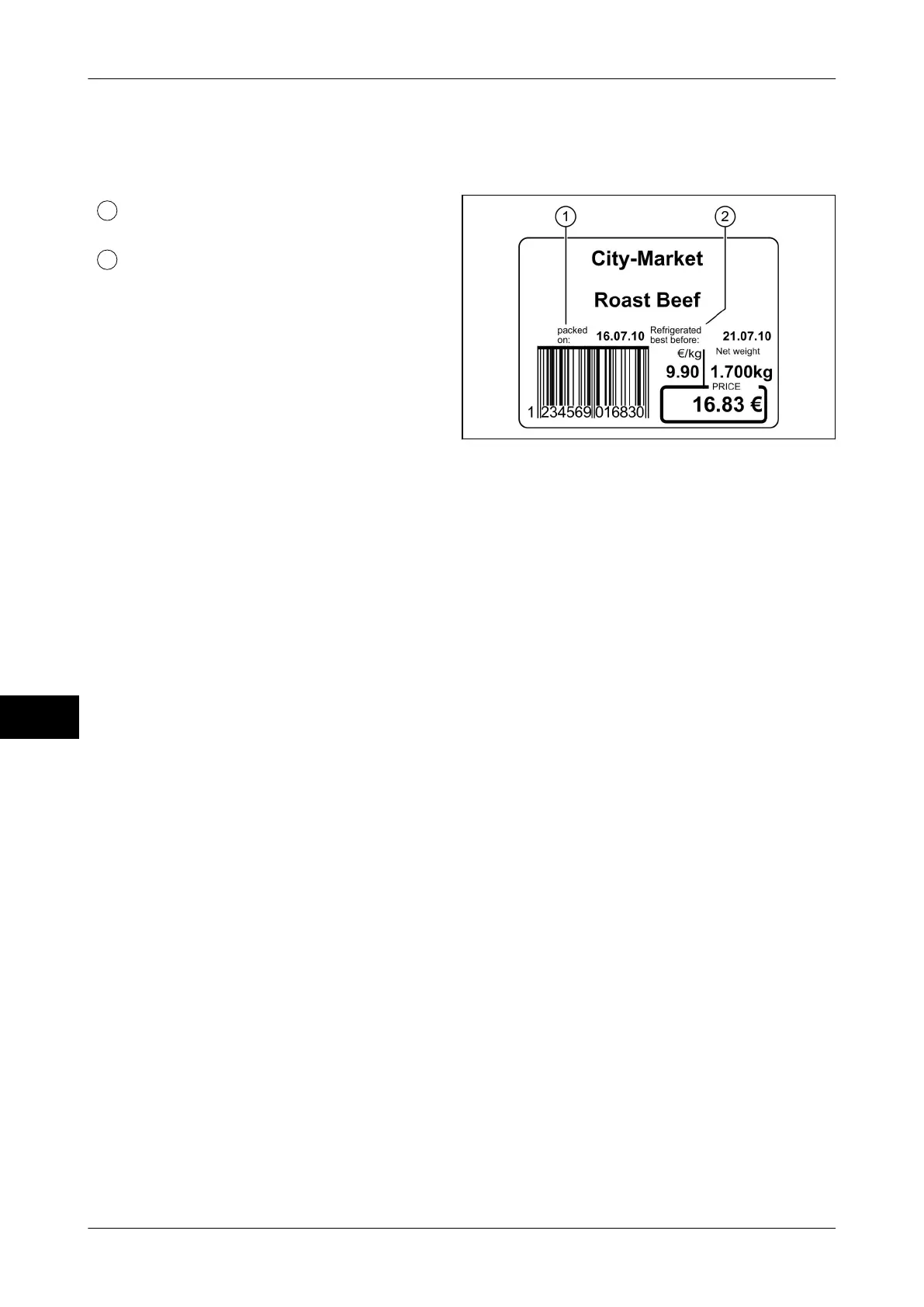
Date text field 1: Text on packing date
(date 1)
Date text field 2: Text on sell-by date
(date 2)
Illustration 55: Example of date texts on a
standard label
The following functions are available:
–
Configure printing of date texts, see page 183.
– Managing the date text in the database, see page 184.
– Enter or change date text for current labeling job, see page 185.
– Delete date text, see page 185.


 To Next Page
 Loading...

