Instruction manual GLM-I Display and operating unit
38.019.129.001 en 77
7
7.7.1 Recording parameter number
New and existing parameter numbers can be recorded as described in the following exam-
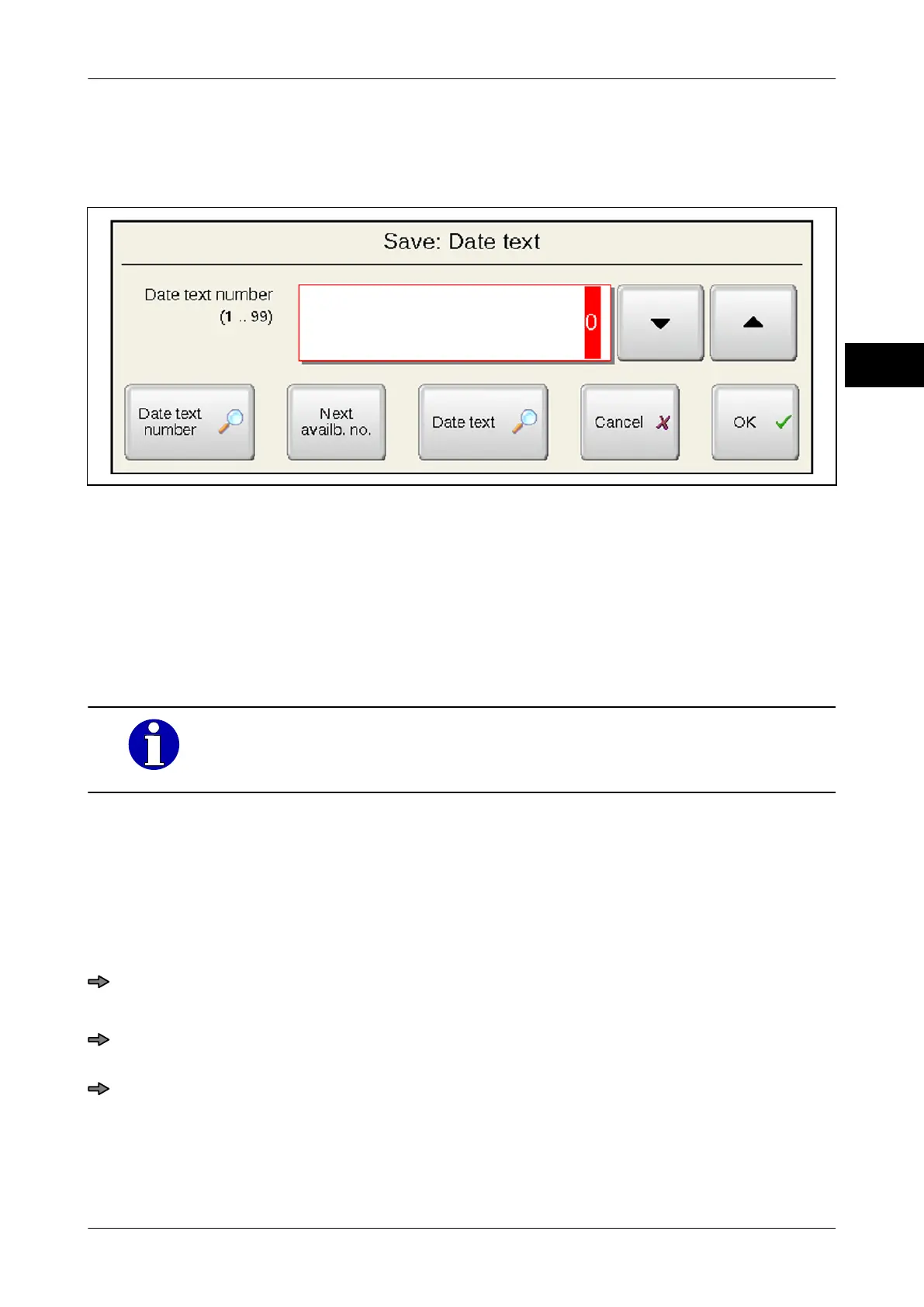
ple that shows how to save a date text.
Illustration 44: Example for accessing parameter numbers: Saving date text
The following functions are available:
–
Recording required parameter number for keyboard.
– Set required parameter number with cursor keys.
– Press <Next availb. no.> to enter the next free parameter number into input field.
– Press key with magnifying glass to open a list of existing data records and to enter a
parameter number from the list into the input field.
With a key with the magnifying glass a selection list with existing data
records can be opened
. Depending on the data record different keys
with magnifying glass are available.
Example: To save a date text the following selection list can be accessed with keys with
magnifying glass
:
– <Date text number>: Open list of available date texts sorted by parameter numbers.
– <Date text>: Open alphabetically sorted list of available date texts.
Open selection list of available data records and use parameter numbers from this
list
Press icon with magnifying glass, for example <Date text number>.
A selection list of existing data records appears.
If sorted by texts: Enter one or several initial letters of the searched data record.
or
If sorted by numbers: Enter number of searched data record or enter similar number.
The sorted list shows the data records as of the initial letter(s) entered or as of the
number entered
.



 To Next Page