Operating InstructionsFacsimile Reference (option) <Advanced Features>
85
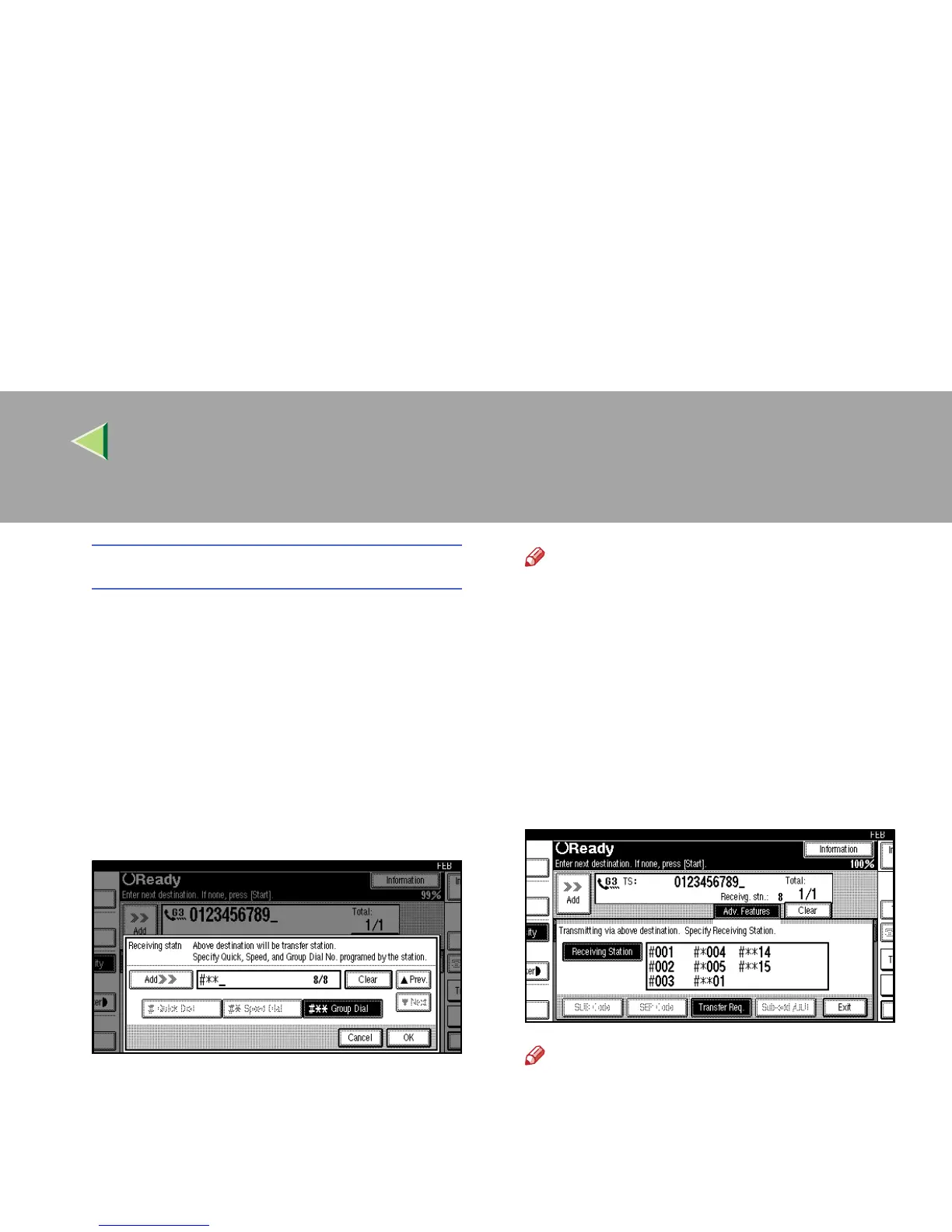
Group Dial
A
AA
A Press [q
qq
qp
pp
pp
pp
p Group Dial].
B
BB
B Enter the number (2 digits) of the
Group number.
For example, to choose the number stored
in Group Dial 04 in the Transfer station,
enter: {
{{
{0}
}}
} {
{{
{4}
}}
}.
To cancel the Transfer Request, press
[Cancel].
G
GG
G
Press [Add].
Repeat step
F
to enter more End Receivers.
Note
❒ Press [U
UU
U Prev.
] or [T
TT
T Next
] to see the End
Receivers already entered. You can select
an End Receiver from this list and remove
it by pressing [Clear] or the {
{{
{Clear/Stop}
}}
}
key.
❒ When you have specified all the End Re-
ceivers, go to step
H
.
H
HH
H
Press [OK].
I
II
I
Press [Exit].
Note
❒ The Transfer Stations and End Receivers
are displayed.
J
JJ
J
Press the {
{{
{Start}
}}
} key.



 To Next Page