Operating Instructions Administrator Reference 2
161
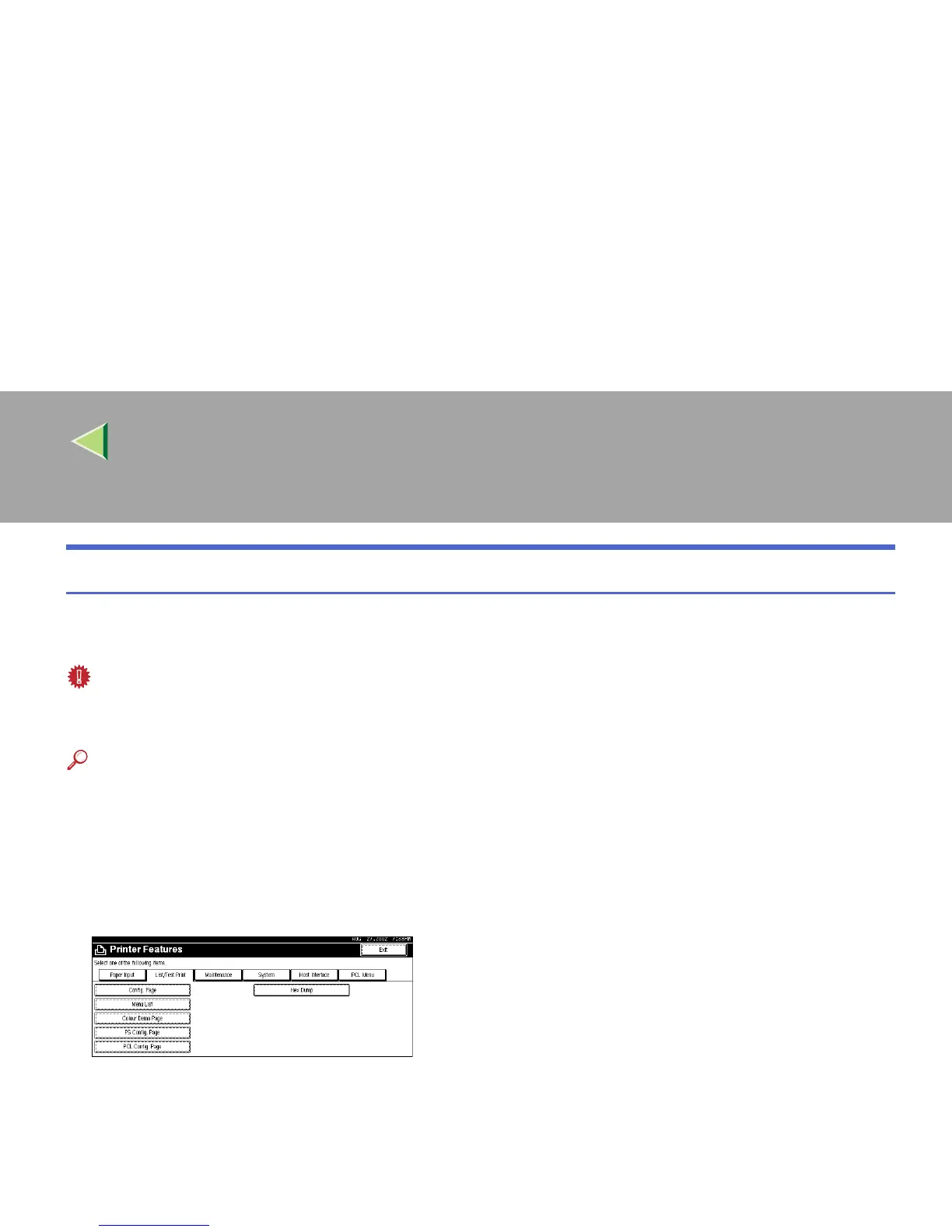
Printing a Configuration Page
This section describes the printing procedure of “Configuration Page”. The basic printing method is the
same for printing other lists.
Important
❒ The configuration page is printed in A4 or Letter (8
1
/
2
× 11). Set A4 or Letter (8
1
/
2
× 11) in the input
paper tray or the Bypass Tray.
Reference
For more information, see p.163 “Interpreting the Configuration Page”.
A
AA
A
Press the {
{{
{User Tools/Counter}
}}
} key.
B
BB
B
Press [Printer Features].
C
CC
C
Press [List/Test Print].



 To Next Page