Operating Instructions Copy Reference <Advanced Features>
51
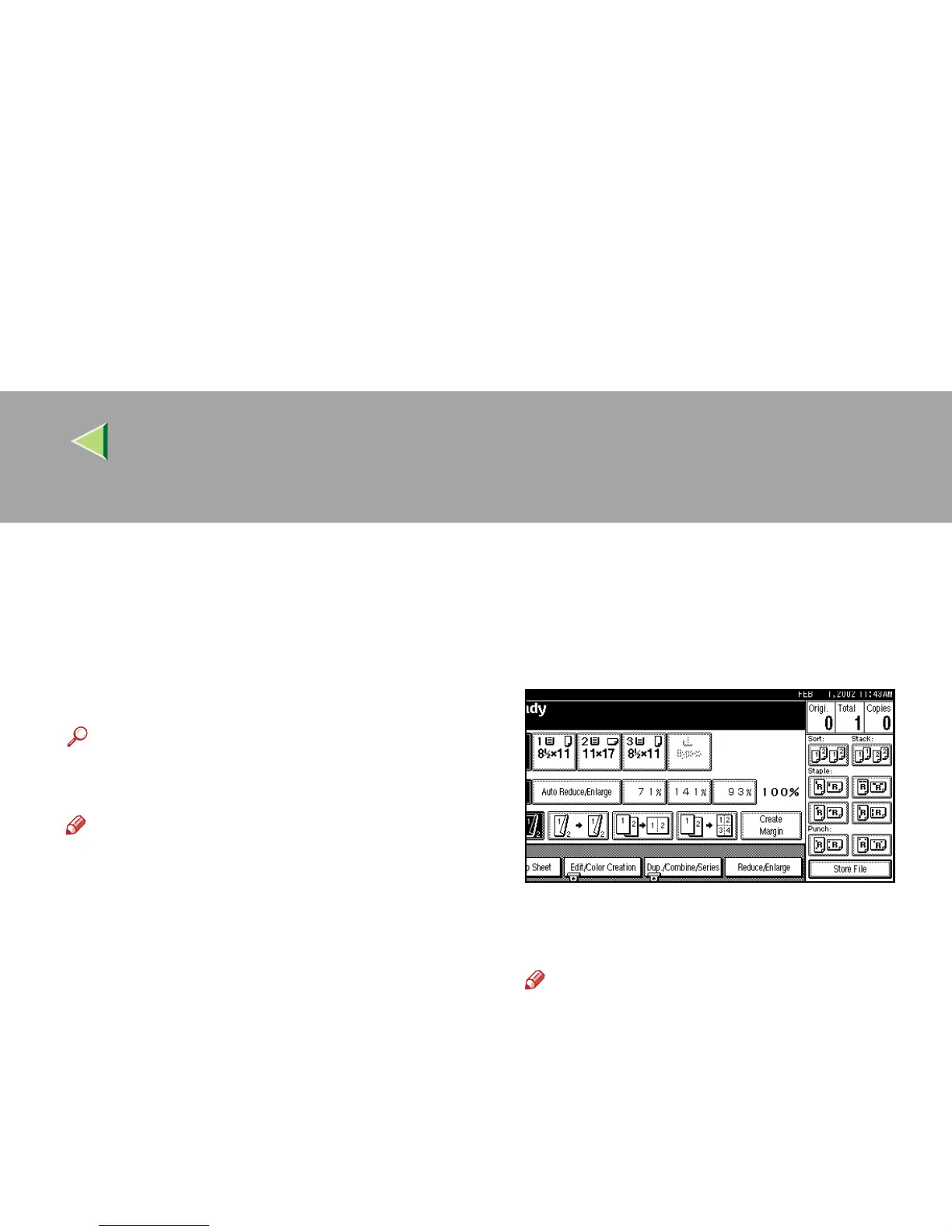
Storing the File in the Document Server
The optional hard disk unit (40 GB) is required.
The Document Server enables you to save docu-
ments in the hard disk unit (40 GB), and then
print them as you want.
Reference
⇒ “Document Server”, Administrator Refer-
ence 2 Copier System Edition
Note
❒ It may not be possible to change the file name
or the user name of a stored document a
while after it has been stored.
❒ The start of a scanning operation and the start
timing of an indicator may actually be different
when trying to perform the scanning of a color
original when color printing.
A
AA
A
Press [
Store File
].
B
BB
B
Enter a file name, user name, or password
if necessary.
Note
❒ Proceed to step
C
if the user name, file
name or password have not been set.



 To Next Page