Operating InstructionsFacsimile Reference (option) <Advanced Features>
177
Programming Standard Messages
Use this feature to program standard messages to
be printed at the top of the first page of the origi-
nal. It is convenient if you program message such
as your own greetings.
Note
❒ You can program your own messages into
[
Prog. Messge 1
], [
Prog. Messge 2
] and [
Prog.
Messge 3
] keys only. You cannot change the
“Confidential”, “Urgent”, “Please phone”, or
“Copy to corres ...” messages.
❒ Use the same procedure to program and
change your messages.
A
AA
A
Press the {
{{
{User Tools/Counter}
}}
} key.
B
BB
B
Select [Facsimile Features].
The Facsimile Features menu is shown.
C
CC
C
Check that the “Prog./Change/Delete” tab
is shown.
D
DD
D
Select [Program/Change/Delete Standard Mes-
sage].
E
EE
E
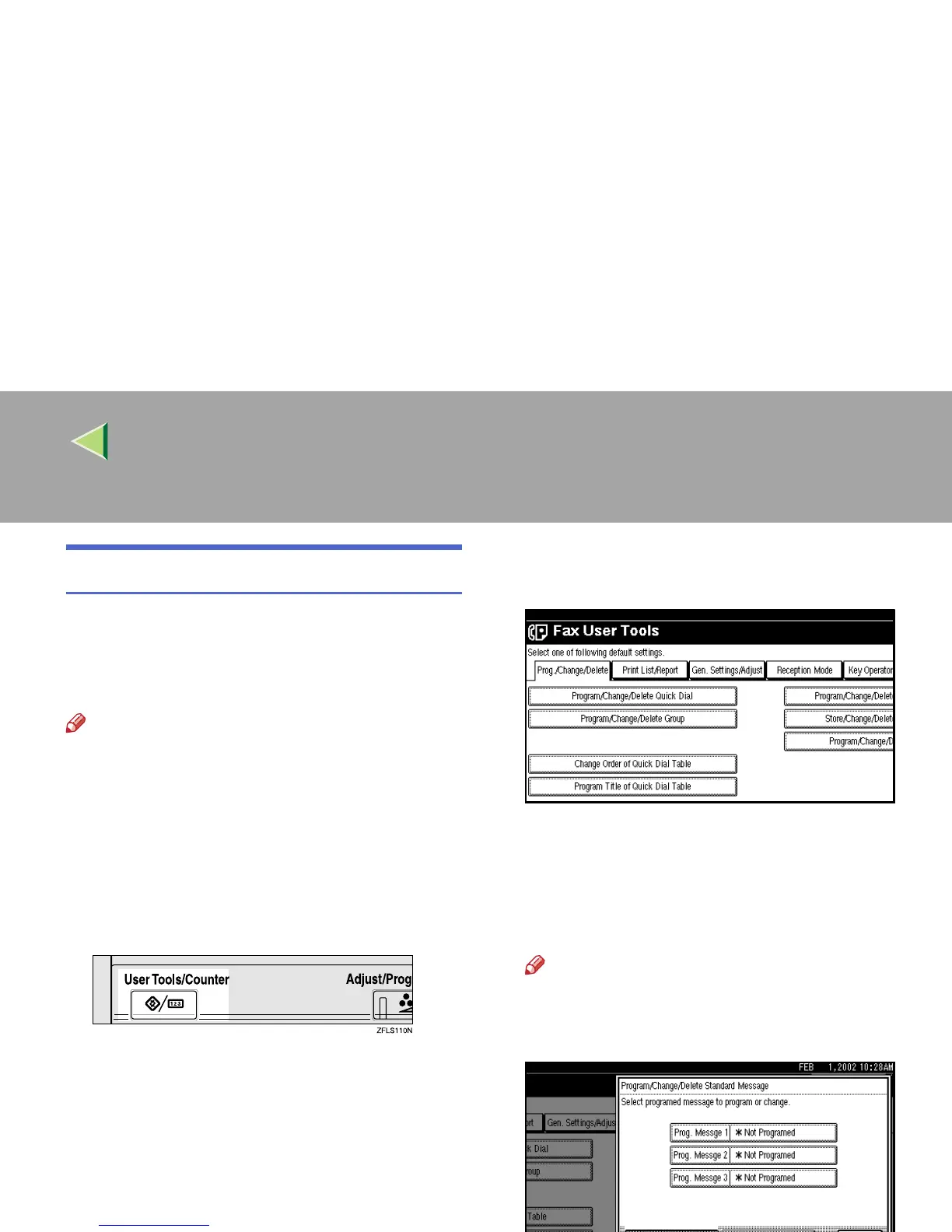
Select a key in which “*Not Programed” is
displayed.
Note
❒ To change a message, press the pro-
grammed message that you want to
change.



 To Next Page