Operating Instructions Scanner Reference
19
Display Contents
The normal screen configuration is as follows:
The display's contents differ depending on the mode.
Important
❒ Protect the display from shocks and strong pressure to prevent the possibility of damage. The max-
imum allowable is 30 N
*1
(3 kgf
*2
).
*1
:N: Newton
*2
:kgf: kilogram-force (1kgf = approx. 9.8N)
Note
❒ The "Copy" screen is set as the default screen when the machine is turned on. You can change this
setting under the "Priority Function" of the [
Basic Settings
] tab in System Settings. ⇒Administrator
Reference 2
❒ Selected or specified items are highlighted like
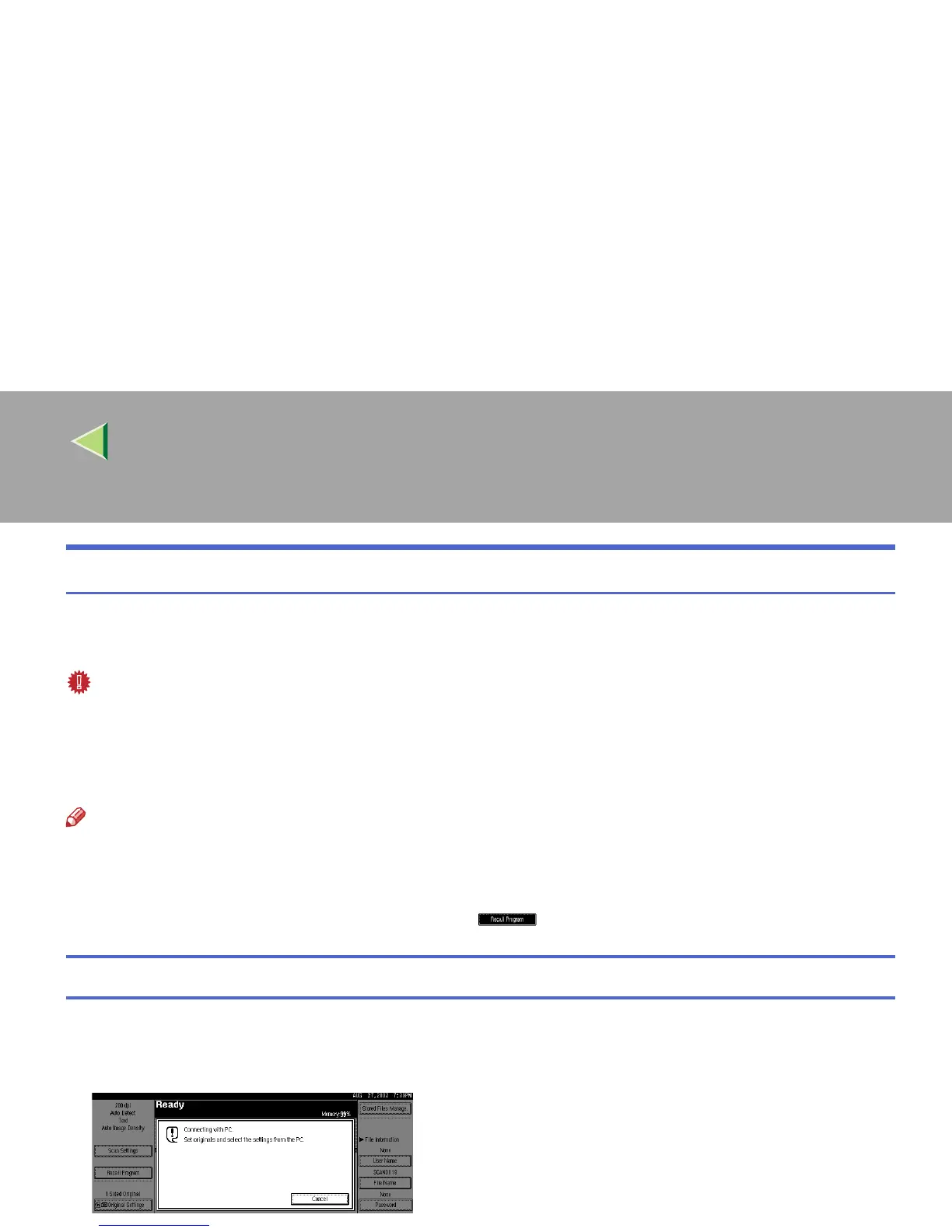
Using as a network TWAIN scanner
When using the machine as a network TWAIN scanner, it is not necessary to select {
{{
{Scanner}
}}
} on the
control panel. When the TWAIN driver becomes active on a client computer, the display automatically
switches to the following screen.
Press [Cancel] to use other functions.



 To Next Page