Clearing and Adjusting the Machine
34
2
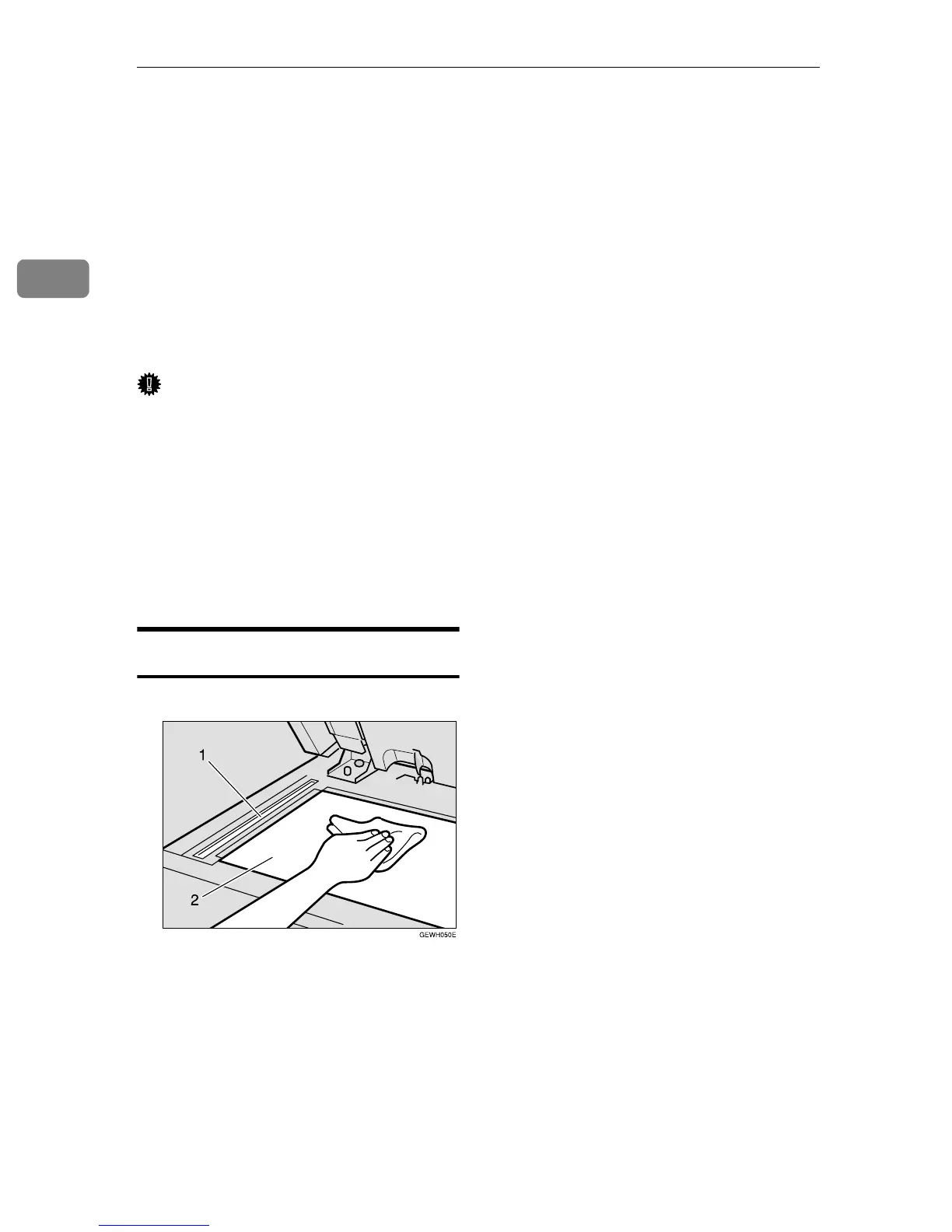
Cleaning the Exposure Glass
If the exposure glass is dirty, you
might not be able to make copies or
scan as you want. If it is dirty, clean
the exposure glass.
❖
❖❖
❖ Cleaning the machine
Wipe the machine with a soft,
damp cloth. Then, wipe it with a
dry cloth to remove the water.
Important
❒ Do not use chemical cleaner or or-
ganic solvent, such as thinner or
benzene. If they get into the ma-
chine or melt plastic parts, a failure
might occur.
❒ Do not clean parts other than those
specified in this manual. Such
parts should be cleaned by your
service representative.
Cleaning the Exposure Glass
Clean 1 and 2.



 To Next Page