Operating Instructions Copy Reference <Advanced Features>
70
To Interrupt Copying after All Originals Have
been Fed Using the Optional Document
Feeder (ADF) or Exposure Glass
A
AA
A
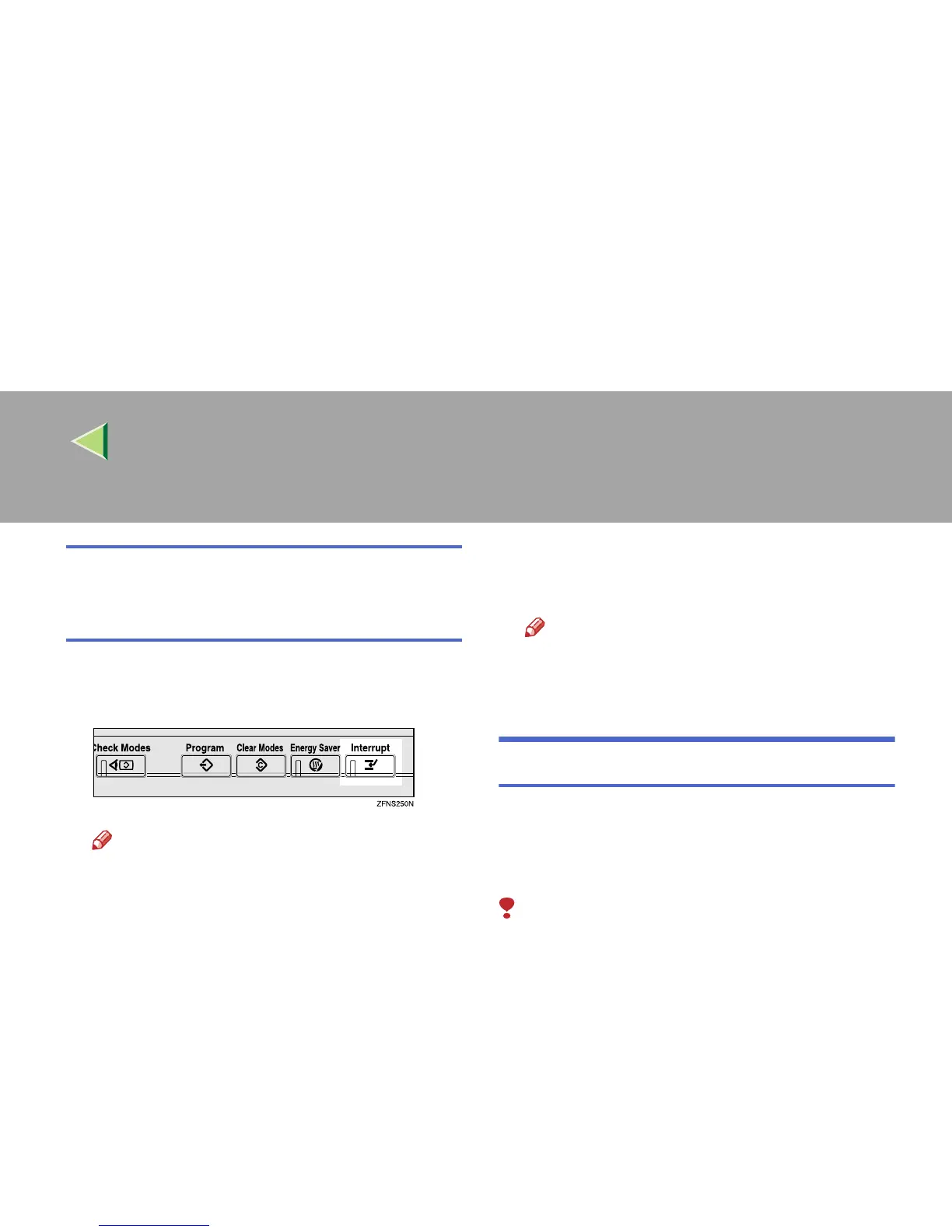
Press the {
{{
{Interrupt}
}}
} key.
The Interrupt indicator lights up.
Note
❒ Copying will not stop yet.
B
BB
B
Place your originals.
C
CC
C
Press the {
{{
{Start}
}}
} key.
The machine stops the original job and starts
copying your original.
D
DD
D
When copying is complete, remove your
originals and copies.
E
EE
E
Press the {
{{
{Interrupt}
}}
} key again.
The Interrupt indicator goes off.
Note
❒ The previous copy job settings will be re-
stored and the machine will continue copy-
ing from where it left off.
Sample Copy
The optional hard disk unit (40 GB) is required.
Use this function to check a copy set before mak-
ing a long copy run.
Limitation
❒ This function can be used only when the Sort
function has been turned on.
❒ You cannot use Sample Copy when using the
Bypass Tray.
A
AA
A
Select Sort and any other functions, and
then enter the number of copy sets to be
made.
B
BB
B
Place your originals.



 To Next Page