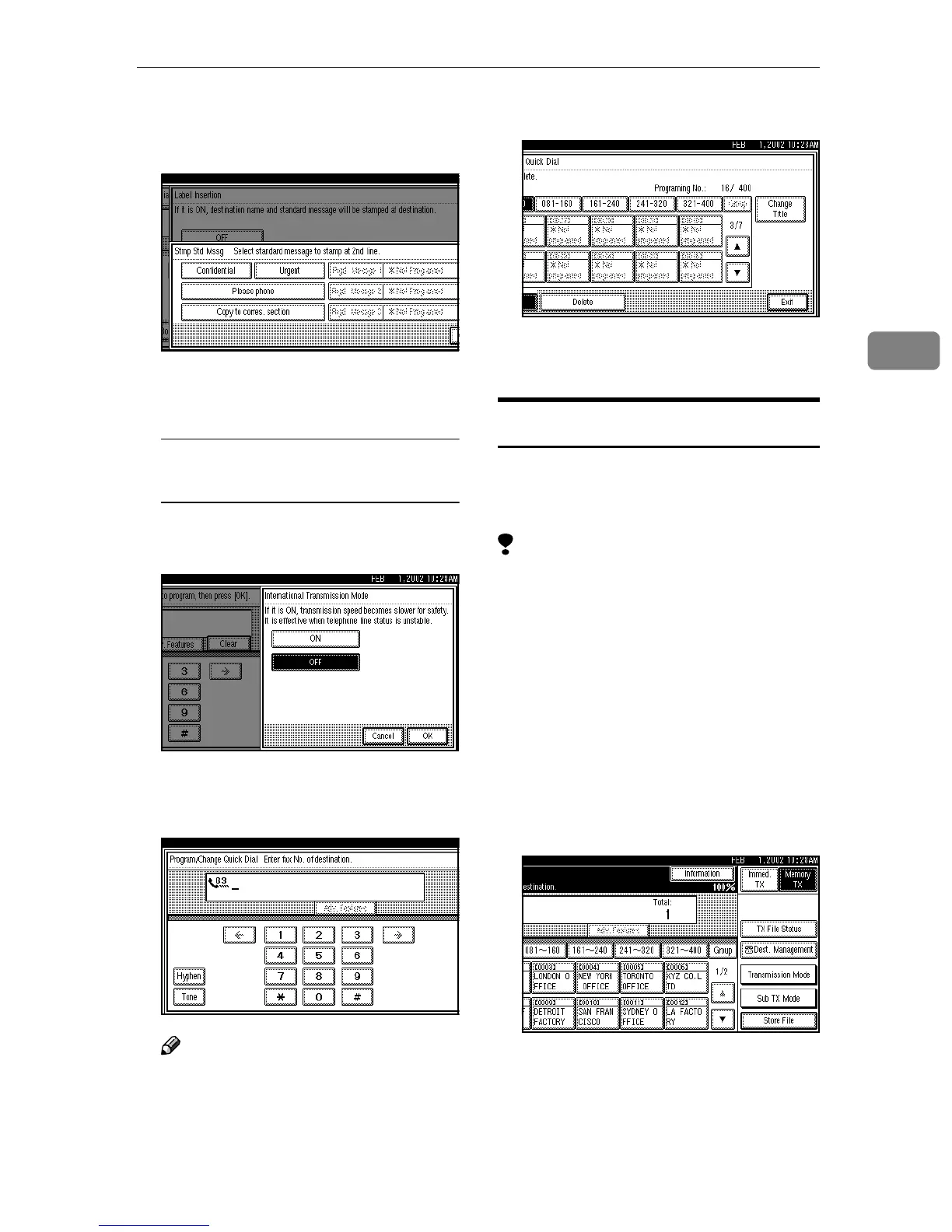
Quick Dial
59
3
D
DD
D Select the standard message to
be stamped at the second or
third line.
E
EE
E Press [OK].
F
FF
F Press [OK].
Editing the International
Transmission Mode
A
AA
A Press [International TX Mode].
B
BB
B Select [ON] or [OFF].
C
CC
C Press [OK].
F
FF
F
Press [OK].
Note
❒ If you press [Cancel], no changes
are made. The display appears
as in step
C
.
G
GG
G
Press [Exit] twice.
The machine will return to standby
mode.
Deleting
This procedure describes how to find
a programmed Quick Dial and delete
it.
Limitation
❒ When you try to delete a Quick
Dial key that is being used for a
standby Memory Transmission,
the message “
Specified desti-
nation is used by transmis-
sion standby file. It cannot
be changed or deleted. Spec-
ify it again after transmis-
sion is completed.
” is shown.
You cannot delete the destination
for this key at this time.
A
AA
A
Press [Dest. Management].



 To Next Page