Operating InstructionsFacsimile Reference (option) <Advanced Features>
130
Memory Reception
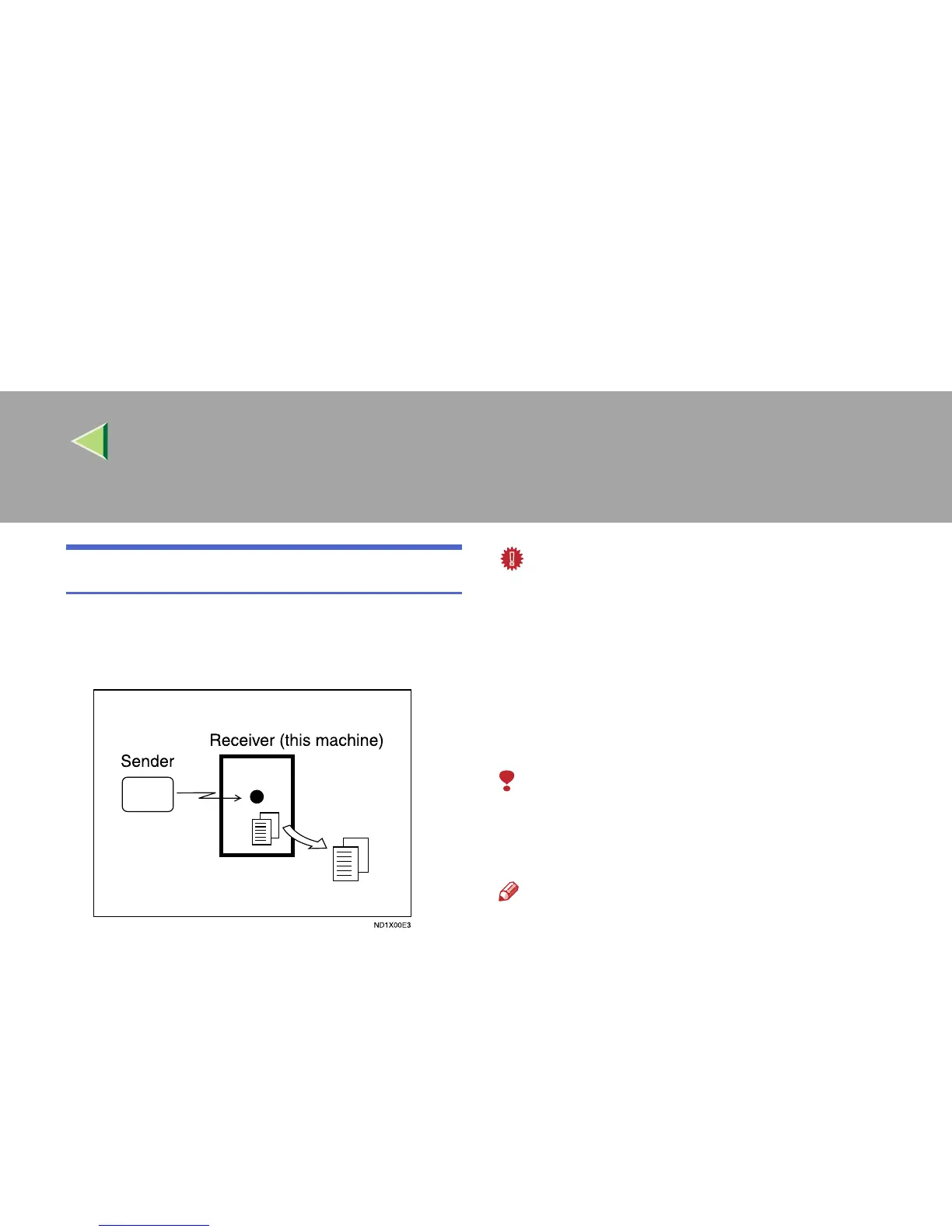
The machine waits until all pages of the message
have been received into memory before printing
the message.
This method is used with the following features:
• Combine 2 originals ⇒ p.144 “Combine 2
Originals”
• Multi-copy when set to multiple copies ⇒
p.143 “Multi-copy Reception”
• Reverse Order Printing ⇒ p.146 “Reverse
Order Printing”
• Substitute Reception ⇒ p.131 “Substitute Re-
ception”
• 2-sided Printing ⇒ p.141 “2-Sided Printing”
Important
❒ All the messages stored in memory are delet-
ed if the main power switch is turned off for
more than one hour.
❒ The machine may not be able to receive large
numbers of messages or messages with a
high data content. In such cases, we recom-
mend you switch the above features off or add
a memory card.
Limitation
❒ The machine may not be able to receive fax
messages when the free memory space is
low.
Note
❒ If the free memory space reaches 0% during
Memory Reception, the machine can no long-
er receive the current fax message and stops
communicating.



 To Next Page