Operating InstructionsFacsimile Reference (option) <Advanced Features>
207
Using Key Operator Settings
Counters
This function allows you to check the total num-
ber of pages transmitted and received on the dis-
play.
• Transmissions:
Total number of transmitted pages
• Receptions:
Total number of received pages
A
AA
A
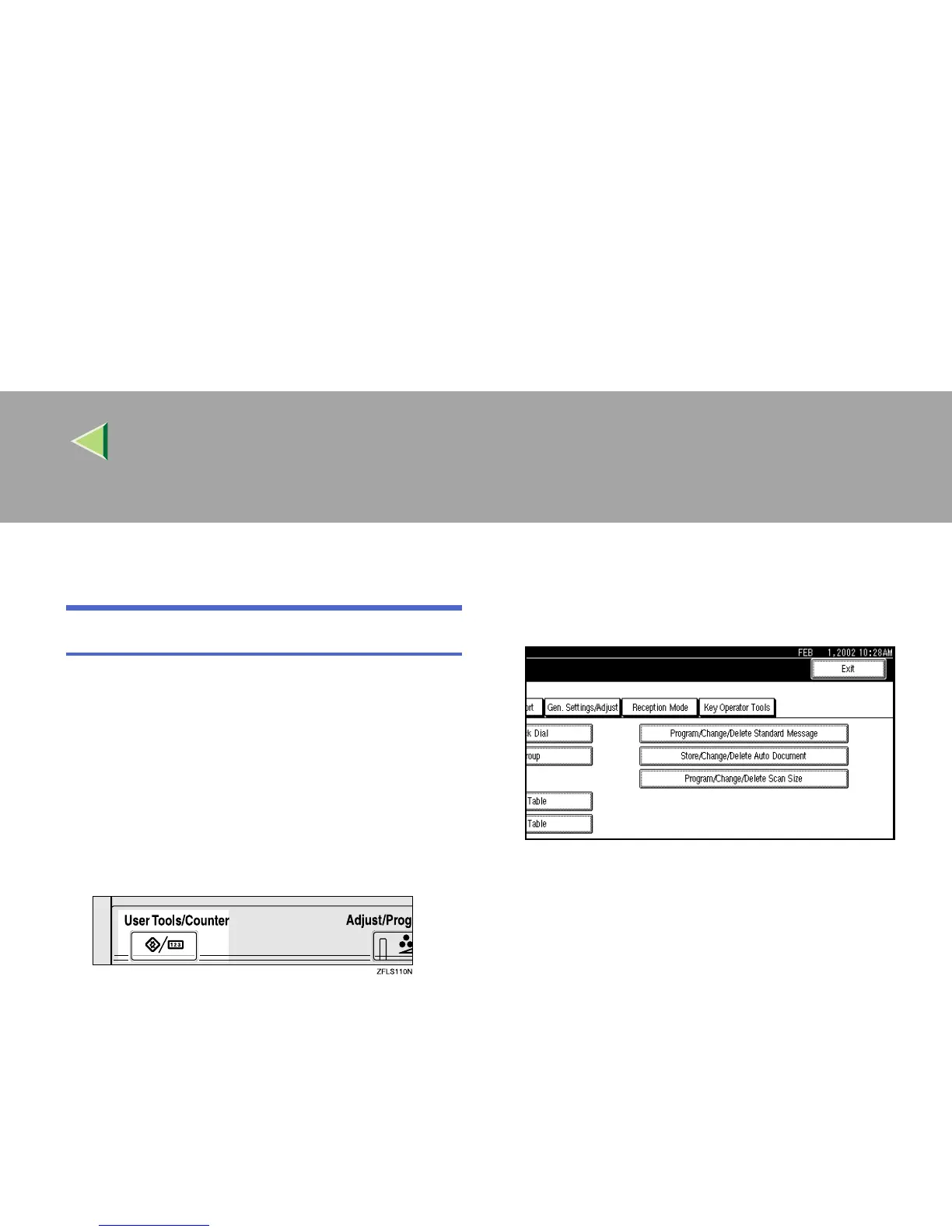
Press the {
{{
{User Tools/Counter}
}}
} key.
B
BB
B
Press [Facsimile Features].
The Facsimile Features menu is shown.
C
CC
C
Select [Key Operator Tools].
The Key Operator Tools menu is shown.



 To Next Page