Document Server Mode
39
4
Document Server Mode
The Document Server stores scanned copies and scanned documents for faxing.
You can also combine stored jobs and print them.
In addition, you can forward stored fax transmissions.
Limitation
❒ The Document Server function requires the optional Hard Disk Unit.
Note
❒ If you want to re-send fax documents, go back to the Facsimile display.
Reference
For more information about the Document Server, see "Document Server" in
Administrator Reference 2 Copier System Edition.
Copying by Using the Document Server
You can print from the Document Server while using other functions.
A
AA
A
Press the {
{{
{Document Server}
}}
} key.
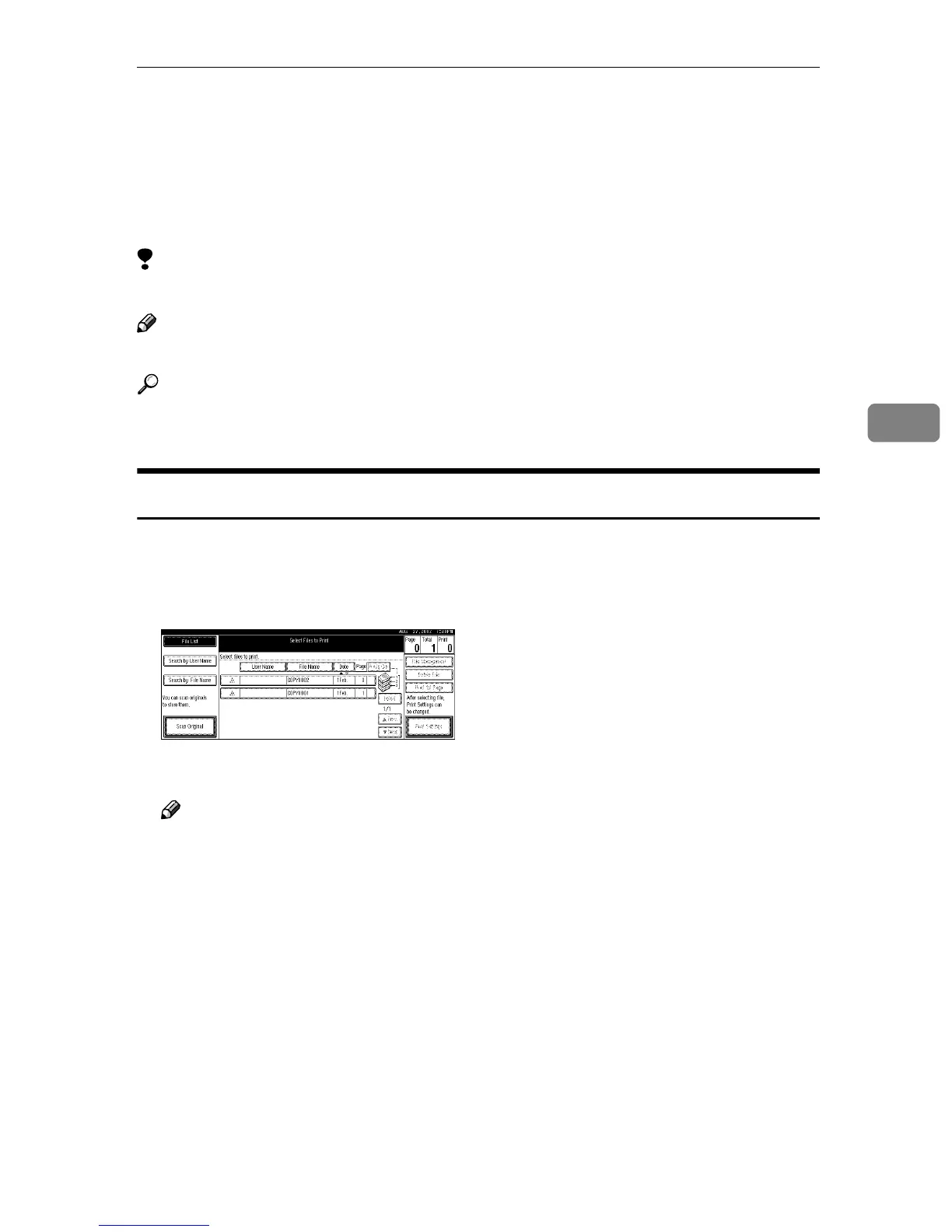
The Document Server display appears on the panel display.
B
BB
B
Select the desired documents, and then press [OK].
Note
❒ If the optional SR770 (2 Tray Finisher) or PT460 (Multi-bin) is installed on
the machine, you can specify an output tray to which to deliver docu-
ments. For more information, see “User Tools (System Settings)” in Admin-
istrator Reference 2 Copier System Edition.



 To Next Page