Operating Instructions Copy Reference <Advanced Features>
44
Cover
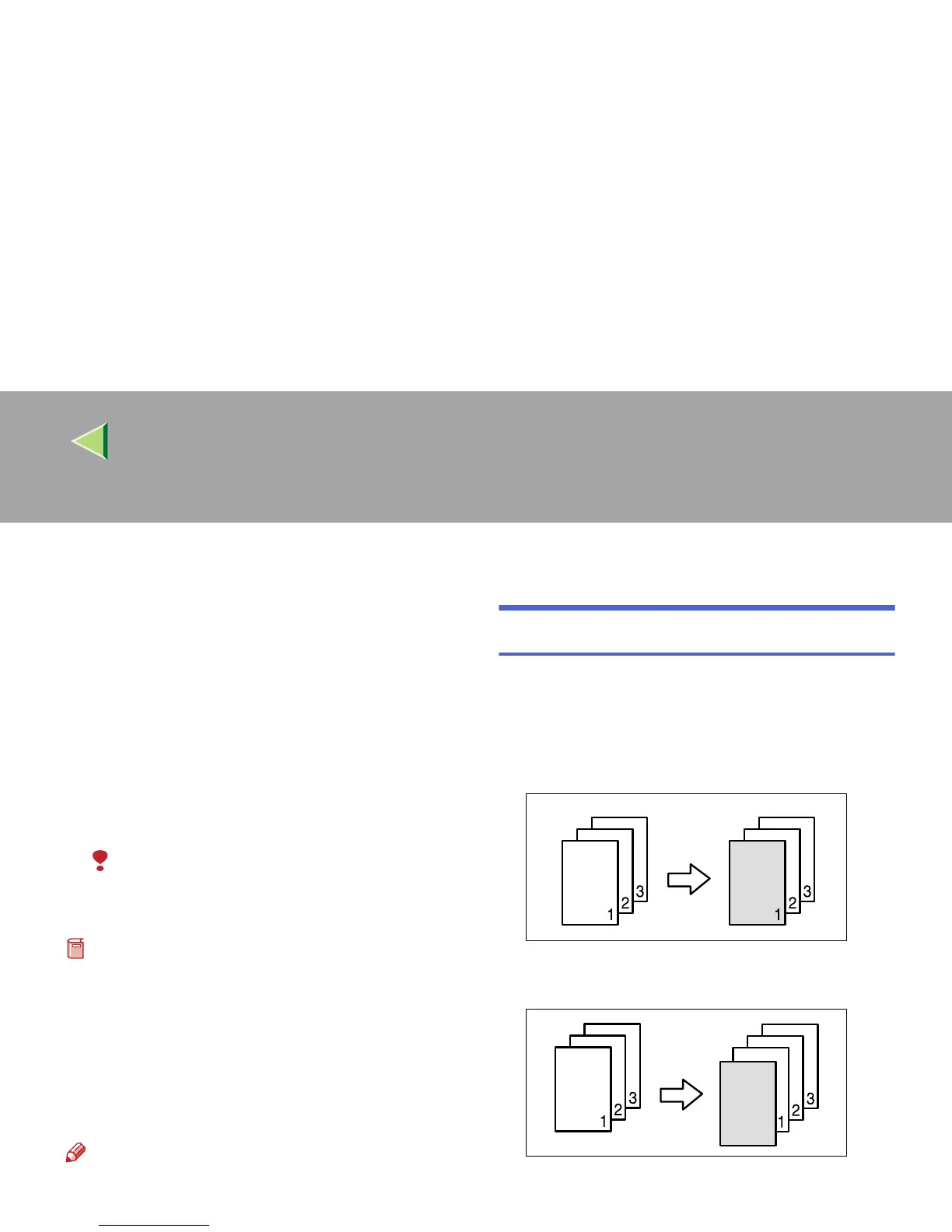
Using this function, you can add cover sheets.
The types of this function are as follows:
❖
❖❖
❖ Front Cover
The first page of your originals is copied on a
specific paper sheet for covers.
❖
❖❖
❖ Front/Back Covers
The first and last pages of your originals are
copied on specific paper sheets for covers.
Limitation
❒ You cannot specify the Bypass Tray as the
paper tray.
Preparation
Before selecting this function, set the tray for
front cover paper. ⇒ “Cover Sheet Tray (for
Copy/Document Server function only)”, Ad-
ministrator Reference 2 Copier System Edi-
tion
The cover paper should be the same size and
orientation as the copy paper.
Note
❒ If “Blank” mode is selected, the cover will not
be counted as a copy.
Front Cover
The first page of your originals is copied on a
specific paper sheet for covers, or a cover sheet is
inserted before the first copy.
❖
❖❖
❖ Copy
❖
❖❖
❖ Blank



 To Next Page