Operating Instructions Scanner Reference
112
Turning Off the Main Power Switch
Preparation
❒ Normally do not turn off the main power. If you
turn off the main power, see the Important be-
low in advance.
Important
❒ Do not turn off the main power switch if the
power indicator is lit or flashing. Damage to
the HDD or memory may result.
❒ Unplug the machine before turning off the
main power switch. Damage to the HDD or
memory may result.
❒ Before turning off the main power switch or
unplugging the machine, check the memory
remaining is 100%. After about 1 hour passes
after the main power switch is turned off or the
machine is unplugged, undelivered docu-
ments contained in fax memory will be lost.
⇒"When Power is Turned Off or Fails" in the
Facsimile Reference <Advanced Features>
A
AA
A
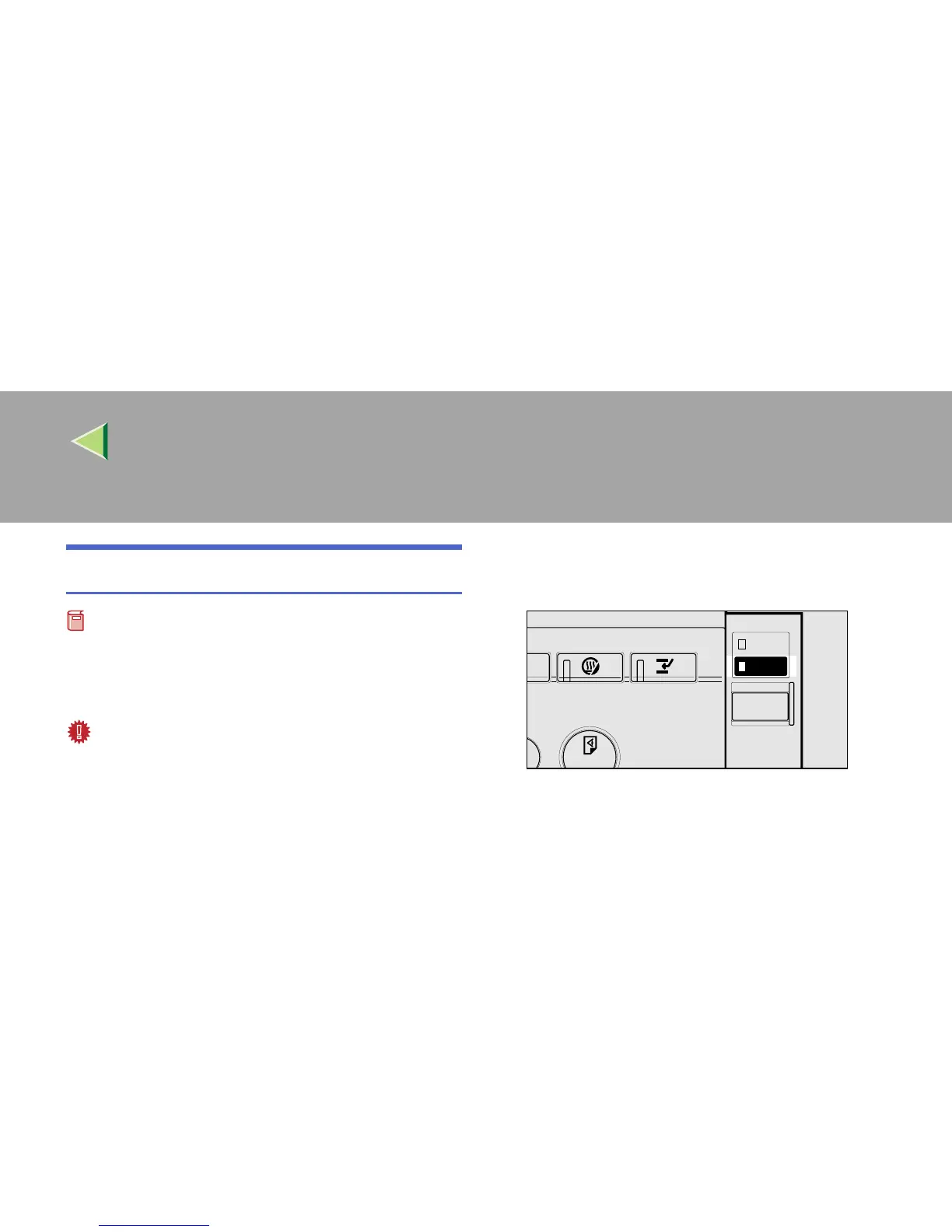
Make sure that the power indicator goes
off.
B
BB
B
Turn off the main power switch to make
the main power indicator go off.
ZEWS021E



 To Next Page