Operating InstructionsFacsimile Reference (option) <Advanced Features>
44
Printing a List of Files in Memory (Print TX File List)
Print this list if you wish to find out which files
are stored in memory and what their file numbers
are. Knowing the file number can be useful (for
example when erasing files).
Note
❒ The contents of a file stored in memory can
also be printed. ⇒ p.40 “Printing a File”
A
AA
A
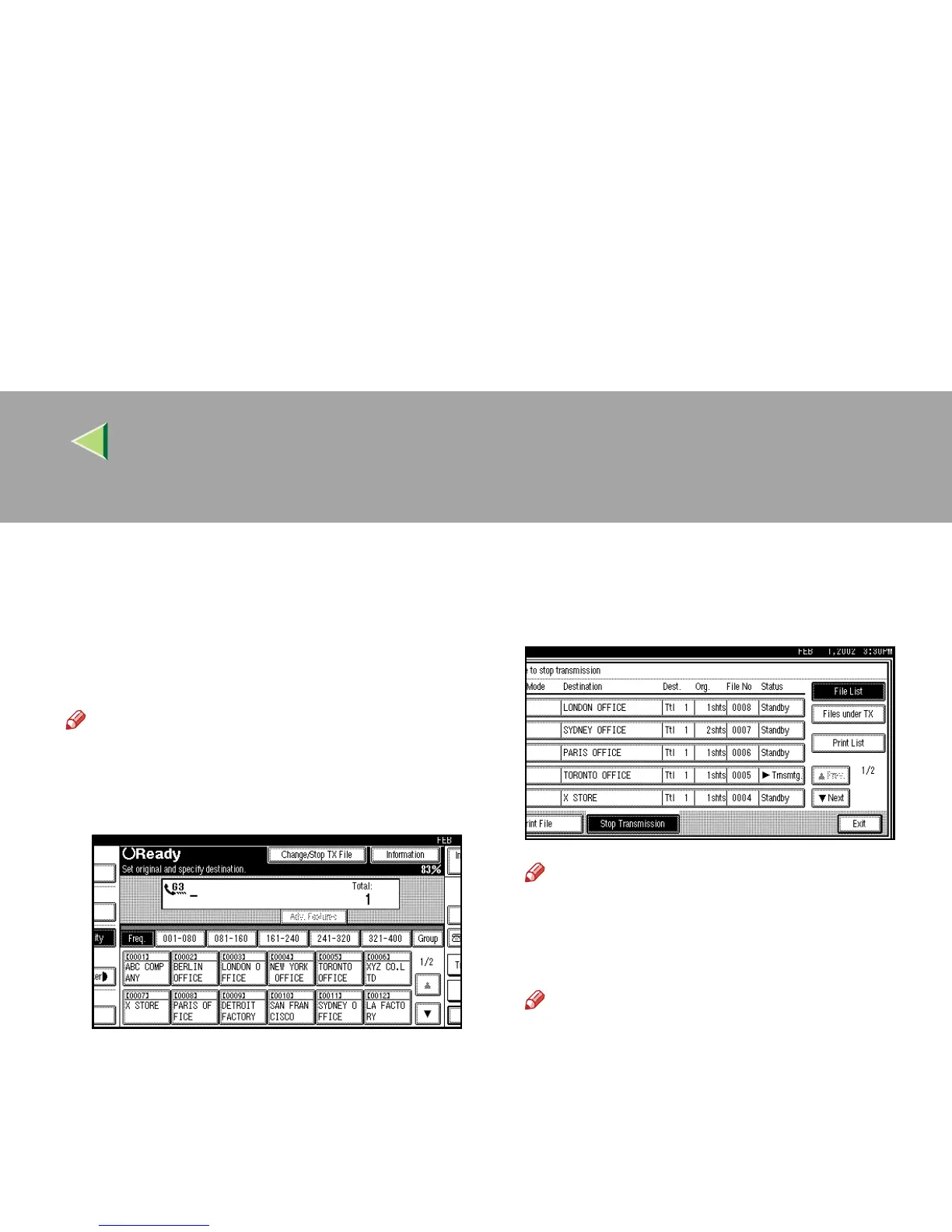
Press [Change/Stop TX File].
B
BB
B
Press [Print List].
Note
❒ To cancel printing, press [
Cancel
]. The dis-
play will return to step
B
.
C
CC
C
Press the {
{{
{Start}
}}
} key.
Note
❒ To cancel printing, press [Stop Printing].
The display will return to step
B
.
D
DD
D
Press [Exit].
The initial display is shown.



 To Next Page