Operating InstructionsFacsimile Reference (option) <Advanced Features>
100
Standard Message Stamp
Use this feature to stamp a standard message at
the top of the first original sent.
There are four types of standard messages: “Con-
fidential”, “Urgent”, “Please phone” and “Copy
to corres. section”
You can also program other messages.
Note
❒ While this feature is in use, the second and
third lines of the “Label Insertion” are not print-
ed. ⇒ p.119 “Programming the Label Inser-
tion”
❒ When there is an image around the area
where the standard message is to be
stamped, that image is deleted.
❒ To program a standard message, use the
“Program/Change/Delete Standard Message”
function. ⇒ p.177 “Programming Standard
Messages”, p.178 “Deleting Standard Mes-
sages”
A
AA
A
Place your originals, and then select any
scan settings you require.
B
BB
B
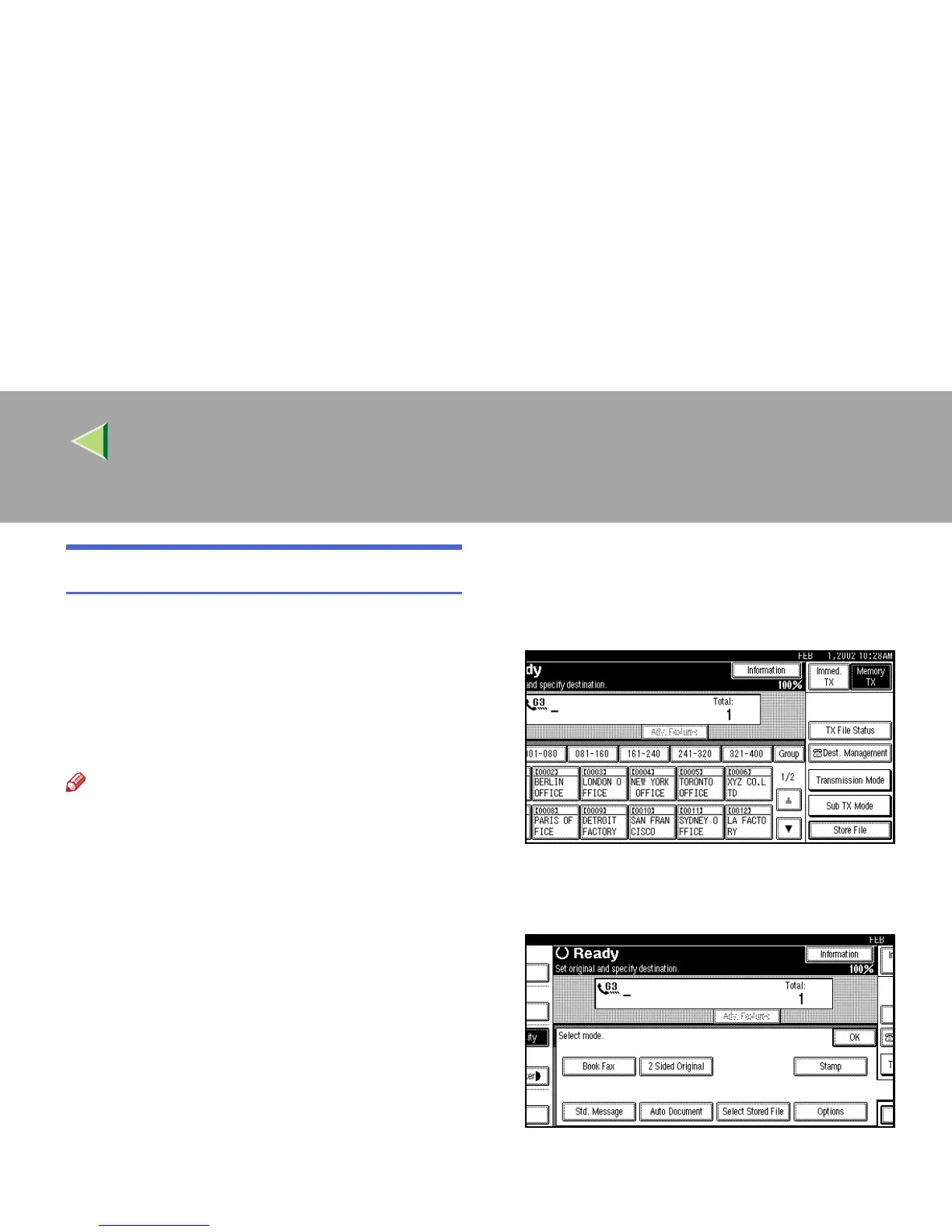
Press [Sub TX Mode].
The Sub Transmission Mode menu is shown.
C
CC
C
Select [Std. Message].



 To Next Page