Operating Instructions Maintenance Guide 2 Copier System Edition
76
H
HH
H
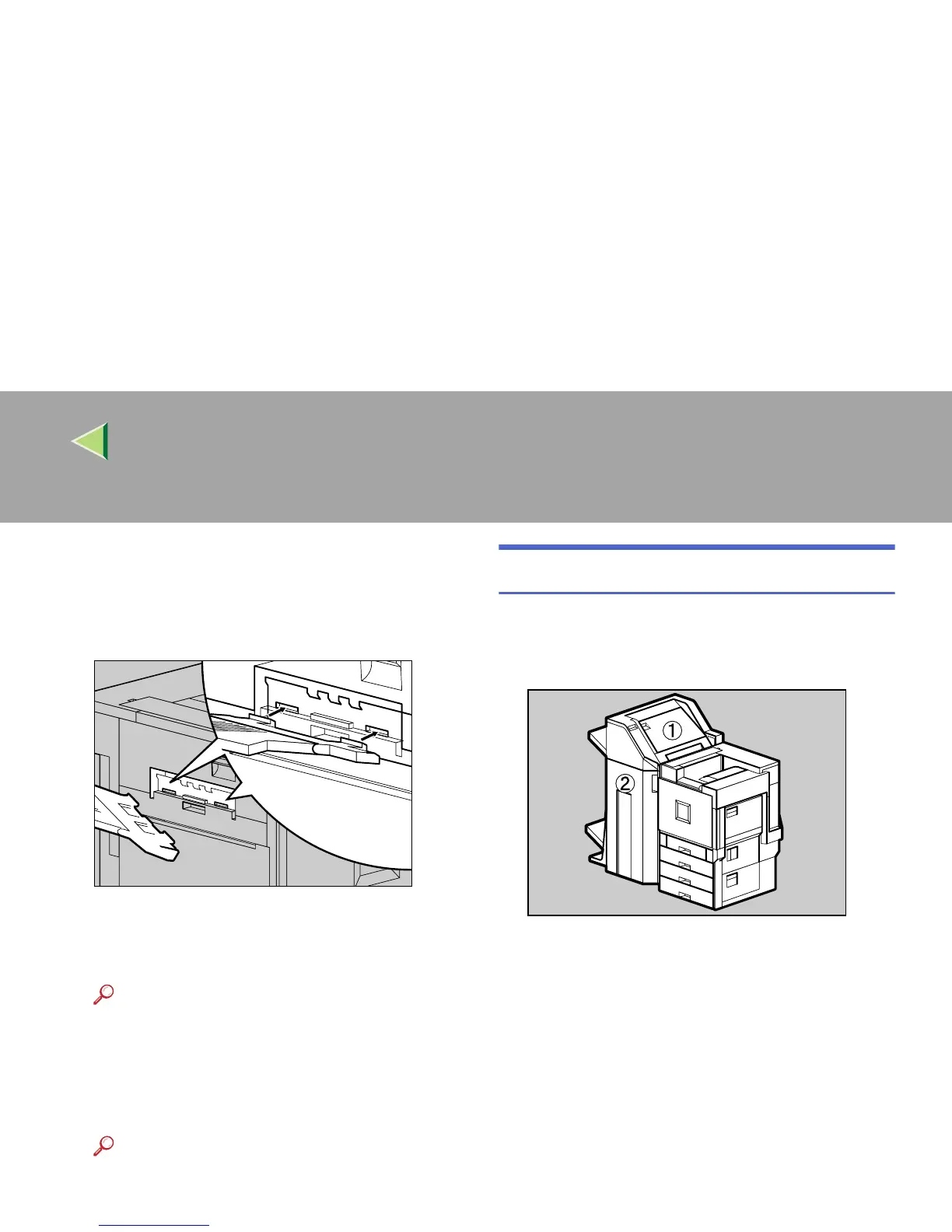
If you removed the output tray in step
C
,
reattach it to the printer. Insert the hooks
of the output tray into the printer slits, and
lower it toward you.
I
II
I
If the Duplex Unit is installed, close the Du-
plex Reversal Unit.
Reference
⇒ p.71 “Opening and Closing the Duplex
Reversal Unit”
J
JJ
J
If the 2 Tray Finisher was installed, reat-
tach the 2 Tray Finisher to the printer.
Reference
⇒ p.69 “Detaching the 2 Tray Finisher”
When "Paper Misfeed: R" Appears
Open the top cover (A) and front cover (B) of
the 2 Tray Finisher, and remove the misfed pa-
per.
A
AA
A
Fold the output tray.
ZDJH010J
ZDJP206J



 To Next Page