Faxing
42
2
C
CC
C
Press the Quick Dial key.
Note
❒ If the desired Quick Dial key is
not shown, press [U
UU
U] and [T
TT
T] to
look through the table.
❒ To cancel a selected destination,
press that destination again.
❒ If you wish to dial another des-
tination, repeat from step
B
.
D
DD
D
Press the {
{{
{Start}
}}
} key.
-
--
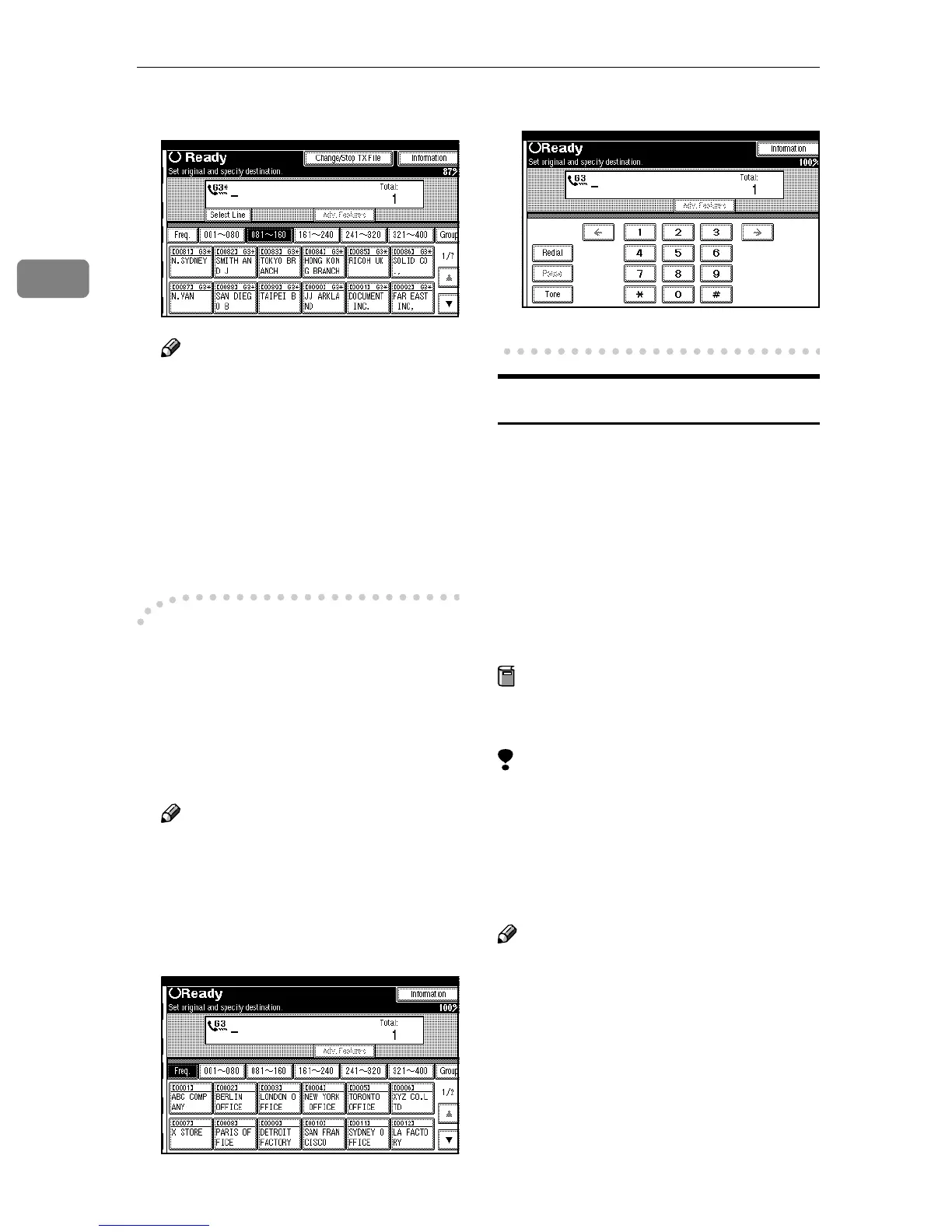
-Changing Display Method
A
Press [Dest. Management].
B
Press [Switch Display].
C
Select [Display Quick Dial Tbl] or [Dis-
play Number Keys].
D
Press [OK].
Note
❒ To cancel the change, press
[Cancel]. The display appears as
in step B.
E
Press [Exit].
❖
❖❖
❖ Display Quick Dial Table
❖
❖❖
❖ Display Number Keys
Groups
If you frequently send the same mes-
sage to more than one place, program
these numbers into a Group. Then
you can send messages to all the des-
tinations in that Group with just a few
keystrokes. You can also program a
name for the Group (for example,
“Branch Offices”) which will be dis-
played before you press the {
{{
{Start}
}}
}
key.
Preparation
You need to program the Groups.
⇒ p.61 “Groups”
Limitation
❒ Group Dial can be used only for
Memory Transmission; it cannot
be used for Immediate Transmis-
sion. The machine automatically
changes to Memory Transmission
when you use Group Dial.
Note
❒ To check the contents of the
Groups, print the list. ⇒ Chapter 7,
“Reports/Lists” in the Advanced
Features manual
❒ A total of 500 destinations can be
programmed for Group Dial.



 To Next Page