Basic Procedure
15
1
Basic Procedure
A
AA
A
Make sure that the machine is in
Copy mode.
If the machine is not in Copy
mode, press the {
{{
{Copy}
}}
} key.
B
BB
B
When the machine is set for user
codes, enter a user code of up to 8
digits with the number keys, and
then press the {
{{
{#}
}}
} key.
Reference
⇒ "User Code", Administrator
Reference 2 Copier System Edi-
tion
C
CC
C
Make sure that there are no previ-
ous settings remaining.
Note
❒ To clear settings, press the
{
{{
{Clear Modes}
}}
} key.
D
DD
D
Place your originals.
Reference
⇒ p.17 “Placing Originals”.
E
EE
E
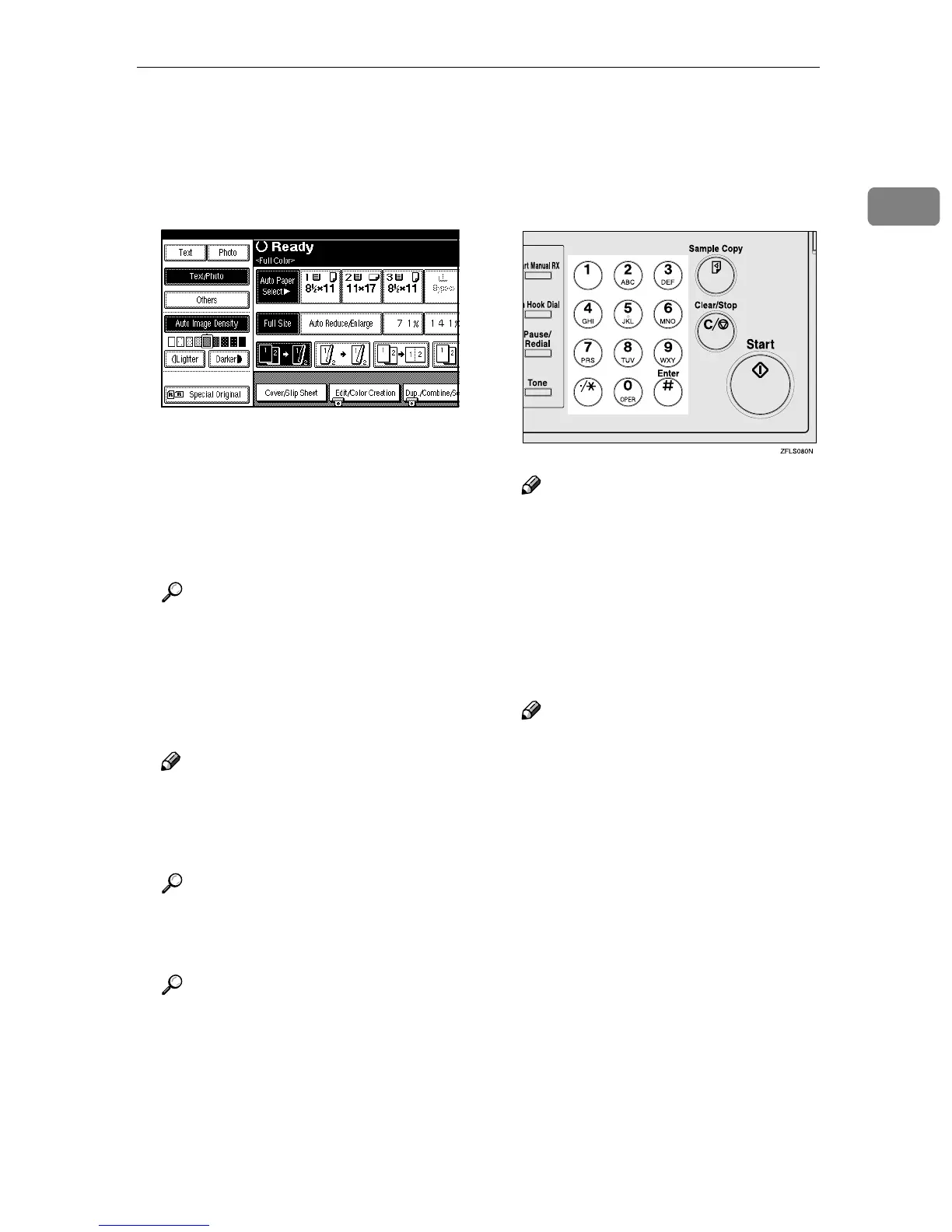
Set your desired settings.
Reference
See the explanation of each
function.
F
FF
F
Enter the number of copies re-
quired with the number keys.
Note
❒ The maximum number of cop-
ies that can be set is 99.
❒ To change the number entered,
press the {
{{
{Clear/Stop}
}}
} key, and
then enter the new number.
G
GG
G
Press the {
{{
{Start}
}}
} key.
The machine starts copying.
Note
❒ When outputting to the stan-
dard tray, the copied side will
be facing down.
❒ When outputting to the external
tray, the copied side will be fac-
ing up.
❒ To stop the machine during a
multi-copy run, press the
{
{{
{Clear/Stop}
}}
} key.
❒ To return the machine to the ini-
tial condition after copying,
press the {
{{
{Clear Modes}
}}
} key.



 To Next Page