15
2. Faxing
Transmission Modes
There are two types of transmission:
• Memory Transmission
• Immediate Transmission
❖
❖❖
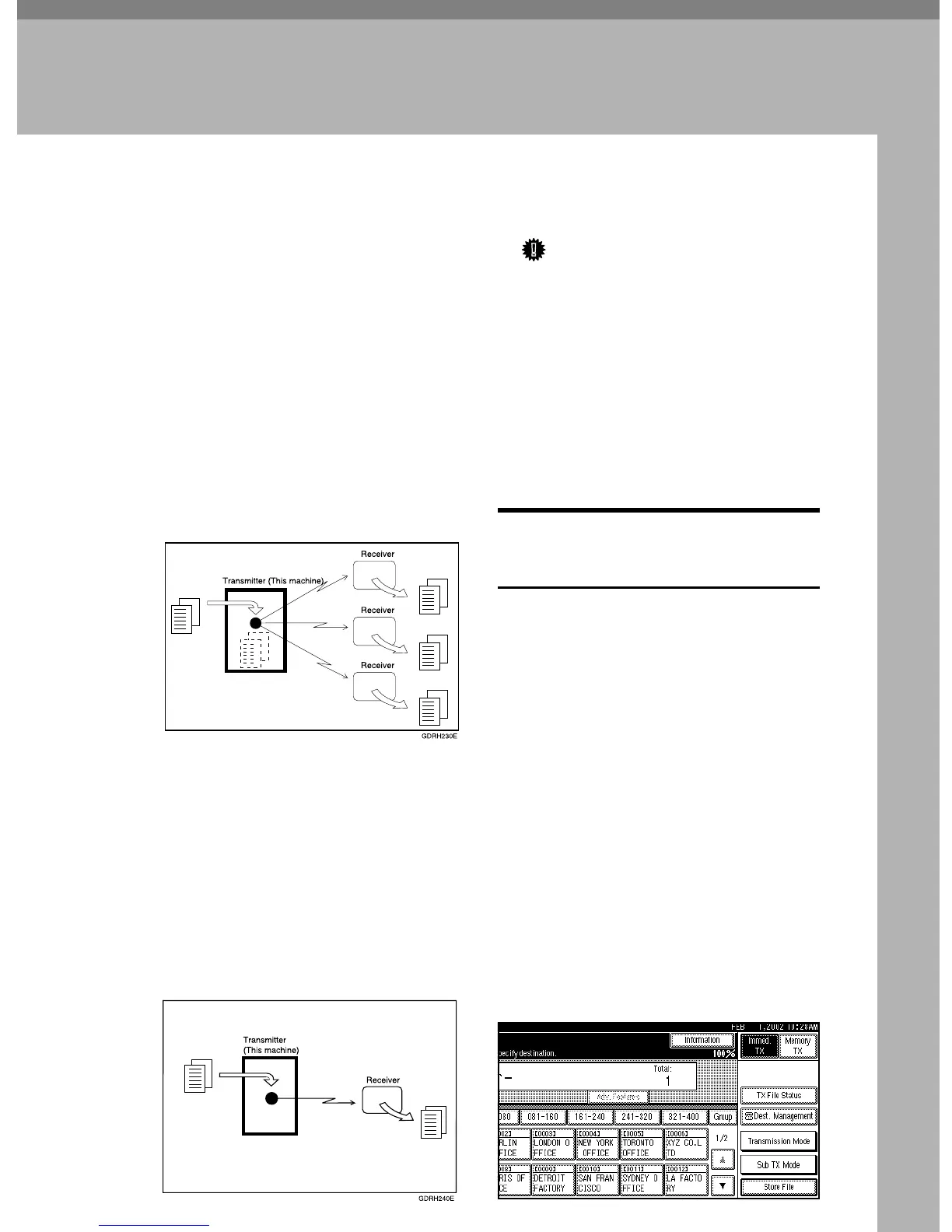
❖ Memory Transmission
Transmission starts automatically
after the original has been stored
once in the memory. It is a very
convenient method for when you
want to hurry and want to take the
document back with you. You can
also send the same original to sev-
eral destinations (Broadcasting).
❖
❖❖
❖ Immediate Transmission
Immediately dials the destination
number, and while reading the origi-
nal, sends it. It is very convenient
when you want to send an original
quickly or when you want to check
the destination you are sending to.
When using this type of transmission,
the original is not stored in the memo-
ry. You can only specify one address.
Important
❒ If the machine is switched off for
more than one hour, all the files
stored in the memory are deleted. If
files have been deleted, once the ma-
chine has been switched on again, a
Power Failure Report will be print-
ed. On this report, you can see which
files have been deleted. ⇒Chapter 10
“Power Failure Report” in the Ad-
vanced Features manual
Switching Memory Transmission
and Immediate Transmission
The basic procedure to send a fax
message is:
A
Make sure the Facsimile indicator is lit
B
Place your original
C
Dial the number
D
Press the {
{{
{Start}
}}
} key
The rest of this section describes these
steps and the various features that are
available in more detail.
There are two ways to send a fax message:
• Memory Transmission
• Immediate Transmission
Check the display to see which mode
is correctly active. You can change the
transmission mode by pressing
[Immed. TX] or [Memory TX].



 To Next Page