Operating InstructionsFacsimile Reference (option) <Advanced Features>
246
Note
❒ To change SEP Code, press [
Clear
] or the
{
{{
{Clear/Stop}
}}
} key and try again. To change
Box Name, press [Box Name], and then re-
peat from step
G
.
❒ If you make a mistake, press [Clear] or the
{
{{
{Clear/Stop}
}}
} key and try again.
J
JJ
J
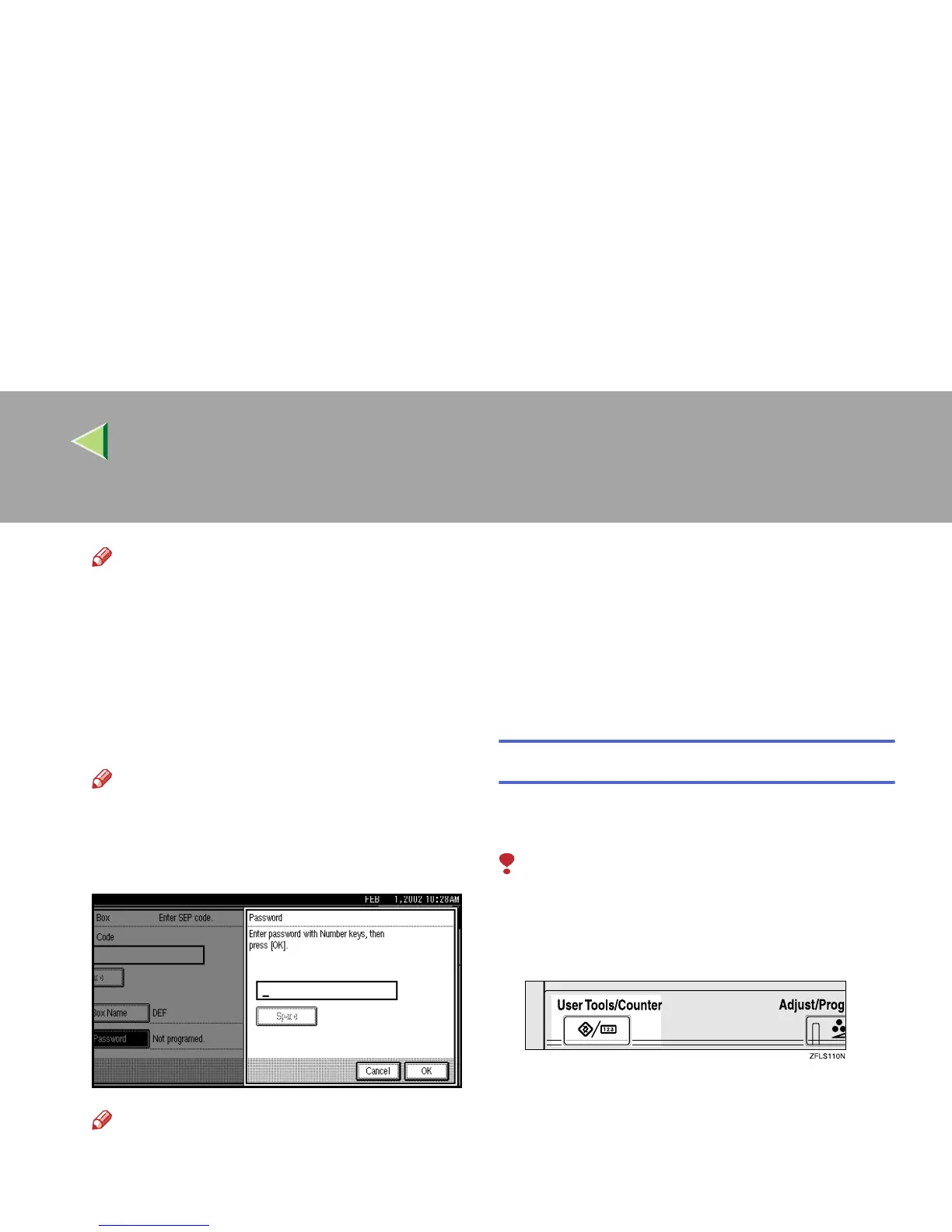
Press [Password].
Note
❒ If you do not want to program a password,
go to step
M
.
K
KK
K
Enter a password.
Note
❒ If you make a mistake, press [Clear] or the
{
{{
{Clear/Stop}
}}
} key and try again.
L
LL
L
Press [OK].
M
MM
M
Press [OK].
A box mode is shown next to the box.
N
NN
N
Press [Exit].
O
OO
O
Press the {
{{
{User Tools/Counter}
}}
} key.
The initial display is shown.
Deleting Information Boxes
This section describes how to delete Information
Boxes.
Limitation
❒ If messages are programmed in the Informa-
tion Box, you cannot delete the box.
A
AA
A
Press the {
{{
{User Tools/Counter}
}}
} key.
B
BB
B
Press [Facsimile Features].
The Facsimile Features menu is shown.



 To Next Page