Operating InstructionsFacsimile Reference (option) <Advanced Features>
172
Program/Change/Delete Menu
Changing the Order of the Quick
Dial Table
Use this feature to change the order of the pro-
grammed Quick Dial Table.
It is convenient if you list the receivers that you
fax to frequently on the first page of the Quick
Dial Table.
Note
❒ You can only change the order within Title 1,
Title 2, and Title 3. You cannot change the or-
der within the Destination List.
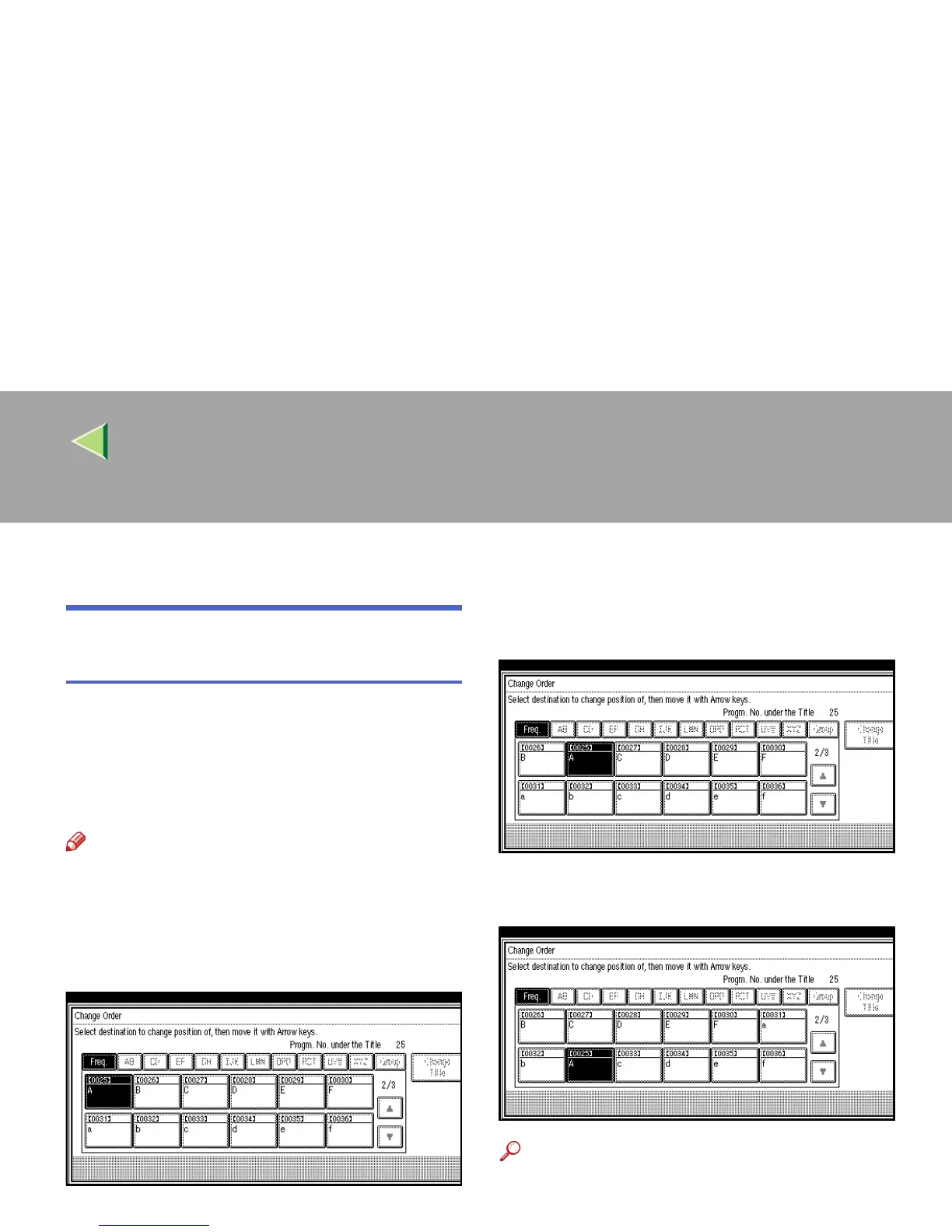
Pressing an arrow key will move the selection in
the direction of the arrow.
Start in the menu above. By pressing [→
→→
→], the
destination key moves to the right.
By pressing [↓
↓↓
↓] from the top menu, the destina-
tion key moves down.
Reference
❒ ⇒ Chapter 3, “Quick Dial” in the Basic Fea-
tures manual



 To Next Page