Turning On/Off the Power
21
2
Tuning Off the Main Power
Preparation
Normally, do not turn off the main power switch. When you have to turn off
this switch for some reason, follow the procedure below.
Important
❒ Do not turn off the main power switch while the on indicator is lit or blinking.
This may cause problems in the hard disk or memory.
❒ Be sure to turn off the main power switch before unplugging the power cord.
This may cause problems in the hard disk or memory.
❒ Make sure that 100% is shown on the display before you turn the main power
switch off or unplug the power cord. Fax files stored in memory will be delet-
ed an hour after you turn the main power switch off or unplug the power
cord.
A
AA
A
Make sure the On indicator is off.
B
BB
B
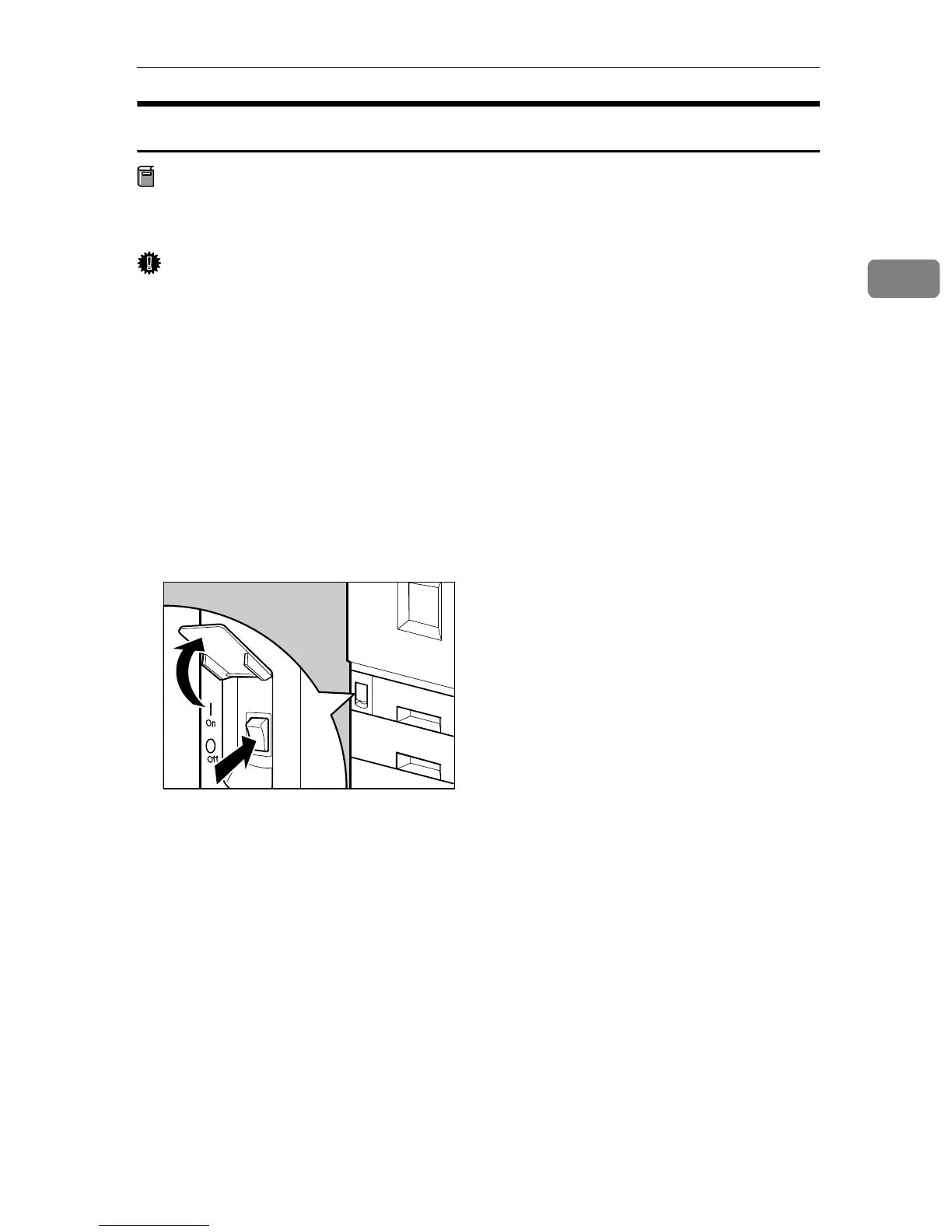
Open the switch cover and turn off the main power switch (make sure that
the Main Power indicator goes off).
ZFNH052J



 To Next Page