Operating Instructions Copy Reference <Advanced Features>
82
Duplex
Problem Cause Solution & Reference
Order of copies is not correct. You placed the originals in the incor-
rect order.
When placing a stack of originals in
the optional document feeder (ADF),
the last page should be on the bottom.
If you place an original on the expo-
sure glass, start with the first page to
be copied.
Orientation of copies (Top to Top, or
Top to Bottom) is not correct.
You placed the originals in the wrong
orientation or the orientation setting
is incorrect.
Select the correct orientation, or
place originals correctly. ⇒ “Placing
Originals”, Basic Features manual
Note
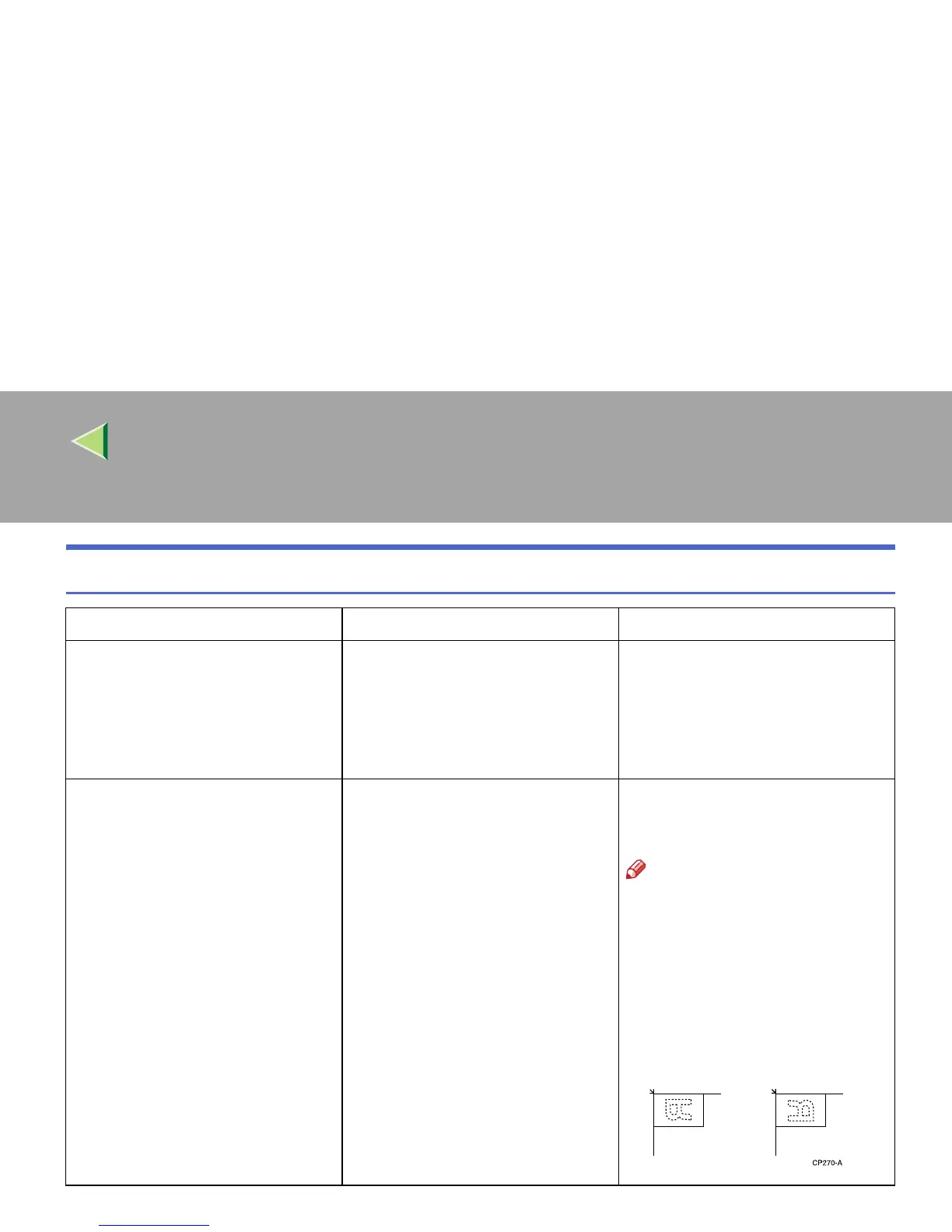
❒ If you place A3, 11" × 17" or
B4, 8
1
/
2
" × 14" originals as
shown below, select [Top to
Bottom] to make copies in
“Top to Top” orientation. Or
select [Top to Top] to make
copies in “Top to Bottom” ori-
entation.



 To Next Page