Operating Instructions Scanner Reference
60
Original Orientation and Scan Area Setting
To correctly display the top/bottom orientation of
the scanned original on a computer, original ori-
entation and page flow must be set when placing
the original.
When using the network delivery scanner and
Document Server, settings are made on the con-
trol panel of the machine. When using the ma-
chine as a network TWAIN scanner, settings are
made on the TWAIN driver.
For a Network Delivery Scanner
and Document Server
A
AA
A
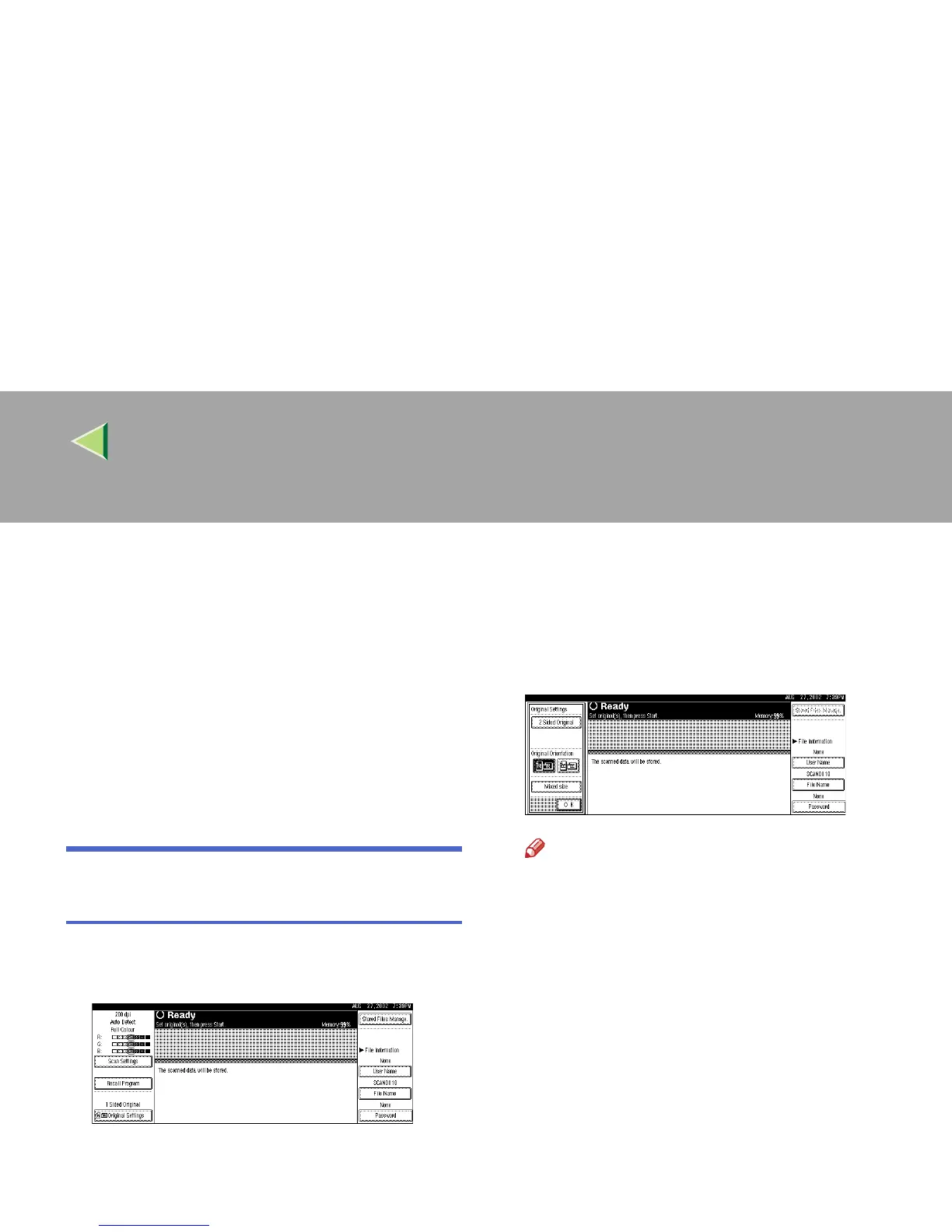
On the Scanner Function screen, press
[Original Settings].
B
BB
B
Make settings for original orientation, 1
sided/2 sided combination, and mixed orig-
inal sizes.
Note
❒ The initial values can be changed under
[
Original Setting
], [
Original Orientation Priori-
ty
], or [
Mixed Original Sizes Priority
] in the
Scanner Initial Setup. ⇒ p.35 “Making
Scanner Settings”



 To Next Page