Operating Instructions Copy Reference <Advanced Features>
62
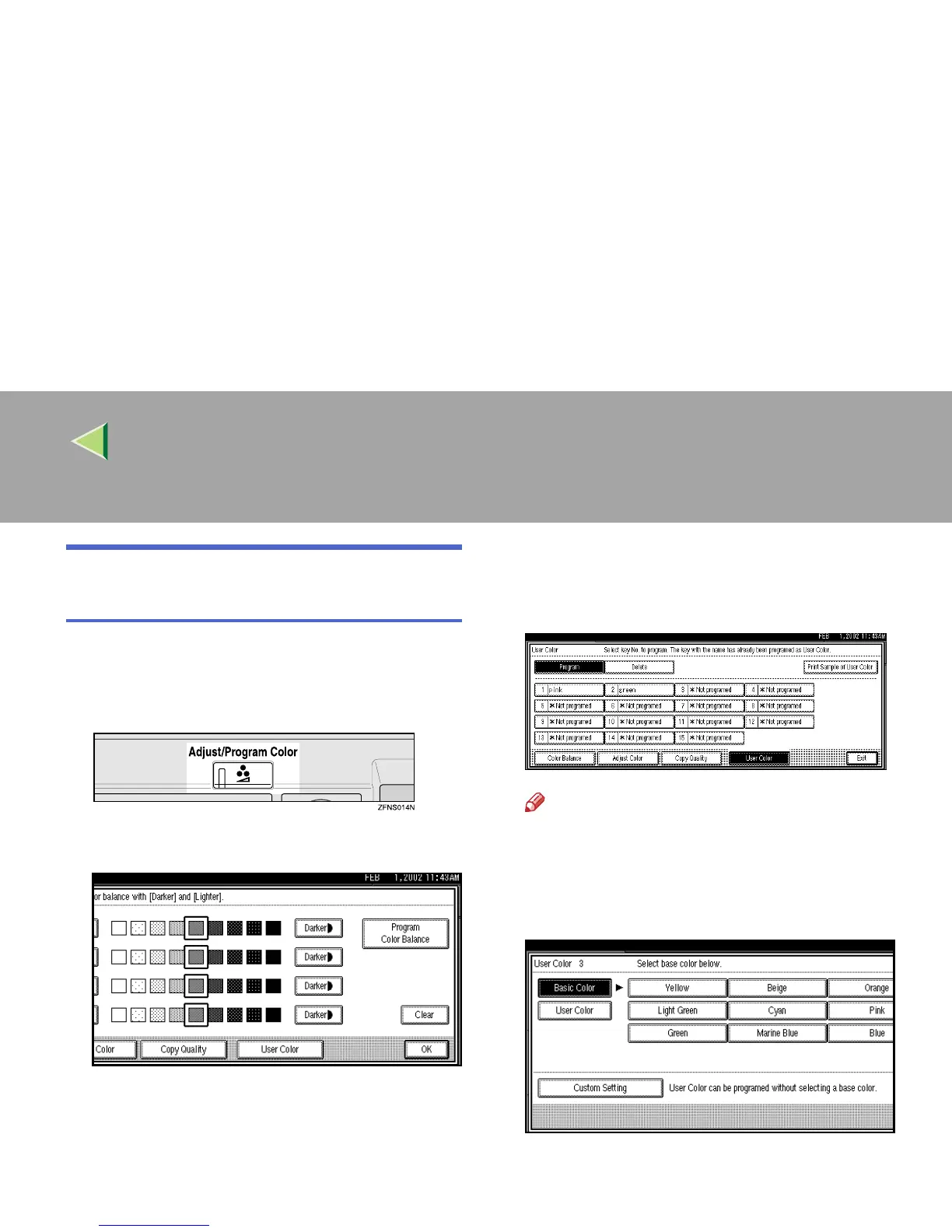
Mixing Colors Manually with the
Number Keys
A
AA
A
Press the {
{{
{Adjust/Program Color}
}}
} key.
The Adjust/Program Color indicator lights
up.
B
BB
B
Press [
User Color
].
C
CC
C
Make sure that [Program] is selected.
D
DD
D
Select the number ([
1*Not programed
] to
[
15*Not programed
]) that you want to store
the user color in.
Note
❒ The contents of the user color will change
when selecting the number already dis-
played by the color name.
E
EE
E
Press [Custom Setting].



 To Next Page