Operating Instructions Copy Reference <Advanced Features>
68
Other Functions
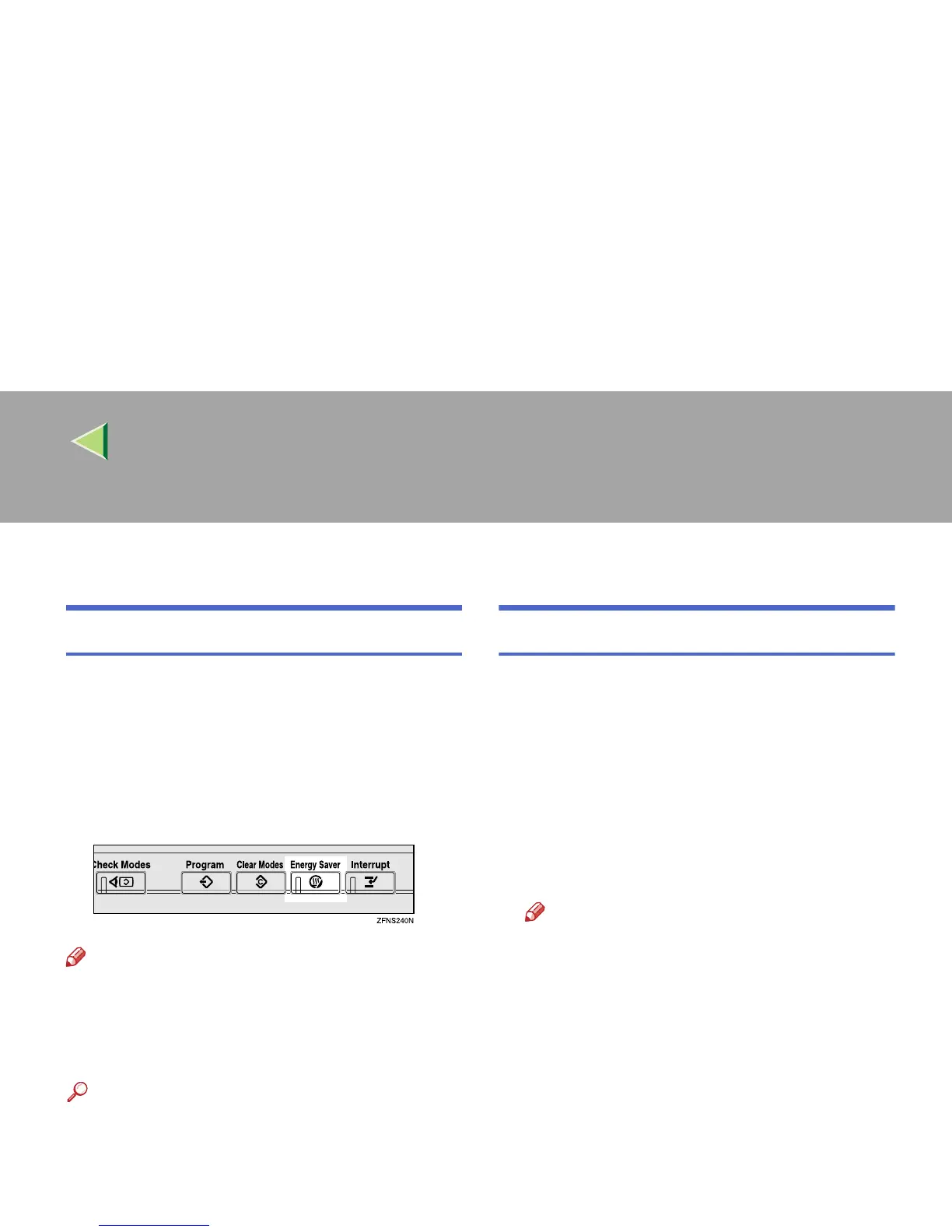
Energy Saver Mode
If you do not operate the machine for a certain pe-
riod after copying or when you press the {
{{
{Energy
Saver}
}}
} key, the display disappears and the ma-
chine enters Energy Saver mode. When you press
the {
{{
{Energy Saver}
}}
} key again, the machine re-
turns to the ready condition. In Energy Saver
mode, the machine uses less electricity.
Note
❒ If you press the {
{{
{Energy Saver}
}}
} key during an
operation, the current settings will be cleared.
❒ It takes about 3 seconds to return to the ready
condition from Energy Saver mode.
Reference
The time for activating the “Energy Saver”
mode can be changed in the System Settings.
⇒ “Panel Off Timer”, Administrator Reference
2 Copier System Edition
Auto Start
With this function you can automatically start
copying when the machine is on standby.
A
AA
A
While “Please wait.” is displayed, make the
copy settings.
B
BB
B
Place your originals.
C
CC
C
Press the {
{{
{Start}
}}
} key.
The start lamp blinks.
Note
❒ To cancel the above procedure, press the
{
{{
{Clear/Stop}
}}
} key.



 To Next Page