Operating Instructions Scanner Reference
111
Powering Off the Machine
Peripheral devices such as the HDD and memory
are used by a variety of functions. Correct power-
off procedures must be observed in order to avoid
damaging these peripherals. Also, remember that
powering off the machine may result in loss of
any scan data that is awaiting transmission.
This section explains procedures and precautions
to be observed when turning off the machine's
main power.
Reference
❒ For more information, see "Turning On and
Off the Power" in Administrator Reference 1.
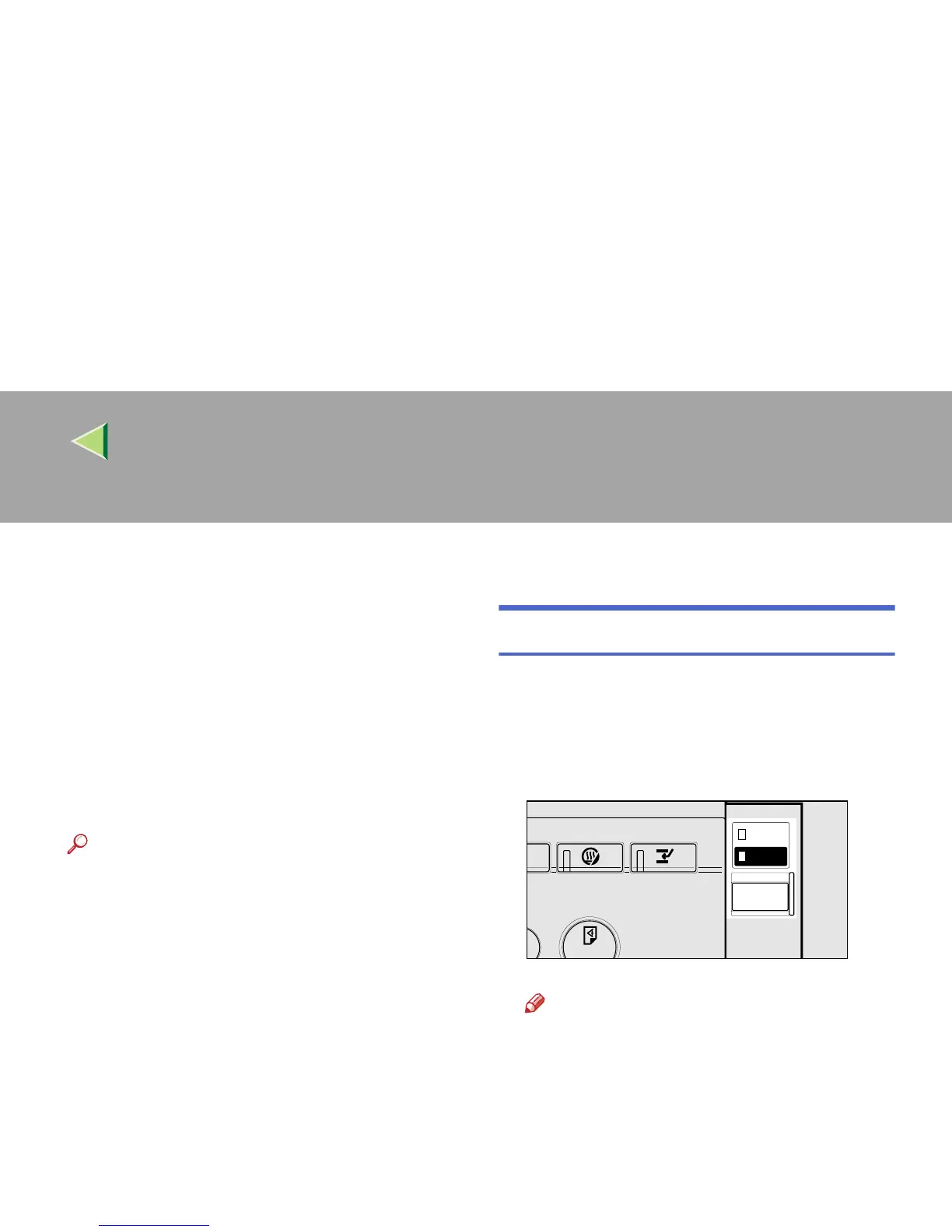
Turning Off the Operation Switch
A
AA
A
Make sure that the exposure glass cover or
ADF are closed.
B
BB
B
Press the Operation Switch and check that
the power indicator goes off.
Note
❒ Under the following conditions, pressing
the Operation Switch causes the power in-
dicator to flash instead of going out.
• The exposure glass cover or ADF is
open.
• Communication is taking place be-
tween the machine and a connected
device.
• The HDD is operating.
ZEWS020E



 To Next Page