Operating InstructionsFacsimile Reference (option) <Advanced Features>
65
Storing Messages in Information
Boxes
Follow these steps to store a message in an Infor-
mation Box.
Preparation
❒ Before using this function, set the Information
Box in advance. ⇒ p.244 “Programming/Edit-
ing Information Boxes”
Note
❒ One Information Box stores one file.
❒ The stored file is not deleted automatically. If
you want to delete a stored file. ⇒ p.70 “De-
leting Information Box Messages”
A
AA
A
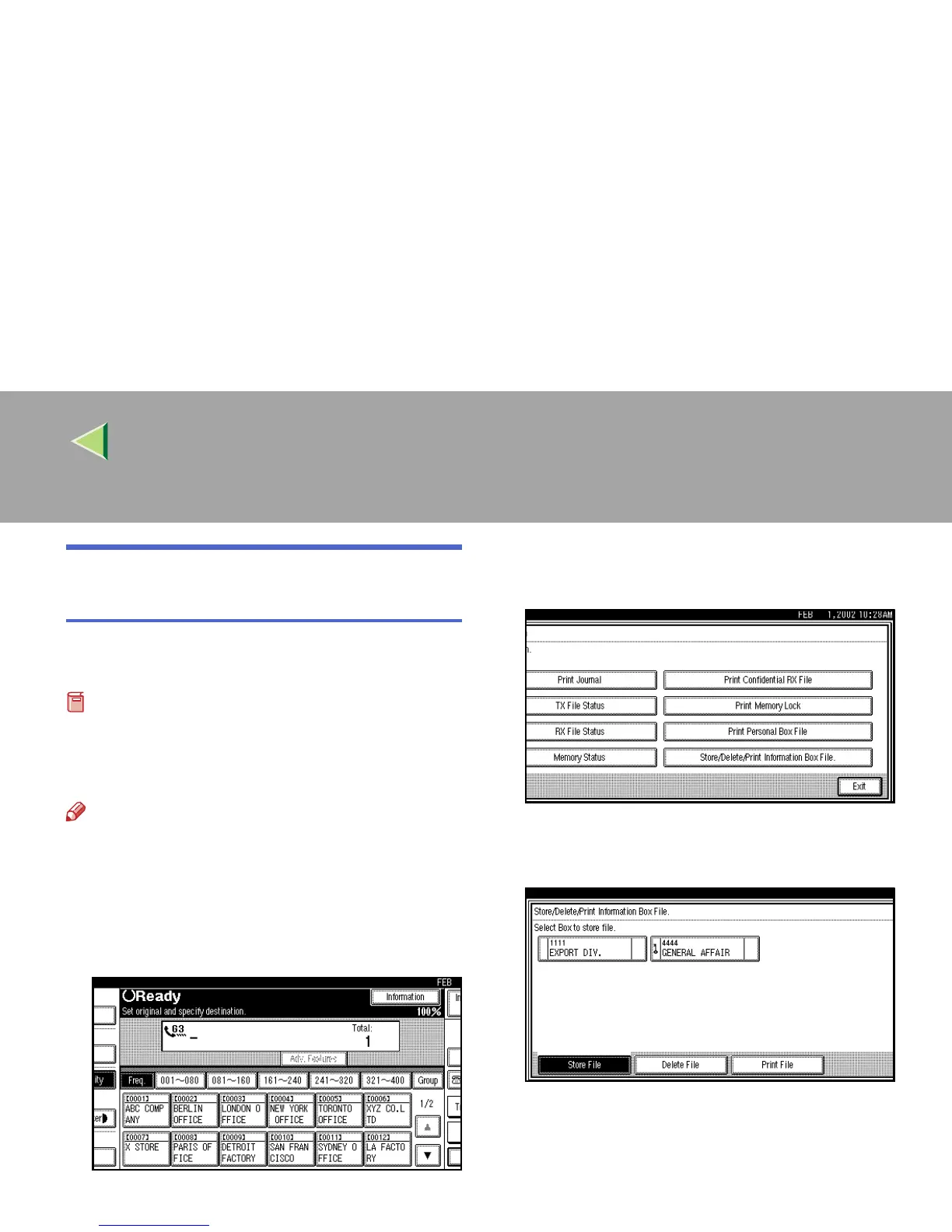
Press [Information].
The information menu is shown.
B
BB
B
Select [Store/Delete/Print Information Box
File.].
C
CC
C
Select the box in which you want to store
the file.



 To Next Page