Operating Instructions Scanner Reference
23
Using as a Network Delivery Scanner
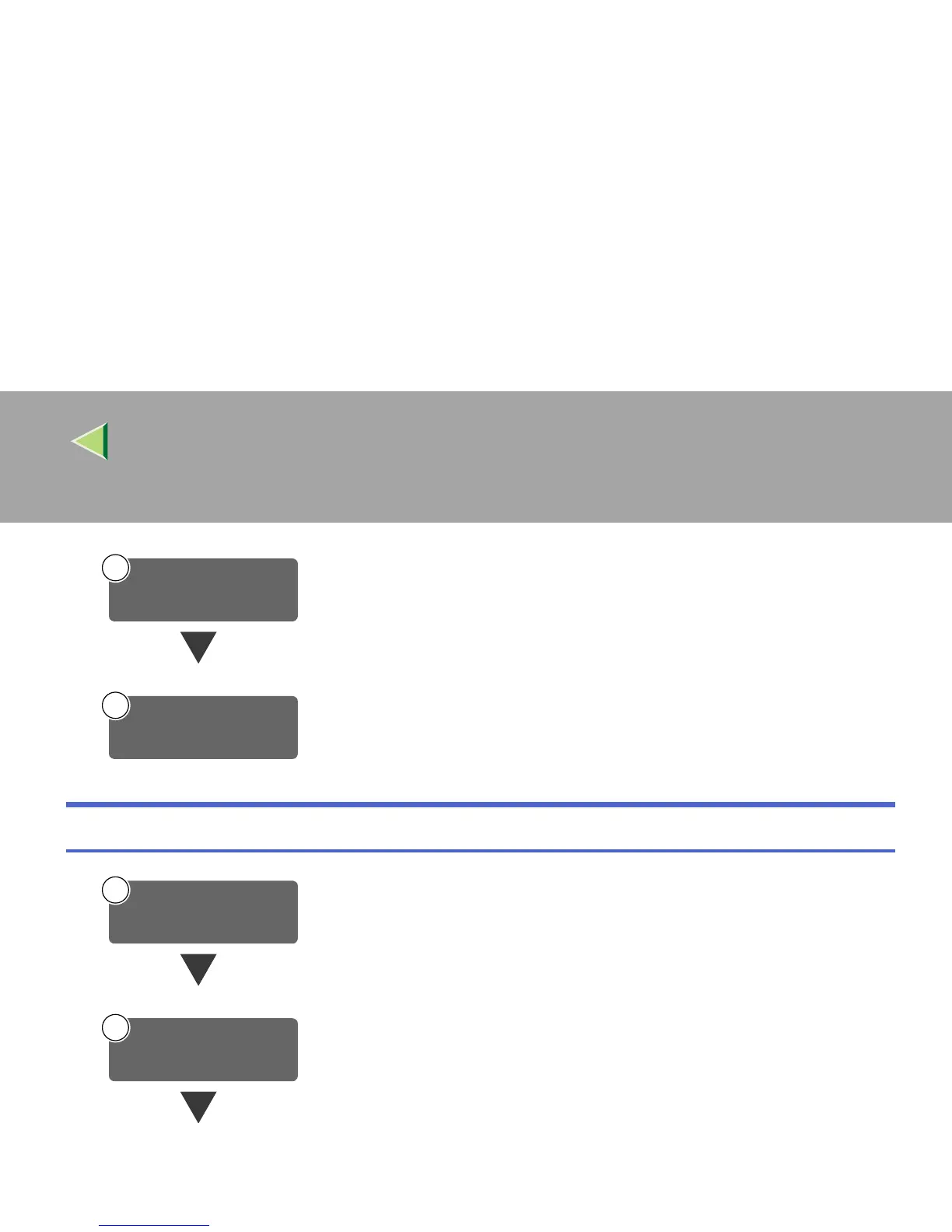
Make settings such as compression setting for the TWAIN scanner.
⇒ p.26 “Initial Scanner Setup”
On the client computers, install the software required for using the network
TWAIN scanner functions, such as TWAIN driver and DeskTopBinder V2
Lite.
⇒ p.44 “Software for using a Network TWAIN Scanner”
Connect the machine to the network with an Ethernet cable.
⇒Administrator Reference 1
Check the network settings in System Settings, and change if required.
⇒Administrator Reference 1
3
Make Scanner
Settings
4
Install Software
Connect to Network
1
Make System Settings
2



 To Next Page