Placing Originals
19
1
Note
❒ Straighten curls in the originals
before placing them in the op-
tional document feeder (ADF).
❒ To avoid a multi-sheet feed,
shuffle the originals before plac-
ing them in the optional docu-
ment feeder (ADF).
Original Orientation
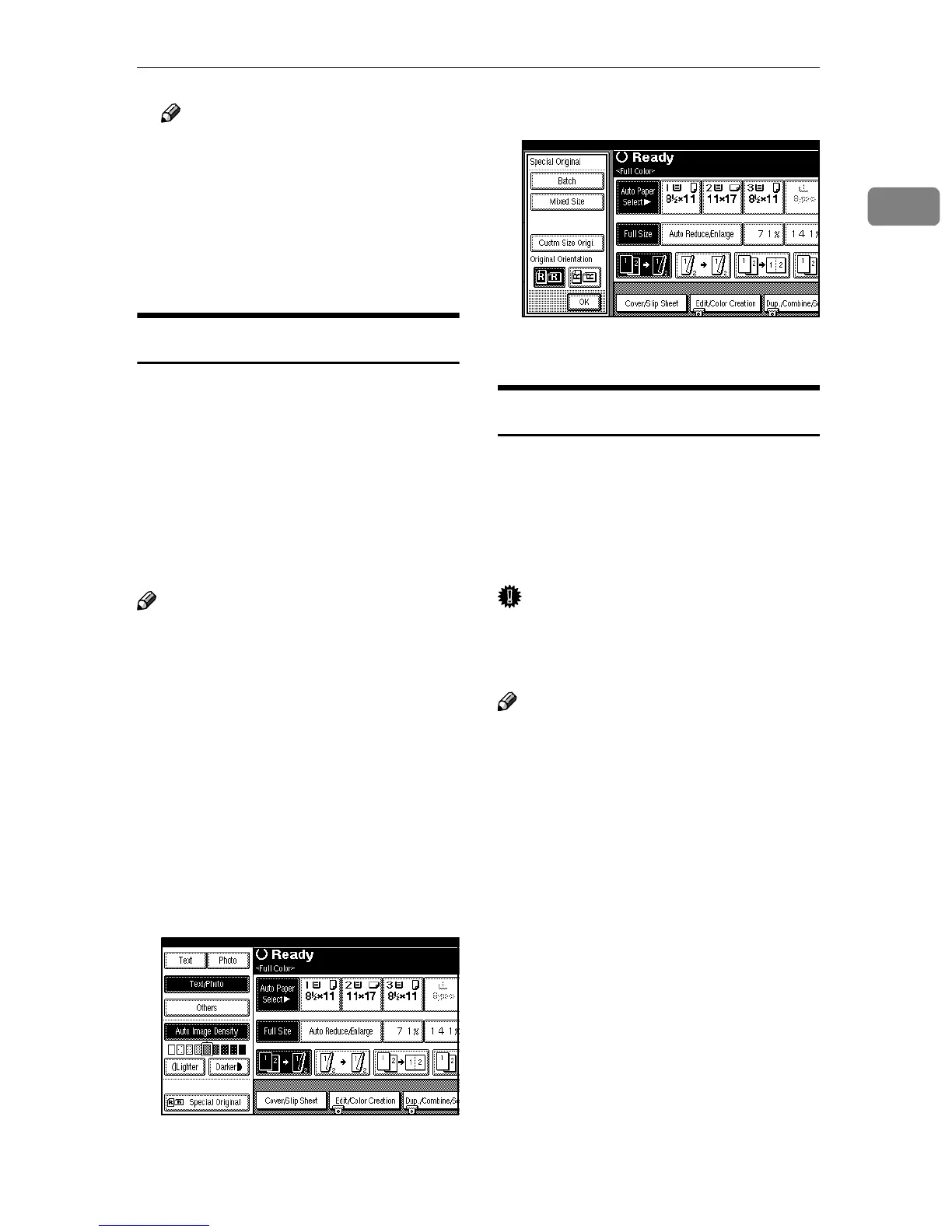
You can set the original orientation in
the following ways.
To use the Staple or Punch function
on originals such as A3K, B4K or 11"
× 17"K, which cannot be scanned if
the original's orientation is not
changed, select the orientation to sta-
ple, punch or for duplex, combine
copying correctly.
Note
❒ Each of the following options is
necessary when using the Staple,
Punch, Duplex and Combine (2
Sided) functions:
• Staple → 2 Tray Finisher
• Punch → 2 Tray Finisher, Punch
Kit
• Duplex → Duplex unit, hard
disk unit (40 GB)
• Combine (2 Sided) → Duplex
unit, hard disk unit (40 GB)
A
AA
A
Press [Special Original].
B
BB
B
Select the original orientation.
C
CC
C
Press [OK].
Batch Mode
The optional document feeder (ADF) is
required.
Up to 80 standard originals can be
placed in the optional document feed-
er (ADF) at a time.
Important
❒ When placing special originals,
such as translucent paper, place
them one by one.
Note
❒ You can scan A3 sized color 2 sid-
ed originals of more than 50 pages
and A3 sized color 1 sided origi-
nals of more than 100 pages using
the Batch mode. The maximum
number of pages to be scanned can
change depending on the color or
paper size.
❒ [Batch] can be changed to [SADF].
⇒ "Switch to Batch", Advanced Fea-
tures manual



 To Next Page