Placing Originals
19
2
• Originals with index tabs, tags, or
other projecting parts
• Sticky originals, such as translu-
cent paper
• Thin and soft originals
• Originals of inappropriate weight
• Originals in bound form, such as
books
• Transparent originals, such as
OHP transparencies or translucent
paper
Setting a Scan Area
Normally, the area of a placed docu-
ment is scanned automatically. If a
scan area is specified, the document is
scanned accordingly. Thus, docu-
ments can be sent without extra space
or blank margins. Normally, all docu-
ments loaded in the optional Docu-
ment Feeder (ADF) are scanned as the
same sizes. To scan originals of differ-
ent sizes as different sizes, use Mixed
Original Sizes.
❖
❖❖
❖ Auto Detect
The area of a placed document is
scanned automatically.
❖
❖❖
❖ Regular
The placed document is scanned
according to the specified size re-
gardless of its actual size.
The sizes that can be specified are
A4, B4, A3, 8
1
/
2
" × 11", 8
1
/
2
" × 14",
and 11" × 17".
❖
❖❖
❖ Area
Enter the area to be scanned. The
placed document is scanned ac-
cording to the entered size regard-
less of its actual size. ⇒ Chapter 7,
“Programming and Changing a
Scan Size” in the Advanced Fea-
tures manual
❖
❖❖
❖ Mixed Original Sizes
Select this to scan one by one the
size of originals loaded in the op-
tional Document Feeder (ADF).
For example, when A4 and B4 size
originals are sent together, usually
all are sent as B4 size. By selecting
Mixed Original Sizes, the machine
scans and sends each document ac-
cording to its size.
Note
❒ When using the Mixed Original
Sizes, the machine sends the
originals by Memory Transmis-
sion.
❒ When using the Mixed Original
Sizes feature, rotation transmis-
sion is disabled.⇒ Chapter 4,
“Transmission with Image Ro-
tation” in the Advanced Fea-
tures manual
A
AA
A
Place the originals, and select any
scan settings you require.
Note
❒
When placing different size origi-
nals into the optional Document
Feeder (ADF), adjust the docu-
ment guide to the largest original.
❒ Small originals may be sent at a
slight slant since they do not
match the document guide.
B
BB
B
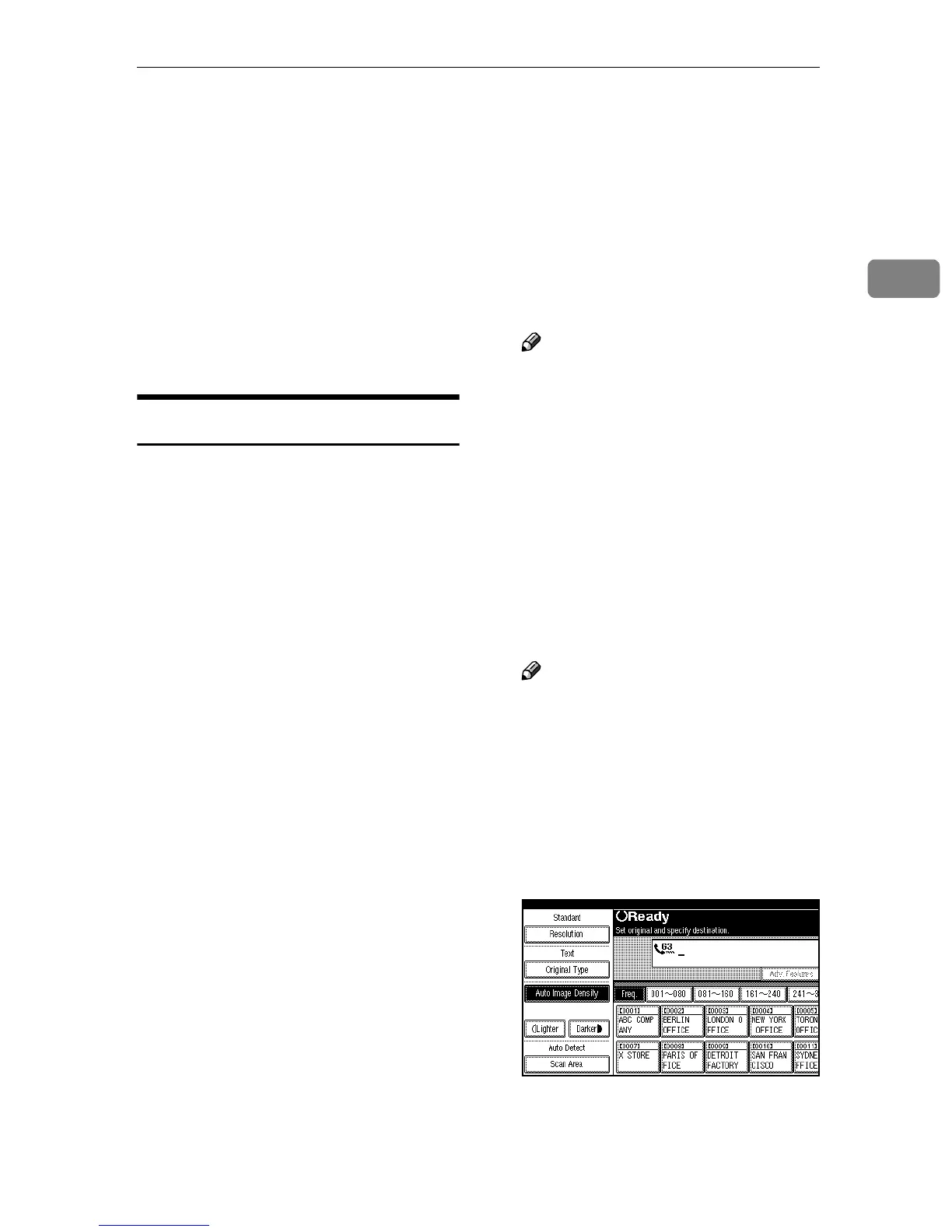
Press [Scan Area].
The Scan Area menu is shown.



 To Next Page