Faxing
20
2
C
CC
C
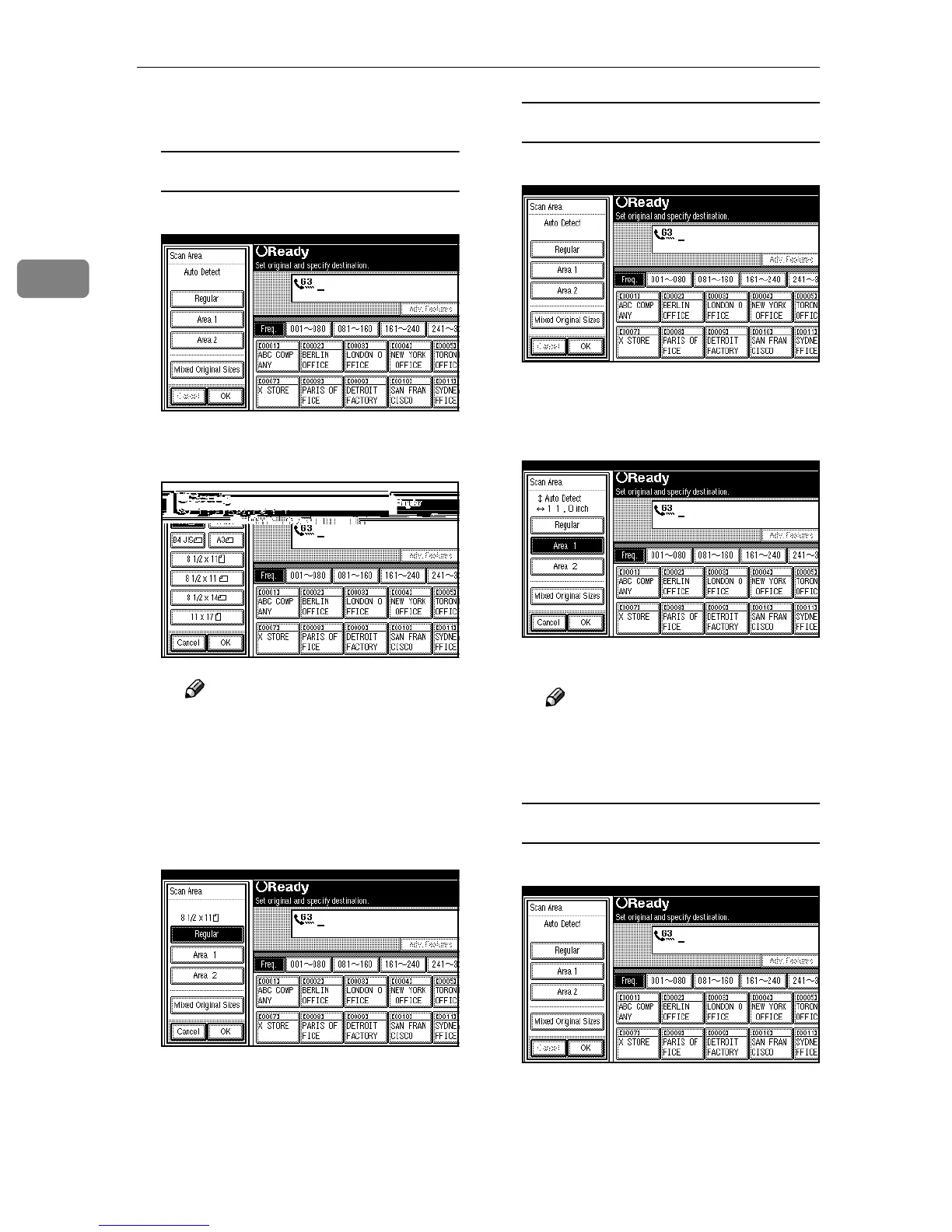
Select the scan area.
Specifying Standard Sizes
A
AA
A Press [Regular].
B
BB
B Press the size of the originals
to be sent.
Note
❒ To cancel the specified stan-
dard size, press [Cancel]. The
display appears as in step A.
C
CC
C Press [OK].
The specified size is shown.
D
DD
D Press [OK].
[Regular] is highlighted on the
display and the size is shown
above it.
Specifying Programmed Sizes
A
AA
A Press [Area 1] or [Area 2].
[Area 1] or [Area 2] is highlighted.
The scan area of the pro-
grammed size is shown.
B
BB
B Press [OK].
Note
❒ To cancel the set programmed
size, press [Cancel]. The menu
returns to that of step
B
.
Specifying Mixed Original Sizes
A
AA
A Press [Mixed Original Sizes].
[Mixed Original Sizes] is highlight-
ed.



 To Next Page