CAUTION:
A
AA
A
If the 2 Tray Finisher is installed, detach it
from the printer.
Reference
⇒ p.69 “Detaching the 2 Tray Finisher”
B
BB
B
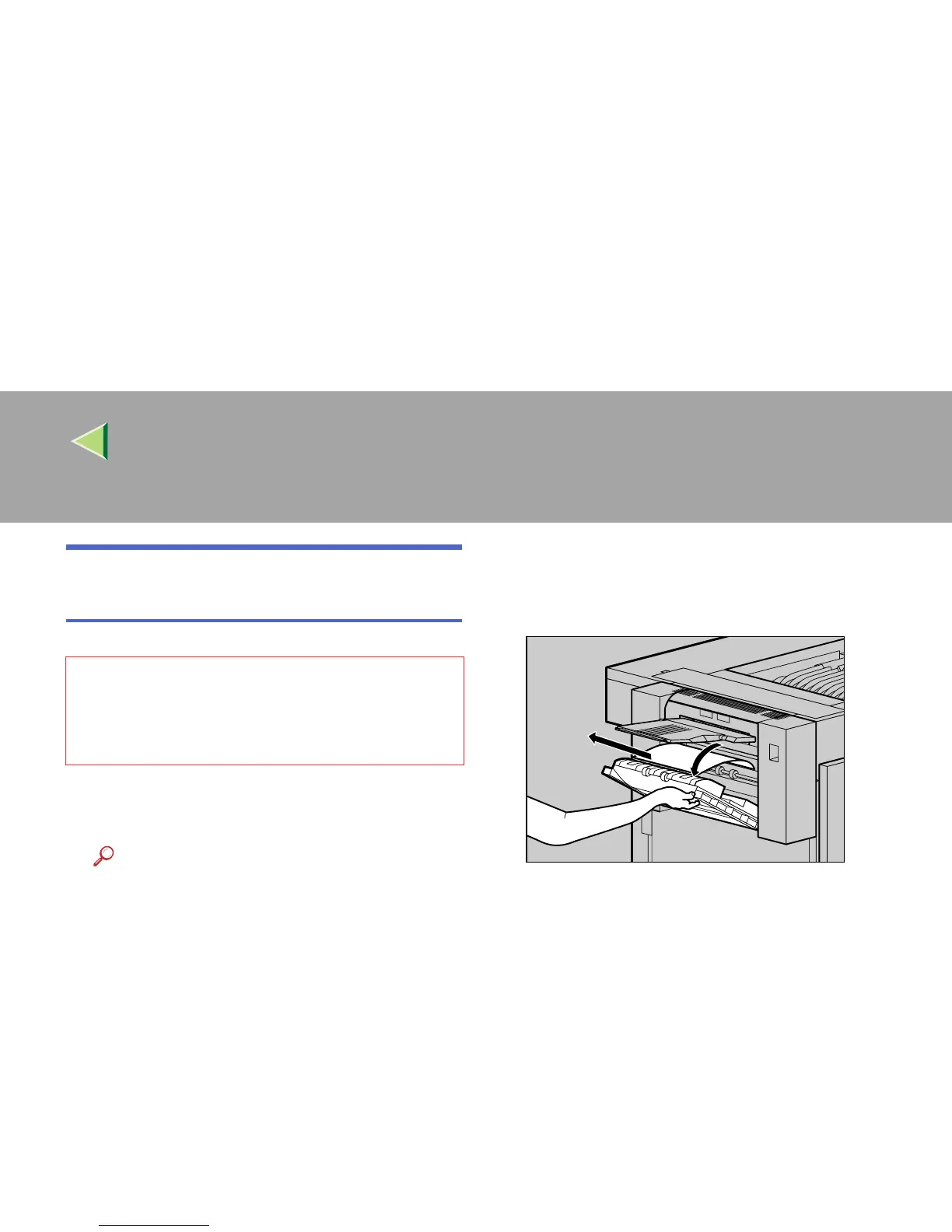
Open the left cover for the Duplex Reversal
Unit, and remove the misfed paper. Do not
pull the paper out by force.
If you cannot remove the paper, proceed to
step
C
.
• The inside of the machine becomes very
hot. Do not touch the parts with a label indi-
cating a "hot surface". Touching a "hot sur-
face" could result in a burn.
ZDJY210J



 To Next Page