Basic Copying
62
1
Duplex
This function can be used in follow-
ing ways:
• 1 Sided → 2 Sided
• 2 Sided → 2 Sided
• 2 Sided → 1 Sided
Duplex
The optional duplex unit and hard disk
unit (40 GB) are required.
❖
❖❖
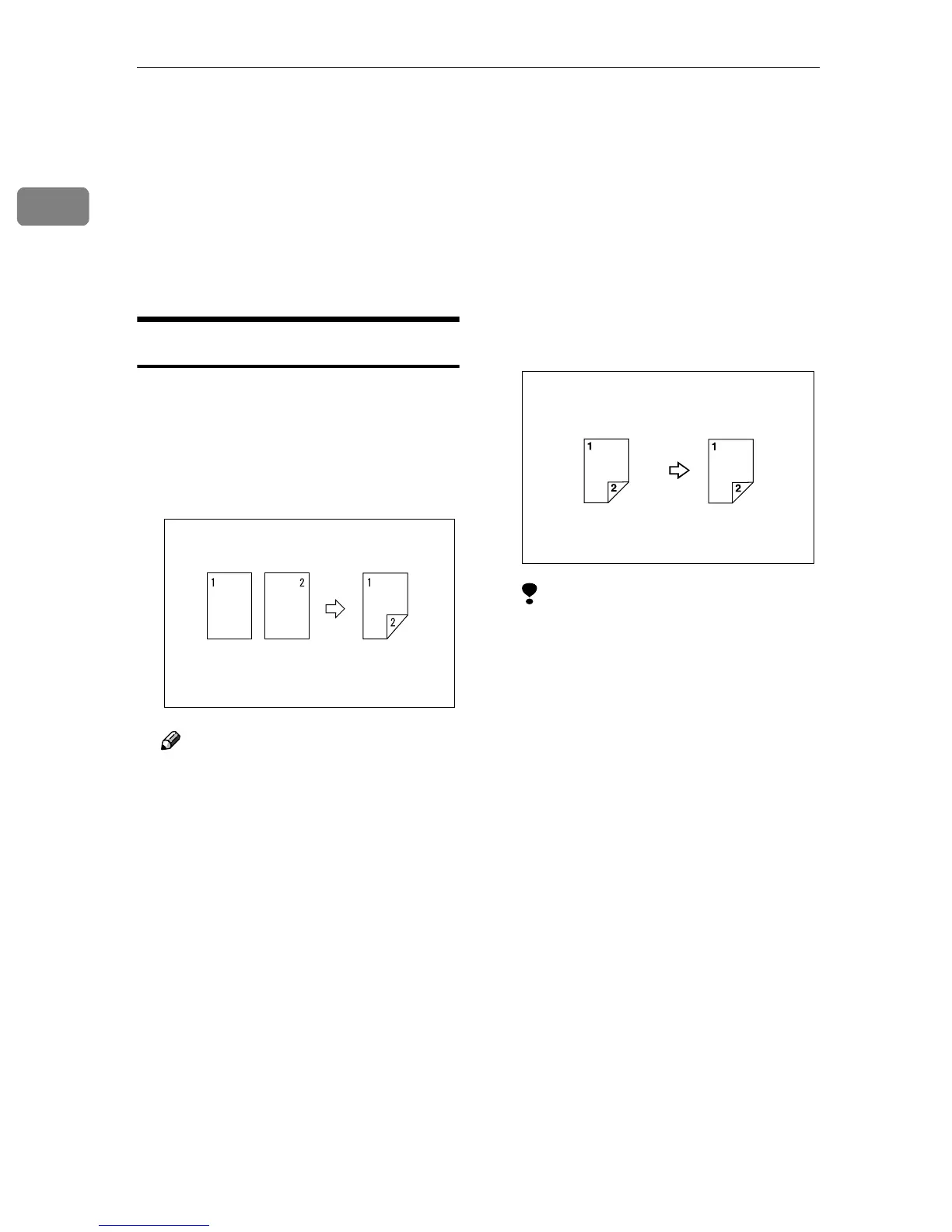
❖ 1 Sided →
→→
→ 2 Sided
This mode makes two-sided copies
from one-sided originals.
Note
❒ If you set an odd number of 1-
Sided originals in the optional
document feeder (ADF), the re-
verse side of the last page is left
blank.
❒ When original images are cop-
ied, the images are shifted by
the width of the binding mar-
gin. You can adjust the binding
margin or binding position. You
can also change their default
values. ⇒ “Front Margin:
Left/Right”, “Back Margin:
Left/Right”, “Front Margin:
Top/Bottom” and “Back Mar-
gin: Top/Bottom”, Advanced
Features manual
❒ A binding margin can be auto-
matically made on the back
side. ⇒ “1 sided → 2 sided Auto
Margin: T to T”, Advanced Fea-
tures manual
❖
❖❖
❖ 2 Sided →
→→
→ 2 Sided
This mode makes two-sided copies
from two-sided originals.
Limitation
❒ You cannot use the following
copy paper in this function:
• Paper smaller than A5K
(possible on A5K)
• Paper larger than A3L, 11"×
17"L
• Paper thicker than 105g/m
2
,
28 lb.
• Paper thinner than 60g/m
2
,
16 lb.
• Translucent paper
• Adhesive labels
• OHP transparencies
• Thick paper
• Postcards
❒ You cannot use the Bypass Tray
with this function.



 To Next Page