Operating Instructions Scanner Reference
95
Changing File Information
The information about files stored in the Docu-
ment Server (user name, file name, password)
can be changed.
Limitation
❒ Information about delivery standby files can-
not be changed.
A
AA
A
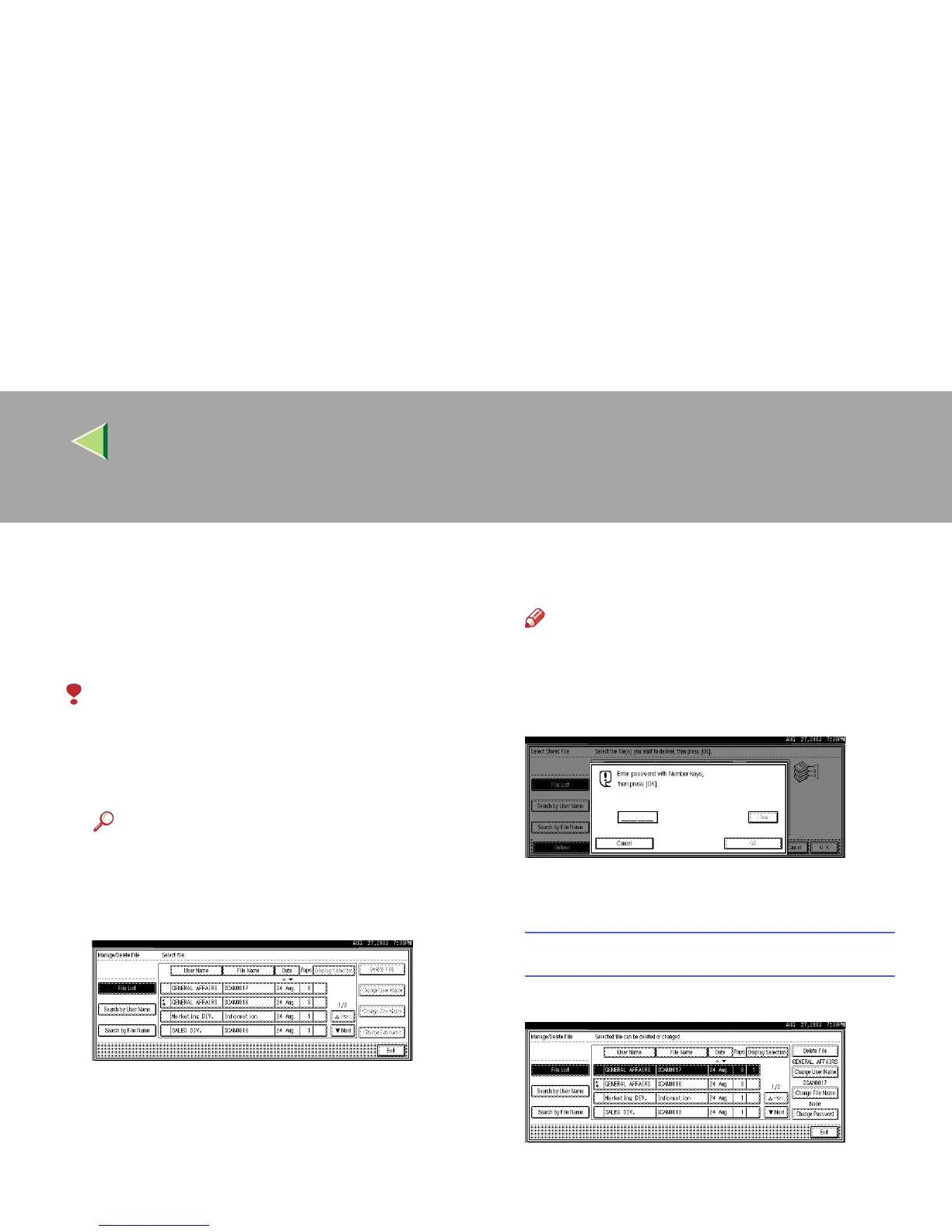
Display the list of stored files.
Reference
❒ ⇒ p.88 “Viewing a List of Stored Files”
B
BB
B
Select the file for which you want to change
the file information.
Note
❒ When you select a password protected
file, the Password Entry screen appears.
Enter the correct password, and then
press [OK].
C
CC
C
Change the file information.
Changing the user name
A
AA
A Press [Change User Name].
The screen for changing the user name ap-
pears.



 To Next Page