Operating InstructionsFacsimile Reference (option) <Advanced Features>
163
Setting a File Name
A
AA
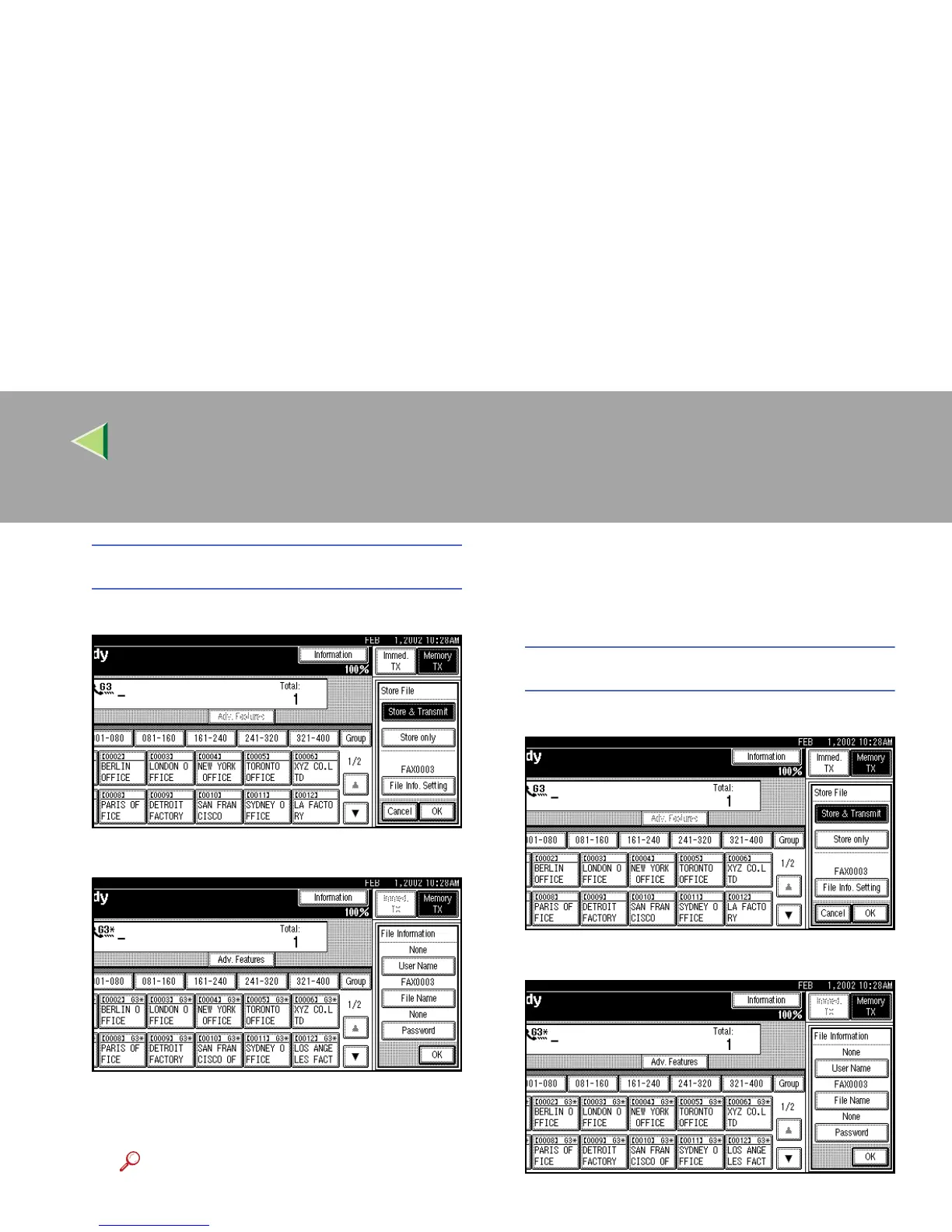
A Press [File Info. Setting].
B
BB
B Press [File Name].
The File Name change menu is shown.
C
CC
C Enter the file name.
Reference
❒ ⇒ Chapter 3, “Entering Text” in the Ba-
sic Features manual
D
DD
D Press [OK].
The changed file name is shown.
E
EE
E Press [OK].
Setting a Password
A
AA
A Press [File Info. Setting].
B
BB
B Press [Password].
The Password setting menu is shown.



 To Next Page