Operating Instructions Copy Reference <Advanced Features>
65
Note
❒ Press [Do not Delete] if you do not want to
delete.
F
FF
F
Press [Exit].
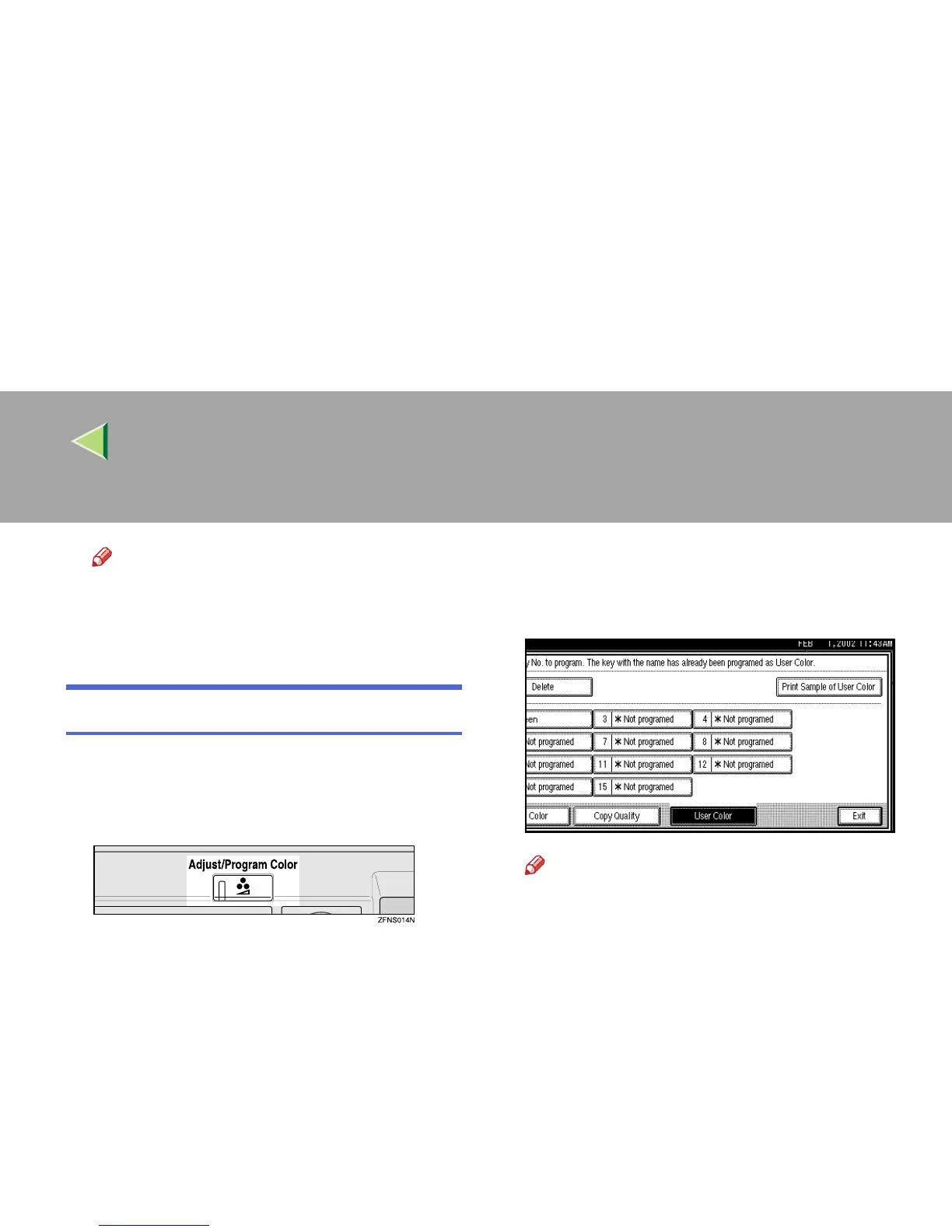
Sampling the User Colors
A
AA
A
Press the {
{{
{Adjust/Program Color}
}}
} key.
The Adjust/Program Color indicator lights
up.
B
BB
B
Press [User Color].
C
CC
C
Make sure the copy paper, and then press
[
Print Sample of User Color
].
The Sample of User Color is printed.
Note
❒ The sample will be copied on a A4K , 8
1
/
2
"
× 11"K sheet or a A3L, 11" × 17"L
sheet.



 To Next Page