Operating Instructions Scanner Reference
15
Document Server
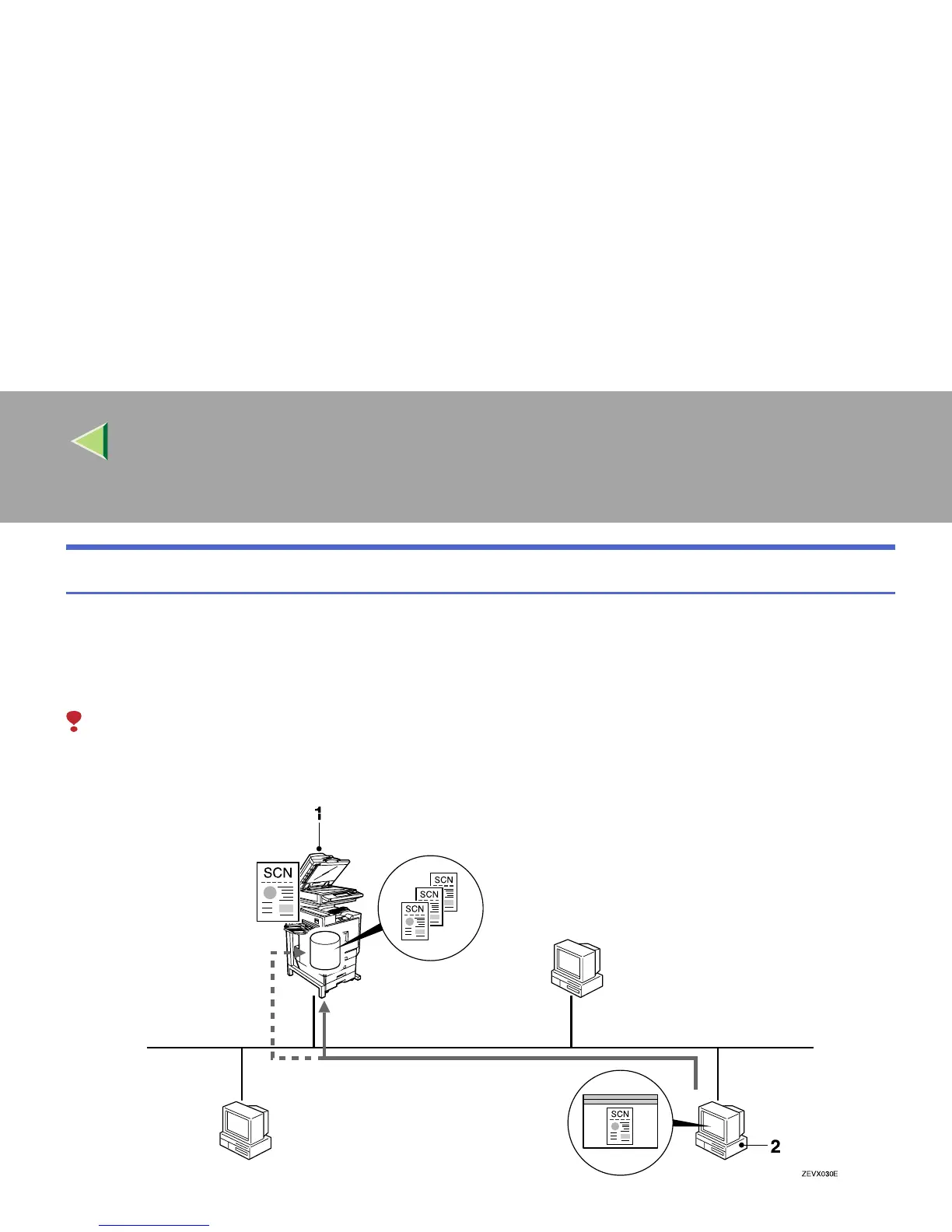
The original scanned by the scanner function is stored as a document on the hard disk of the machine,
and viewed or deleted using DeskTopBinder V2 Lite/Professional from the computer via a network.
Documents can be searched by the user name or the document name. Also, others cannot view the doc-
ument by setting a password. For more information, see p.81 “Using the Document Server”.
Limitation
❒ The optional HDD (40 GB) is required to use this function.



 To Next Page