Basic Copying
20
1
A
AA
A
Press [Special Original].
B
BB
B
Press [Batch].
C
CC
C
Press [OK].
D
DD
D
Place your originals, and then
press the {
{{
{Start}
}}
} key.
E
EE
E
After all the previously placed
originals are fed, place the next
originals.
1: Limit mark
2: Document guide
Note
❒ When the Sort, Combine or 1
Sided→2 Sided mode has been
set, press the {
{{
{#}
}}
} key after all
originals are scanned.
SADF Mode
The optional document feeder (ADF) is
required.
This function automatically feeds
originals when they are placed one by
one in the optional document feeder
(ADF).
Note
❒ It is necessary to set [Switch to
Batch] to [SADF] when using the
SADF mode. ⇒ “Switch to Batch”,
Advanced Features manual
A
AA
A
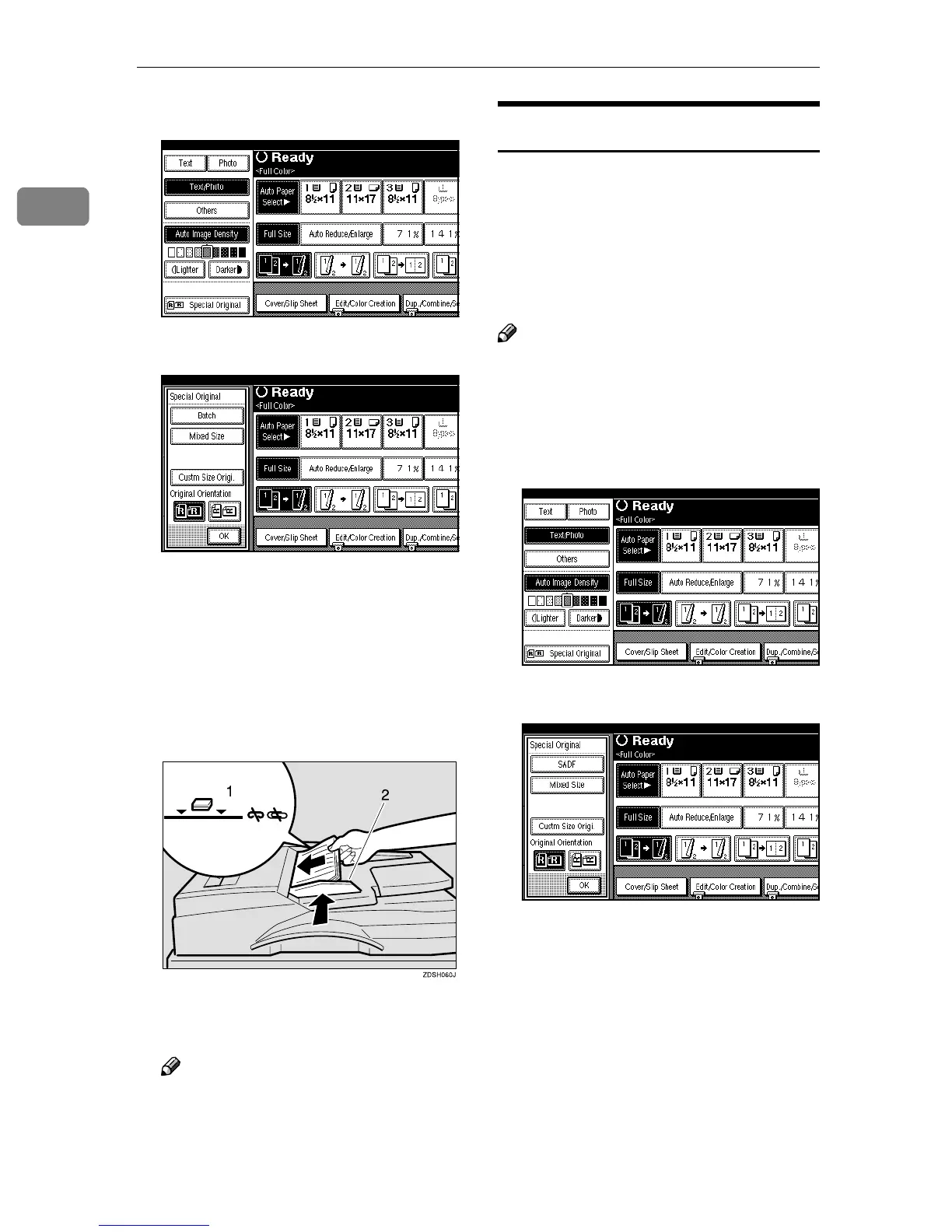
Press [Special Original].
B
BB
B
Press [SADF].
C
CC
C
Press [OK].
D
DD
D
Place one page of an original, and
then press the {
{{
{Start}
}}
} key.



 To Next Page