Operating InstructionsFacsimile Reference (option) <Advanced Features>
61
❒ If a Personal Box is assigned a receiver, in-
coming messages are transferred to that re-
ceiver with a Forwarding Mark stamped on
them ⇒ p.208 “Forwarding”. If a receiver is
not assigned, see p.61 “Printing Personal Box
Messages” for how to print these messages.
Printing Personal Box Messages
Follow these steps to print a message that has
been received into a Personal Box.
Preparation
❒ Before using this function, set the Personal
Box in advance.⇒ p.238 “Box Settings”
Note
❒ If you print a Personal Box message, it is de-
leted.
A
AA
A
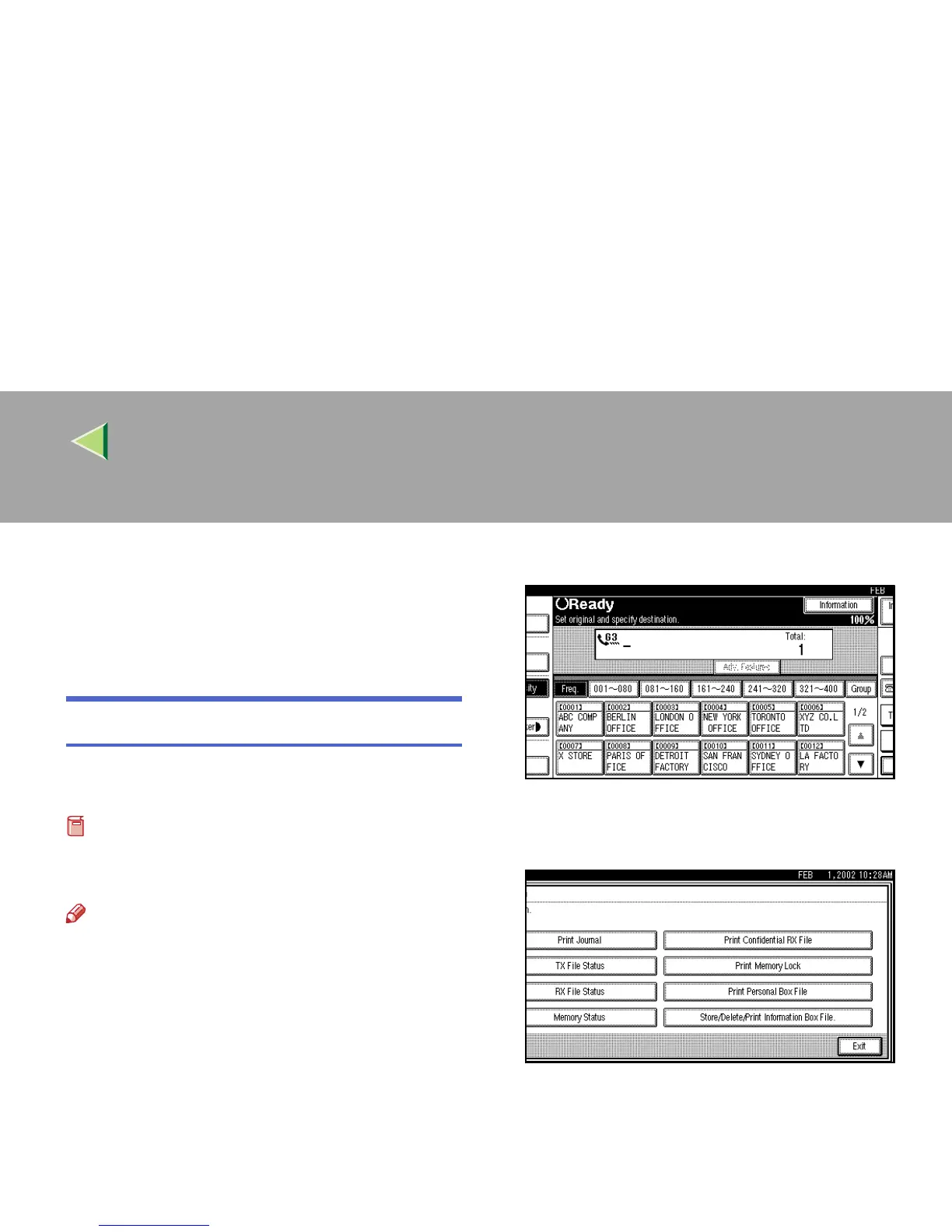
Press [Information].
The Information menu is shown.
B
BB
B
Select [Print Personal Box File].



 To Next Page