Operating InstructionsFacsimile Reference (option) <Advanced Features>
62
C
CC
C
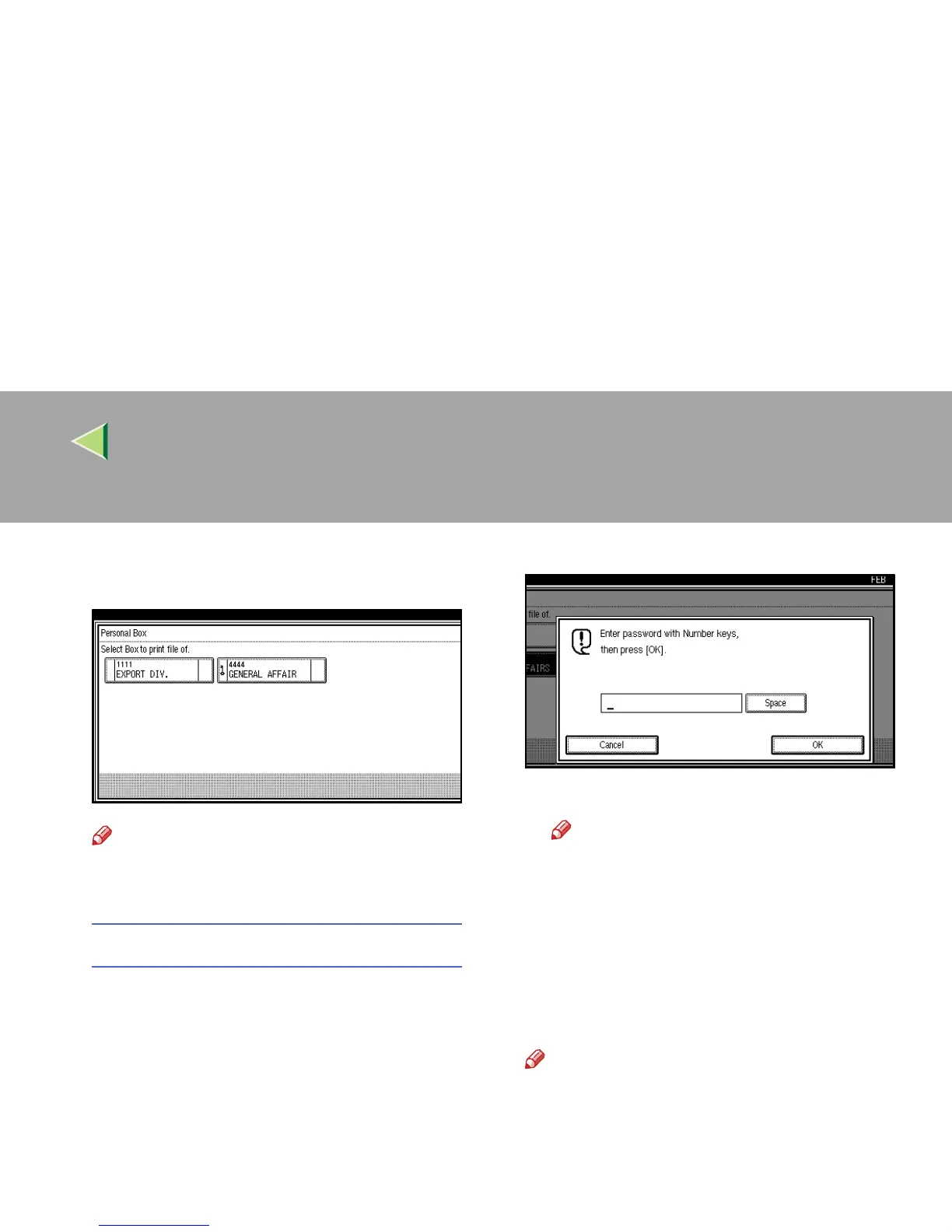
Select the box with the message you want to
print.
Note
❒ If a desired box is not shown, press [U
UU
U
Prev.] or [T
TT
T Next].
When a password is required
The screen is displayed, when the selected
Personal Box password is set in advance. The
password is registered in “Key Operator
Tools”. ⇒ p.239 “Programming/Editing Per-
sonal Boxes”
A
AA
A Enter a password.
B
BB
B Press [OK].
Note
❒ If you make a mistake, press [
Clear
] or
the {
{{
{Clear/Stop}
}}
} key and try again.
❒ To cancel entering a password, press
[Cancel]. The display will return to step
C
.
D
DD
D
Press the {
{{
{Start}
}}
} key.
The received messages are printed.
Note
❒ To stop printing, press [Stop Printing]. The
display will return to step
C
.



 To Next Page