Operating InstructionsFacsimile Reference (option) <Advanced Features>
96
Sub Transmission Mode
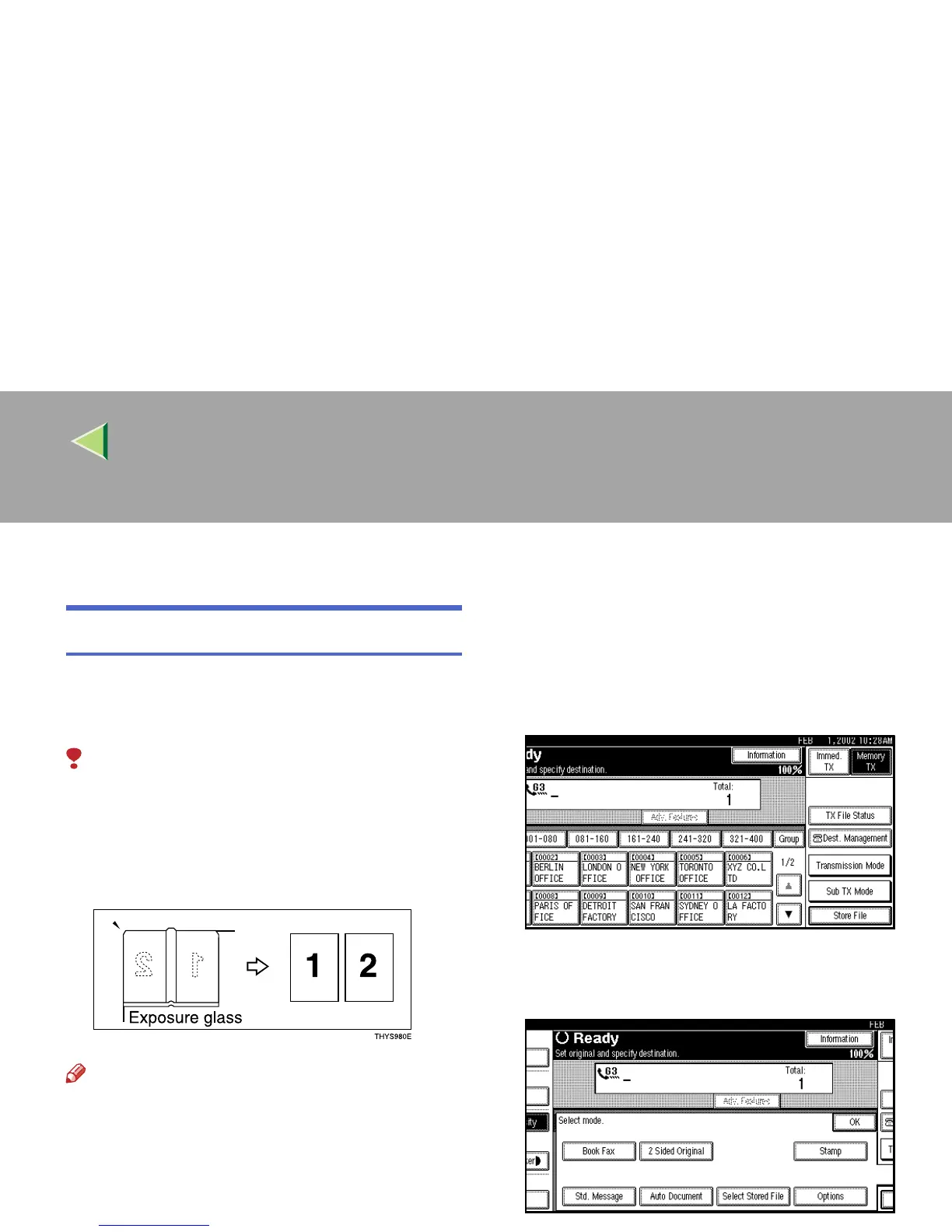
Book Fax
Use to send book originals from the exposure
glass. Pages are scanned in the order shown be-
low.
Limitation
❒ The Original Position and Page Opening Ori-
entation
❒ Depending on the paper sizes available on
the destination machine, the message may be
reduced when printed at the other end.
Note
❒ You can have bound originals scanned in left
page first or right page first. You can set which
page (left or right) the machine scans first by
default with the User Parameters. ⇒ p.216
“Changing the User Parameters” (Switch06,
Bit6)
A
AA
A
Place your original on the exposure glass,
and then select any scan settings you re-
quire.
B
BB
B
Press [Sub TX Mode] .
The Sub Transmission Mode menu is shown.
C
CC
C
Select [Book Fax].



 To Next Page